Home Products About Solutions Resources Contact Get Your Quote
RFID Access Control & Credentials

Access Control · Cards, Fobs & Credentials

The Badge Has to Match the Reader on the Door.

RFID Access Control & Credentials

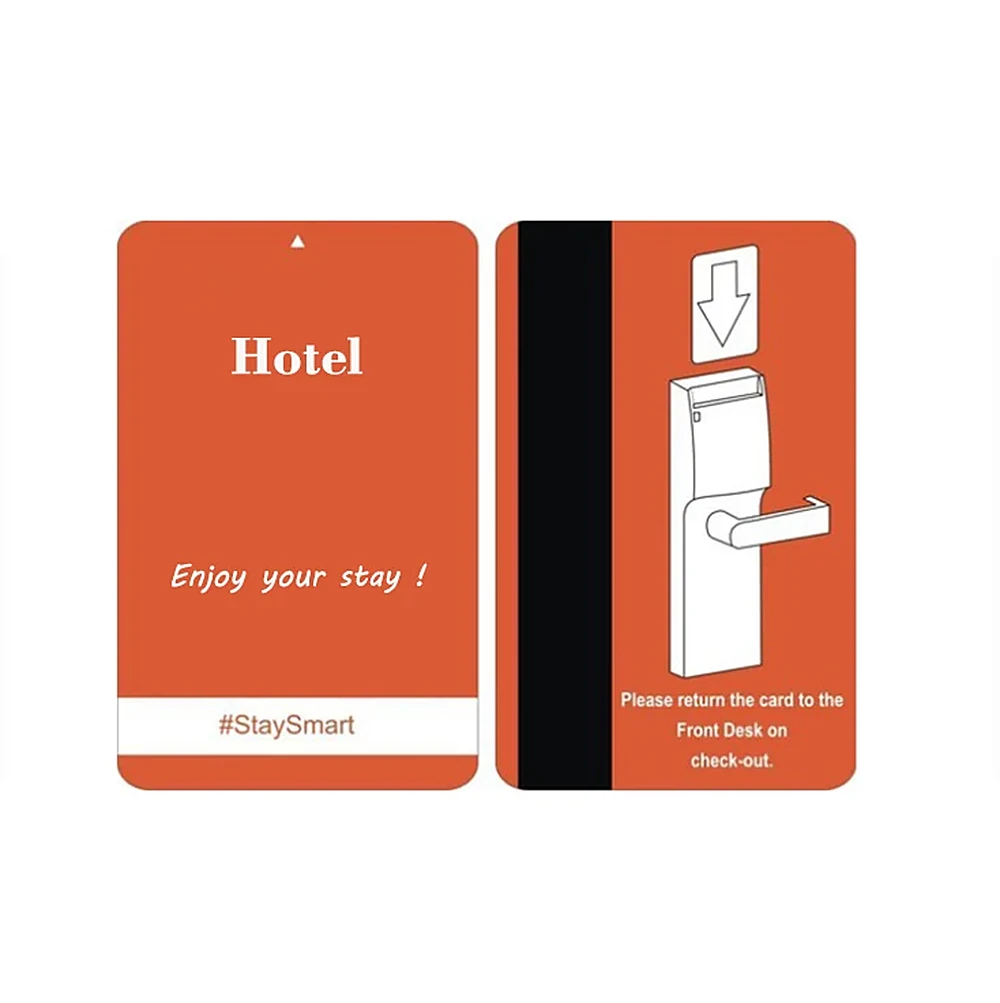
RFID cards, fobs and wristbands encoded to your access system, from 125 kHz proximity to DESFire EV2, with photo printing, visitor passes and a migration path between the two.

  • Credentials outlive the people who hold them
  • Cheap cards are copied in seconds
  • Visitor management is a paper book
125 kHz to DESFireEvery common access chip
CR80Printable for photo ID badges
2 chips, 1 cardDual-frequency for migrations

Chip availability per product; we confirm the chip against your reader model before production.

Plan your project
01Confirm the reader and format
02Encode and print the cards
03Issue, use and revoke

Live operational path

Pain points on site

Where the operation loses time, stock or control

Before the pilot, this is the starting point most operations recognise.

01

Credentials outlive the people who hold them

Badges are issued quickly and revoked slowly. Former staff and contractors keep cards that still open doors.
02

Cheap cards are copied in seconds

125 kHz and MIFARE Classic cards can be cloned with low-cost tools. A copied badge opens the same doors as the original, and the log shows the original holder.

03

Visitor management is a paper book

Visitors sign in by hand. Nobody can say who is still on site, or which areas they were allowed into.

04

Shared keys and badges nobody can account for

Master keys and pooled cards for cleaners, contractors and night shifts circulate without a named holder.

How the solution works

From a badge request to a revoked card

Access control system People, credentials and door rights in one record
Wrong chip Revoked card used Pass expired Lost fob used

System rollout

From a badge sample to a running access system

Eight steps in the order an organisation goes through them, with who does each one and how long it usually takes. A credential order for an existing system is quick; a chip migration takes longer.

2-4 weeksCredentials for an existing access system
2-3 monthsA migration to DESFire across a site

Who does it:FYRFIDYour access control providerYour security and facilities team

Plan

01 Map doors, readers and peopleWhat the credentials open, and who holds them. 1-2 weeksYour security and facilities teamYour access control provider
  • Access controllers, reader models and the chip in use today
  • Doors grouped by risk
  • Staff, contractor and visitor numbers
  • Shared keys and pooled cards to replace

You getDoor, reader and holder inventory.

02 Confirm the chip and card formatThe readers decide the chip. About 1 weekYour security and facilities teamYour access control providerFYRFID
  • A photo of a working badge and the reader model
  • Wiegand or card-number format the system expects
  • A migration plan if moving to DESFire: dual-frequency cards in between
  • Badge layout and the ID printer in use

You getConfirmed credential specification.

Common mistakeOrdering badges before the reader chip is confirmed.

03 Test samples on your doorsEncoded samples at several doors. 1-2 weeksFYRFIDYour security and facilities team
  • Cards encoded to your format and enrolled
  • Tested at several doors and reader models
  • Print checked on your ID printer

You getApproved sample and part number.

Build

04 Produce and encode the credentialsPrinted, encoded and numbered. 2-4 weeks lead timeFYRFID
  • Cards, fobs, wristbands and visitor passes to the approved format
  • A data file of card numbers with every order

You getCredentials delivered.

05 Set up enrolment and visitor rulesIn your access system. 1-2 weeksYour access control provider
  • Card numbers imported or enrolled at the desk
  • Access groups by role
  • Visitor pass expiry rules

You getA working system.

Go live

06 Issue badges and retire old onesDepartment by department. Depends on headcountYour security and facilities team
  • Issue new badges with photos
  • Revoke old cards and shared keys the same day

You getAll staff on the new credentials.

07 Train the desk and the guardsIssue, revoke and visitors. About 1 weekYour security and facilities teamYour access control provider
  • Badge issue and same-day revocation
  • Visitor passes and lost-card handling

You getTrained security team.

Run

08 Reorder and auditStock and access rights stay current. OngoingYour security and facilities teamFYRFID
  • Reorder cards ahead of intakes and re-badging
  • Quarterly review of live credentials against HR

You getReorder plan and access review.

Tags & hardware

Which credential for each use, and what reads it

One row for each credential you issue. The reader on your door decides the chip, so the first column to check is the chip and frequency; wristbands are grouped by material, because the material decides where a band can be worn.

What you tagTag typeSizeChip and rangeWhat it doesRead by

Staff badges, high security

Server rooms, labs, offices

85.5×54 mm (CR80)
DESFire EV1, EV2 or EV3AES encryption
The current security baseline for doors that matter; printed with photo and name.

Staff badges, standard HF

MIFARE, NTAG or ICODE readers

85.5×54×0.76 mm (CR80)
MIFARE Classic, NTAG, ICODE or DESFire0-5 cm tap
The common HF access card, printed and encoded to your reader’s format.

Existing 125 kHz systems

Proximity readers

85.5×54×0.76 mm (CR80)
EM4305, TK4100 or T55772-10 cm
For sites keeping their 125 kHz readers; low cost, but easy to copy.

Staff badges during a migration

Old and new readers

85.5×54×0.76 mm (CR80)
125 kHz + 13.56 MHz chipsTwo systems, one card
One card for the old 125 kHz system and the new 13.56 MHz system while doors are being changed.

Photo ID badges

Printed in-house

85.5×54×0.76 mm (CR80)
Blank, or with an HF or LF chipMatches your access chip
Feeds direct-to-card ID printers for photos and names.

Car parks, lockers and low-risk doors

On a key ring

48×30×6 mm; 30×30 mm
NTAG213, MIFARE Classic 1K or 125 kHz0-5 cm tap
Logo-printed fob for car parks, lockers and low-risk doors.

Visitors and contractors

Short stays

85.5×54×0.5 mm
MIFARE Ultralight EV10-10 cm tap
Low-cost visitor pass, given an expiry in your access system so access ends by itself.

Pools, gyms and changing rooms

Worn wet, every day

Adjustable, adult and child
MIFARE Classic EV1, NTAG or ICODE SLIX1-10 cm
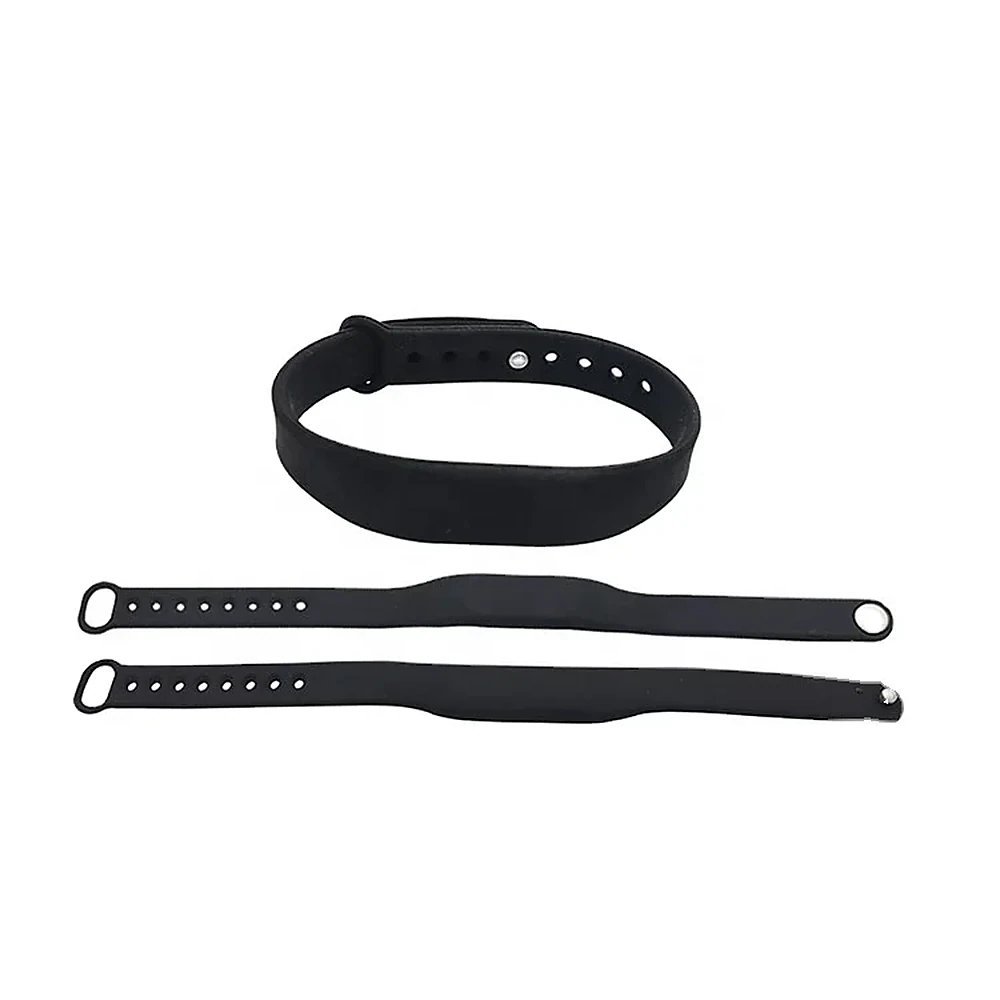
Waterproof, food-grade silicone for lockers and areas where a card gets wet or lost; -25 to +75 °C.

Members and long-stay guests

Cleaned and re-issued

240×14 mm or custom
NTAG213/215, EM4100 or EM43051-3 cm
IP68 silicone band, cleaned and re-issued to members and long-stay guests.

Contractors and multi-day passes

Comfortable for days

350×15 mm stretch; custom
125 kHz, 13.56 MHz or UHFChip chosen for your readers
Stretch polyester band, printed with the site or event design; the only band here available in all three frequencies.

Staff on the move

Adjustable strap, printed tag

Adjustable strap; custom tag size
125 kHz, 13.56 MHz; UHF on requestPrintable tag face
Woven strap with a printable PVC tag carrying a name or number; re-usable.

Premium members and hotels

Looks like a watch strap

Adjustable strap
NTAG213, Ultralight C or F08Close tap
Genuine or PU leather band for clubs, hotels and gyms where the credential is part of the service.

Day visitors and one-off events

Single use, tamper-evident

250×25 mm
125 kHz or 13.56 MHz; UHF on requestTap read
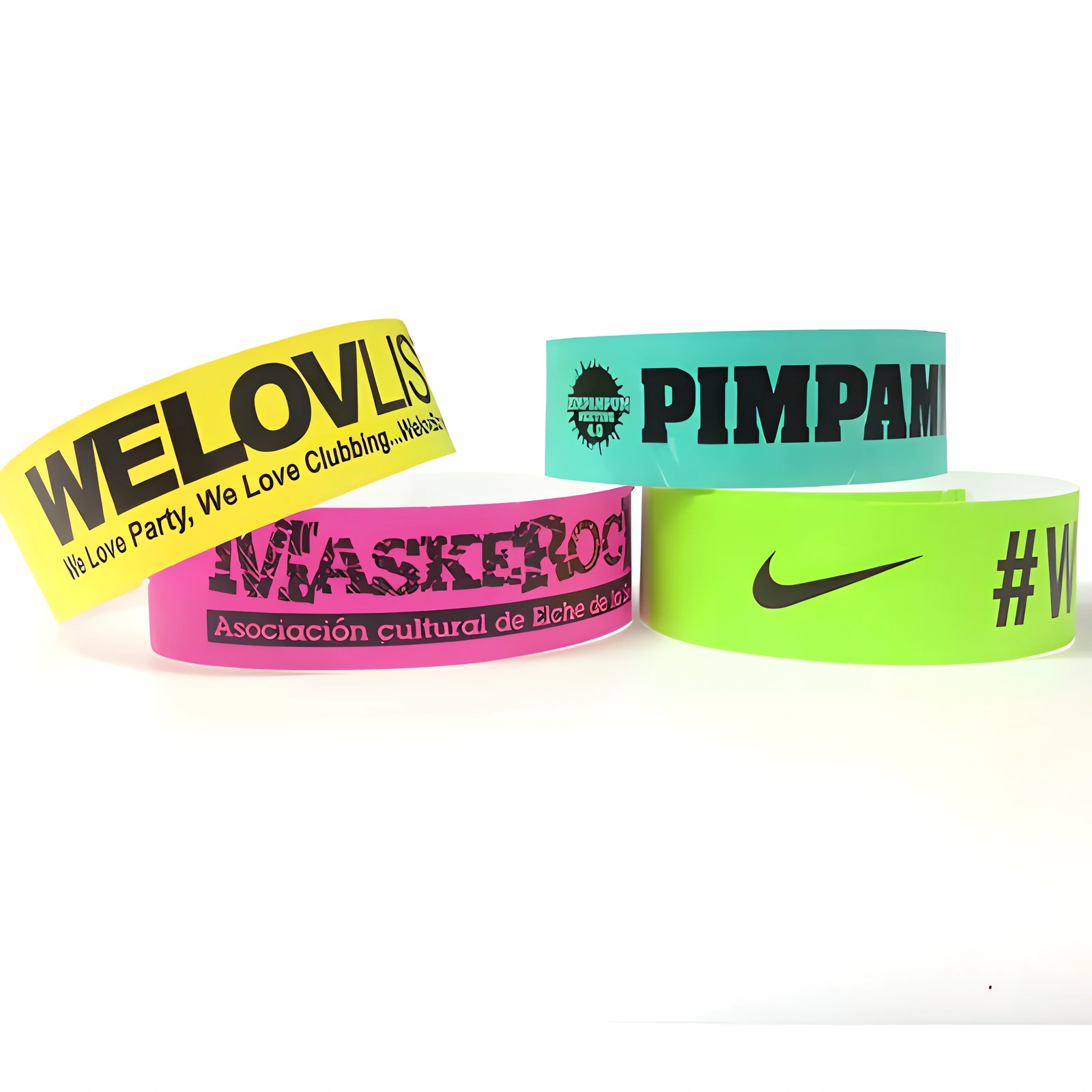
Tear-resistant, waterproof paper band with an adhesive closure that cannot be re-attached once removed.

Lowest-cost visitor bands

Single use

250×25 mm
F08 13.56 MHzTap read
Synthetic PP band for high-volume, one-day access at the lowest unit cost.

The readers

Your access control readers

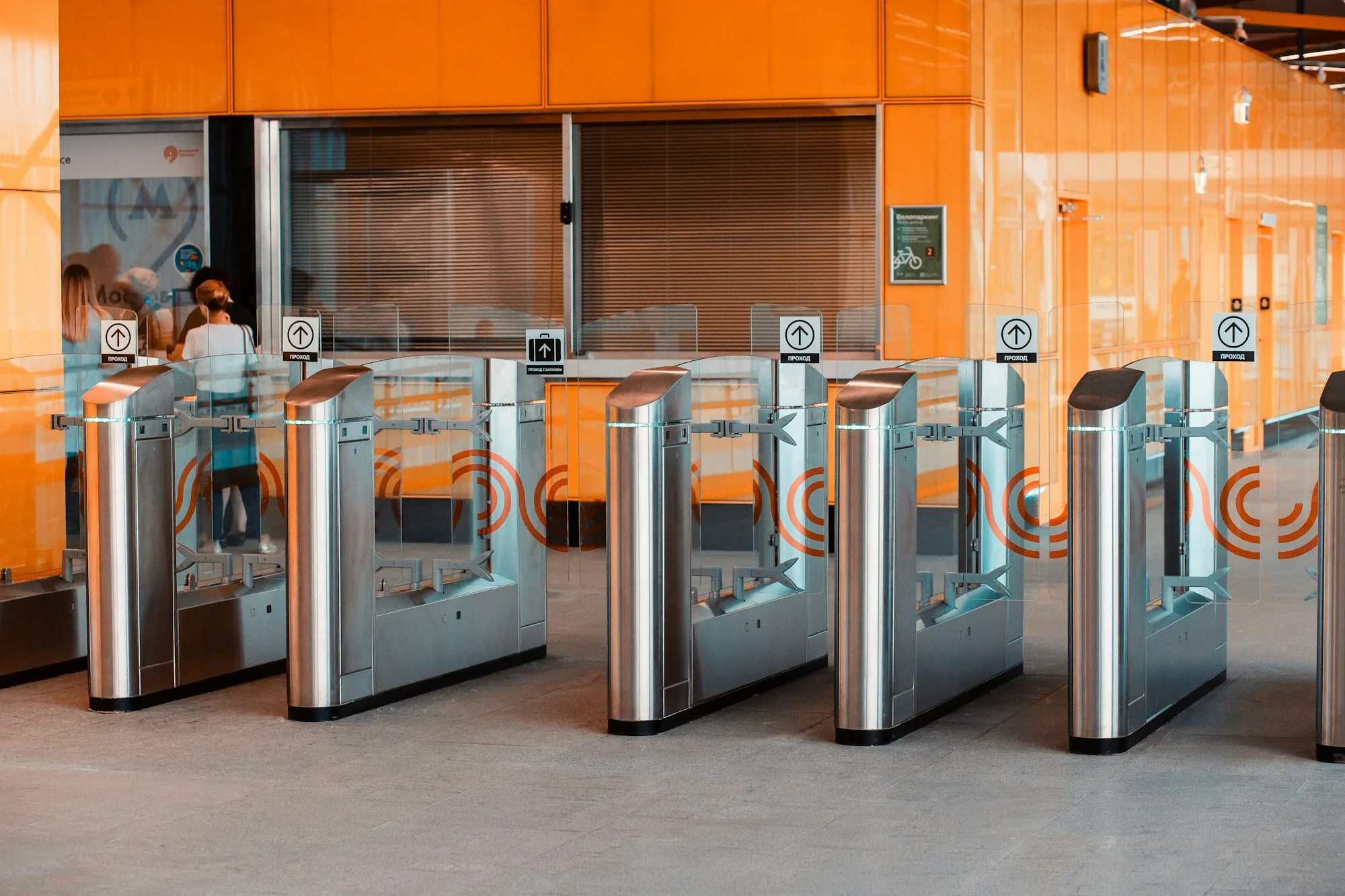
Doors, turnstiles and car parks

Supplied by your access control provider. We match the credential chip to their readers.
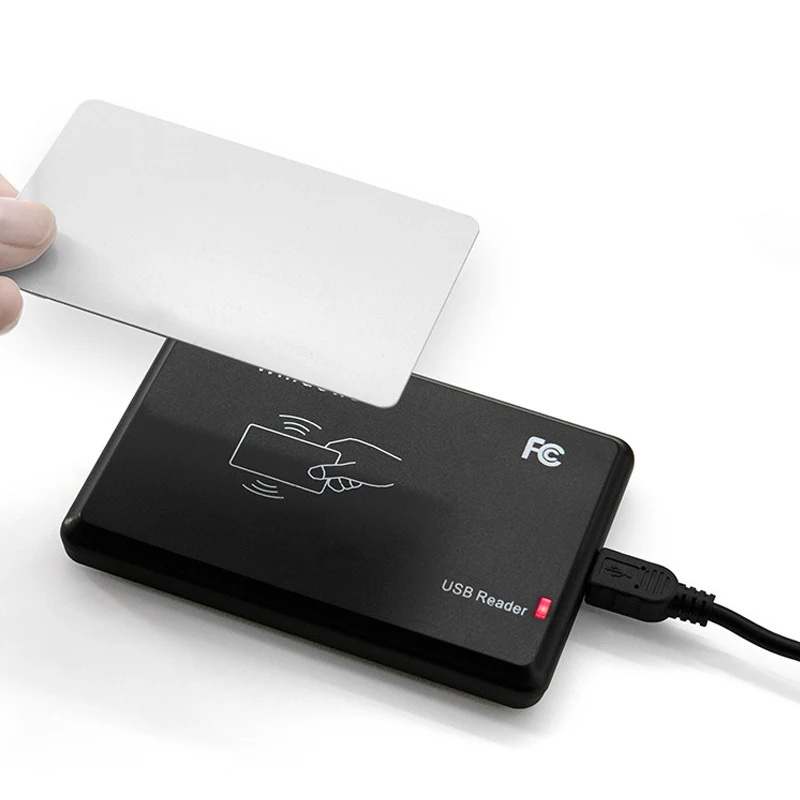
Desktop enrolment reader

Reception or security office

USB reader for 125 kHz and 13.56 MHz cards: reads the card number into the access system at enrolment.

Before we quote

Four answers decide the specification

Pick what matches your site. Each answer shows what it calls for, and the summary goes to our engineers with your enquiry.

1What do you need?

2What readers are on the doors?

3What security level?

4How many a year?

Before a volume order

Three checks before you order credentials in volume

Each one is cheap to settle on a sample and expensive to fix once badges are issued.

01Test credentials on your own readers

Signed-off sample chip · format · card body Batch 1 Batch 2 Batch 3 same construction, every order

What goes wrong

Badges with the wrong chip or format fail at the door on the first morning, for everyone at once.

Check before you order

  • A photo of a working badge and the reader model
  • Samples encoded on your system and tested at several doors
  • The sample part number quoted on every repeat order

02Choose the chip by the risk of the door

Copy resistance 125 kHz LF fixed ID MIFARE Classic 1K sector keys DESFire EV2 AES-128 encryption

What goes wrong

125 kHz and MIFARE Classic cards can be copied with cheap tools; a copied badge opens the same doors as the original.

Check before you order

  • Doors grouped by risk
  • DESFire EV2 where the readers support it
  • Dual-frequency cards for the migration period

03Keep stock ahead of intakes

Key cards in stock Lead time Reorder point Safety stock Order Weeks

What goes wrong

New starters, students or contractors arrive in waves; an empty card stock means temporary passes and manual logs for weeks.

Check before you order

  • Expected intakes and re-badging dates
  • Production lead time (typically 2-4 weeks) plus shipping
  • A reorder point and safety stock

Choosing credentials

What chip should we use for a new access system?

MIFARE DESFire EV2 or an equivalent with mutual authentication and encryption. MIFARE Classic 1K is cheap and common, but its security weaknesses are well known; it is acceptable for a stationery cupboard, not a server room.

Can you match our existing badges?

Yes, once we identify the chip and format. Send a photo of a working badge and the reader model; we encode to your format, or supply blanks for your own encoder.

Can we move to DESFire without replacing every badge at once?

Yes. Dual-frequency cards carry the old and the new chip, so staff use one card on both kinds of reader during the migration.

Card, fob or wristband?

Cards carry a photo and name; fobs live on a key ring for car parks and lockers; wristbands suit pools, gyms and changing rooms where a card gets wet or lost. All three can carry the same chip.

Which wristband material should we choose?

Silicone or rigid PVC for pools, gyms and lockers where the band gets wet every day; elastic fabric, woven straps or leather for comfortable all-day or multi-day wear; Tyvek or PP paper for single-day visitors, because the closure cannot be re-used once the band is cut off. All of them carry the same chip families as our cards, so they work on the same readers.

Can wristbands use the same chip as our staff cards?

Usually yes. Silicone, PVC, fabric and Tyvek bands are available with 125 kHz or 13.56 MHz chips (MIFARE Classic, NTAG, ICODE), and fabric and Tyvek bands with UHF on request. Tell us the reader model and we match the chip.

Can an RFID key fob be copied?

A 125 kHz fob, or a MIFARE Classic fob, can be copied with cheap tools, which is why higher-risk doors move to DESFire EV2 or EV3 with AES keys and diversified keys per card. If your readers support it, change to DESFire during the next badge refresh.

Can staff use a phone instead of a card?

Only if your access system supports mobile credentials; that is a software and reader feature, not a card. Most sites run both: phones for staff who want them, cards and fobs for everyone else and for visitors.

Issuing and printing

Can badges be printed with photos?

Yes. Blank or chipped PVC cards feed direct-to-card ID printers for photos and names; we can also pre-print the fixed design and leave space for the photo.

Do you supply the card numbers?

Yes. Every encoded order comes with a data file of card numbers, so they can be imported into the access system instead of enrolled one by one.

Running it

What happens to badges when people leave?

Revoke the badge in the access system the same day, because the card itself cannot be relied on to come back. Re-issue a returned card only after re-encoding it.

How should visitor passes work?

Issue low-cost cards or wristbands with an expiry set in the access system, so access ends automatically; collect them at the exit to re-use.

Build a matched pilot

Send the item, environment, read point and annual volume.

We will narrow the construction and sample set around your real operating conditions.

Stay Updated on RFID Industry Trends

Get the latest news, case studies, and product updates from FYRFID delivered to your inbox. No spam — unsubscribe any time.

Thanks for subscribing — we’ll be in touch.