Home
Products
About
Solutions
Resources Contact Get Your Quote
RFID Apparel & Retail Tracking Solution

Apparel & Retail · ARC Certified

Your Team Still Counts Stock by Hand.

RFID Apparel & Retail Tracking Solution

Item-level labels support frequent stock counts only when the material, printer encoding and rail-read performance are specified together.

  • Printer waste from wrong label stock
  • Label lift-off after application
  • ARC compliance failure
Up to 8 mUHF clothing tag read range
Up to 200Wash cycles, UHF fabric label
58 kHz + UHFEAS and RFID in one hard tag

Catalogue specifications. Read range depends on the reader, the antenna and how the item is held.

Plan your project

Pain points on site

Where the operation loses time, stock or control

Before the pilot, this is the starting point most operations recognise.

01

The size is in the stockroom, unfound

The customer asks for a size the system says is in stock. Nobody can find it in time, so the sale walks out of the door.

02

Online orders promise stock that is not there

Click-and-collect and ship-from-store run on the store’s stock figure. When that figure is wrong, the order is cancelled after the customer has paid.

03

Shrinkage is discovered months late

Loss only shows up at the annual count, long after anyone can say which items went, when, or how.

04

Counting the store takes a night shift

A barcode count needs every label found and scanned one by one, so most stores count once or twice a year and trust a drifting figure in between.

05

Receiving trusts the packing list

Cartons are signed for without being opened. Supplier shorts and mis-picks surface weeks later as stock errors nobody can trace back.

06

Small, high-value items move without a record

Jewellery and accessories travel between display cases, try-on and stock with nothing recording where each piece is.

How the solution works

From a tagged item to a traceable record

Brand ERP ⇄ RFID system Item-level stock from factory to store, shared with online orders
Printed ≠ ordered Carton short Count variance Unpaid exit

System rollout

From pilot stores to the whole chain

Thirteen steps in the order a retailer goes through them, with who does each one and how long it usually takes. Supplier tagging and the POS integration move the date most.

8-12 weeksPilot stores with DC or supplier tagging
4-6 monthsChain-wide rollout with source tagging

Who does it:FYRFIDYour IT or integratorYour retail team

Plan

01 Set the scope and measure the baselinePick the categories and stores that lose the most sales to bad stock data. 1-2 weeksYour retail teamFYRFID
  • Choose one or two categories and a few pilot stores
  • Measure today: stock accuracy from a sample count, out-of-stocks, online order cancellations, shrinkage
  • Agree the pass marks for the pilot

You getScope note, baseline figures and pilot pass marks.

Common mistakeTagging every category at once. Start where accuracy costs sales.

02 Map stores, DC and suppliersFollow a garment from supplier to customer. 1-2 weeksFYRFIDYour retail teamYour IT or integrator
  • Where tags will be applied: supplier, DC or store
  • Store layout: stockroom, floor, fitting rooms, tills, entrance
  • The existing EAS system and whether RFID should replace it
  • POS, inventory and e-commerce systems, and who maintains them

You getFlow map and system list.

03 Choose tag types and encodingOne tag type per category, one numbering scheme for all. 1-2 weeksFYRFIDYour IT or integrator
  • Swing tag, sewn-in label, washable label, EAS hard tag or jewellery tag per category
  • GS1 SGTIN encoding and who holds the company prefix
  • Price, barcode and EPC on the same tag

You getTag specification per category and the encoding rules.

04 Test samples on real productsDenim, foil, metal trims and folded stacks all read differently. 1-3 weeksFYRFIDYour retail team
  • Read tests on each category, folded, stacked and hung
  • Label rolls run on the supplier or DC printers
  • Wash tests for washable labels
  • EAS gate test if the hard tag replaces EAS

You getTest report and final tag specifications.

Common mistakeTesting on a single hanging garment instead of a full shelf.

Build

05 Build the software and POS linkFYRFID supplies reader SDKs and demo software; the store system side is built by your IT team or integrator. 2-6 weeksYour IT or integratorFYRFID
  • Counting app on the handhelds
  • POS link: a sale removes the item from stock, a return adds it back
  • Replenishment from the stockroom based on the count

You getA working test system.

06 Onboard suppliers for source taggingSuppliers tag at production, so goods arrive ready to count. 2-6 weeksYour retail teamFYRFID
  • Tag specification, position and encoding rules sent to each supplier
  • Tags supplied pre-encoded or encoded on the supplier’s printer
  • Arrival checks: a sample of every delivery read at goods-in

You getSuppliers tagging to specification.

07 Produce tags and order hardwareQuantities follow the season plan. 2-4 weeks lead timeFYRFID
  • Swing tags, labels and hard tags per category
  • Handhelds, till readers, goods-in readers, printers, self-checkout kiosks

You getTags and hardware delivered.

08 Set up the pilot storesHandhelds, tills and goods-in. 1-2 days per storeYour IT or integratorYour retail team
  • Handhelds configured and linked to the store system
  • Readers at tills and goods-in
  • Self-checkout kiosks where planned

You getPilot stores ready.

Go live

09 Tag existing stock and run the first full countThe first count sets the opening balance. Depends on store sizeYour retail team
  • Tag untagged stock already in the store
  • Run a full floor and stockroom count
  • Load the count as the opening balance, not the old book figure

You getTagged store and a counted opening balance.

Common mistakeLoading the old book stock. Every legacy error then looks like an RFID difference.

10 Train staff and set the counting routineWeekly counts are what move accuracy. About 1 weekYour retail team
  • Handheld technique: speed, distance, folded stacks
  • A weekly floor and stockroom count
  • Till routine: read, sell, remove or deactivate

You getStaff trained and a weekly count scheduled.

11 Run the pilotLong enough for several weekly counts. 4-6 weeksYour retail teamYour IT or integratorFYRFID
  • Compare RFID counts with system stock after every count
  • Track accuracy, out-of-stocks and order cancellations
  • Accept against the pass marks

You getPilot report and a go or no-go for the rollout.

12 Roll out store by storeAdd stores in waves, with suppliers tagging ahead of them. Store by storeYour retail teamYour IT or integrator
  • Set up each store the same way
  • Move categories to source tagging as suppliers are ready

You getThe chain live on RFID.

Run

13 Run and improveKeep counts weekly and suppliers compliant. OngoingYour retail teamFYRFID
  • Weekly counts in every store
  • Supplier tagging checks at goods-in
  • Tag reorders per season
  • Read-rate audits on new product types

You getAcceptance report and a maintenance plan.

Tags & hardware

Which tag for each product, and what reads it

One row for each kind of product you tag. Sizes and read ranges are catalogue figures; the range you get depends on the reader and how the product is folded, stacked or displayed.

What you tagTag typeSizeRead rangeWhat it doesRead by

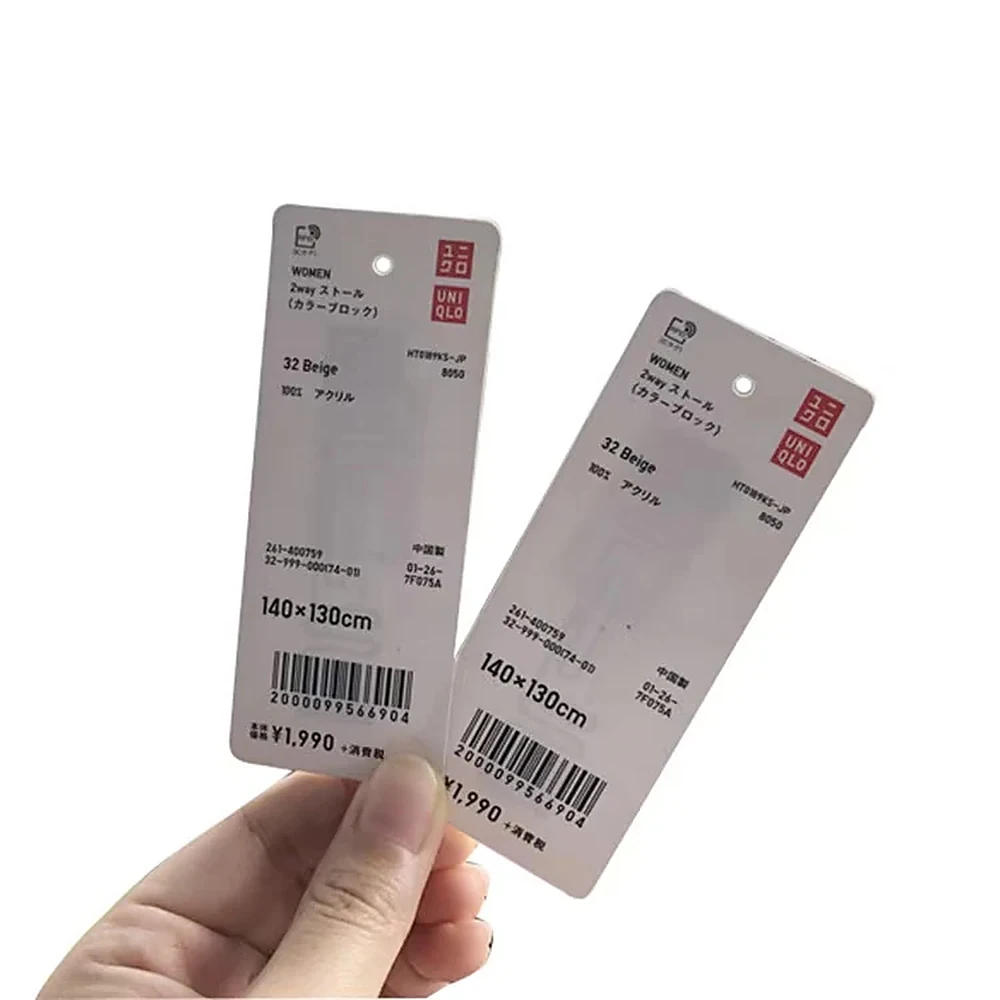
Hang-tagged garments

Swing tag, removed at the till

110×40 mm or custom
1-10 m
Item-level ID on the swing tag with price and barcode. Counted on the floor, read at the till.

Sewn-in labels

Stays on for returns and resale

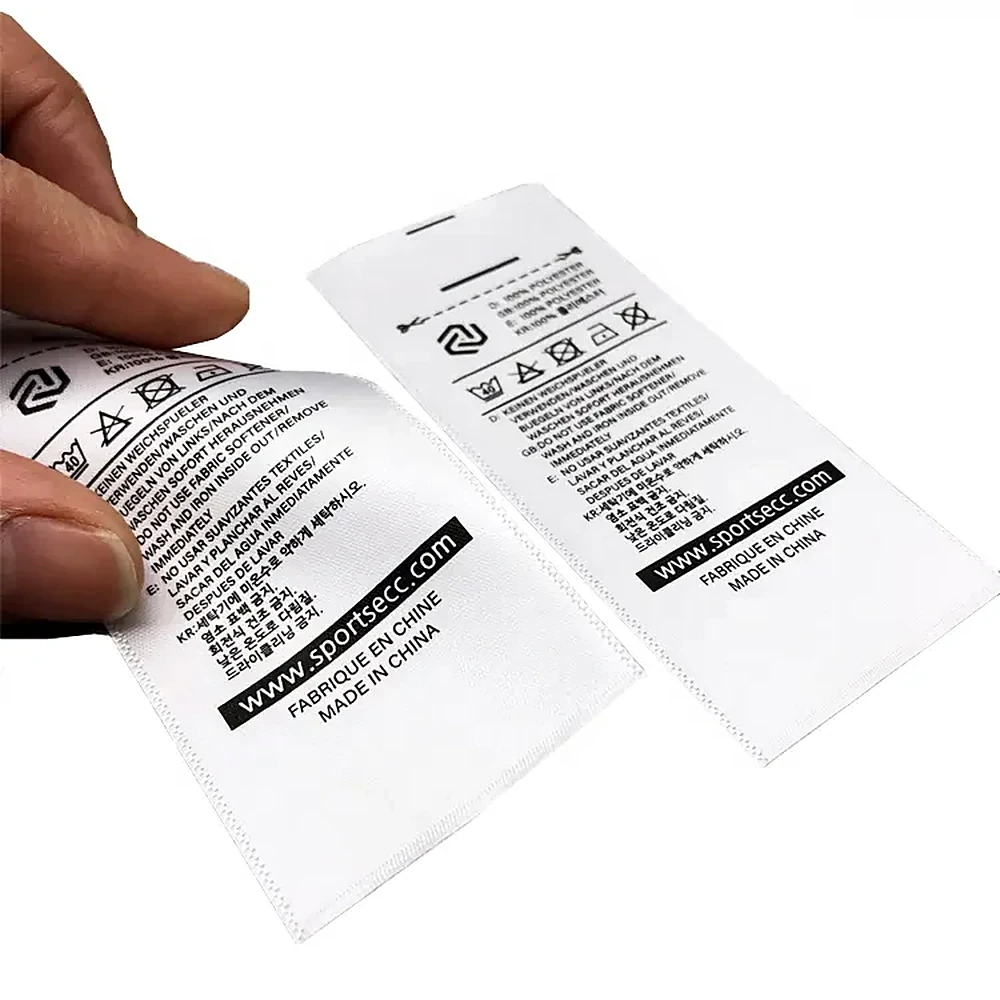
100×53 or 24×80 mm, or custom
Reader dependent
Stays with the garment, so returns, rental and resale can be read later.

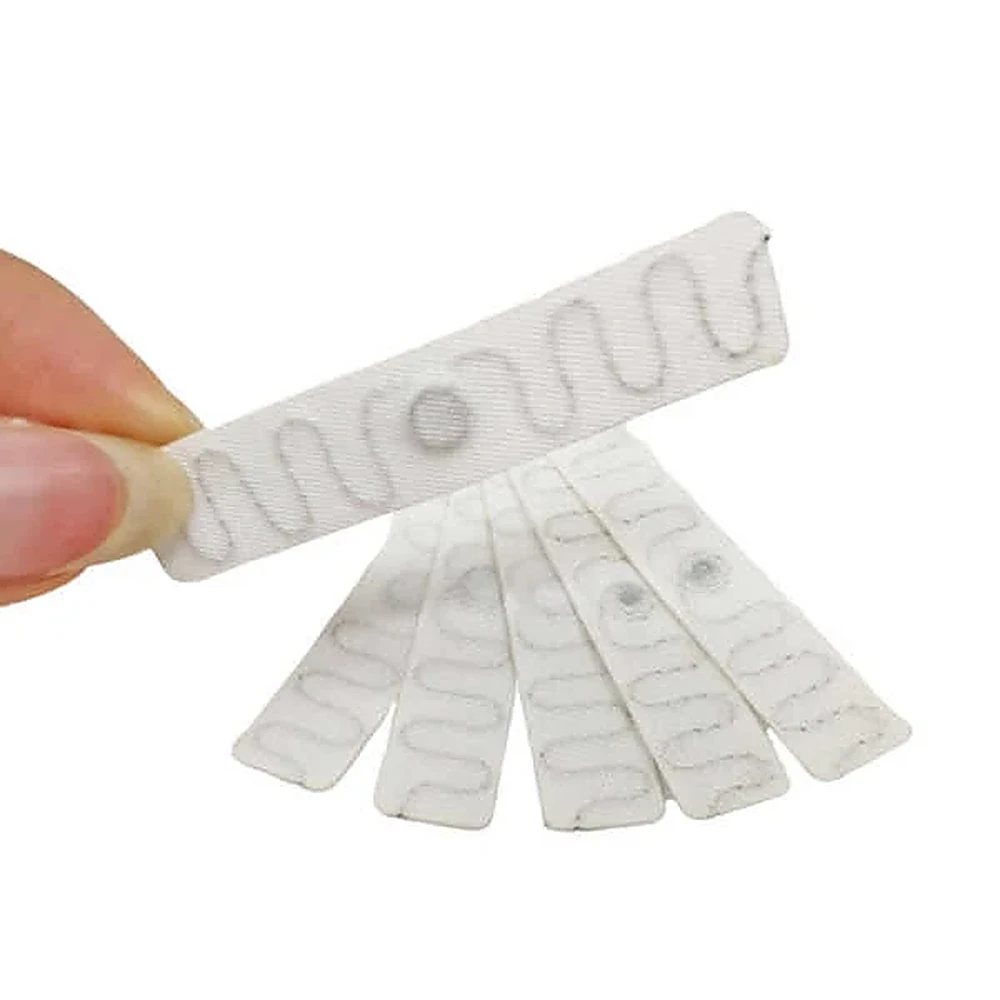
Uniforms and rental garments

Washed again and again

60×20 to 87×20 mm
2-6 m
Rated for up to 200 wash cycles and -20 to +200 °C.

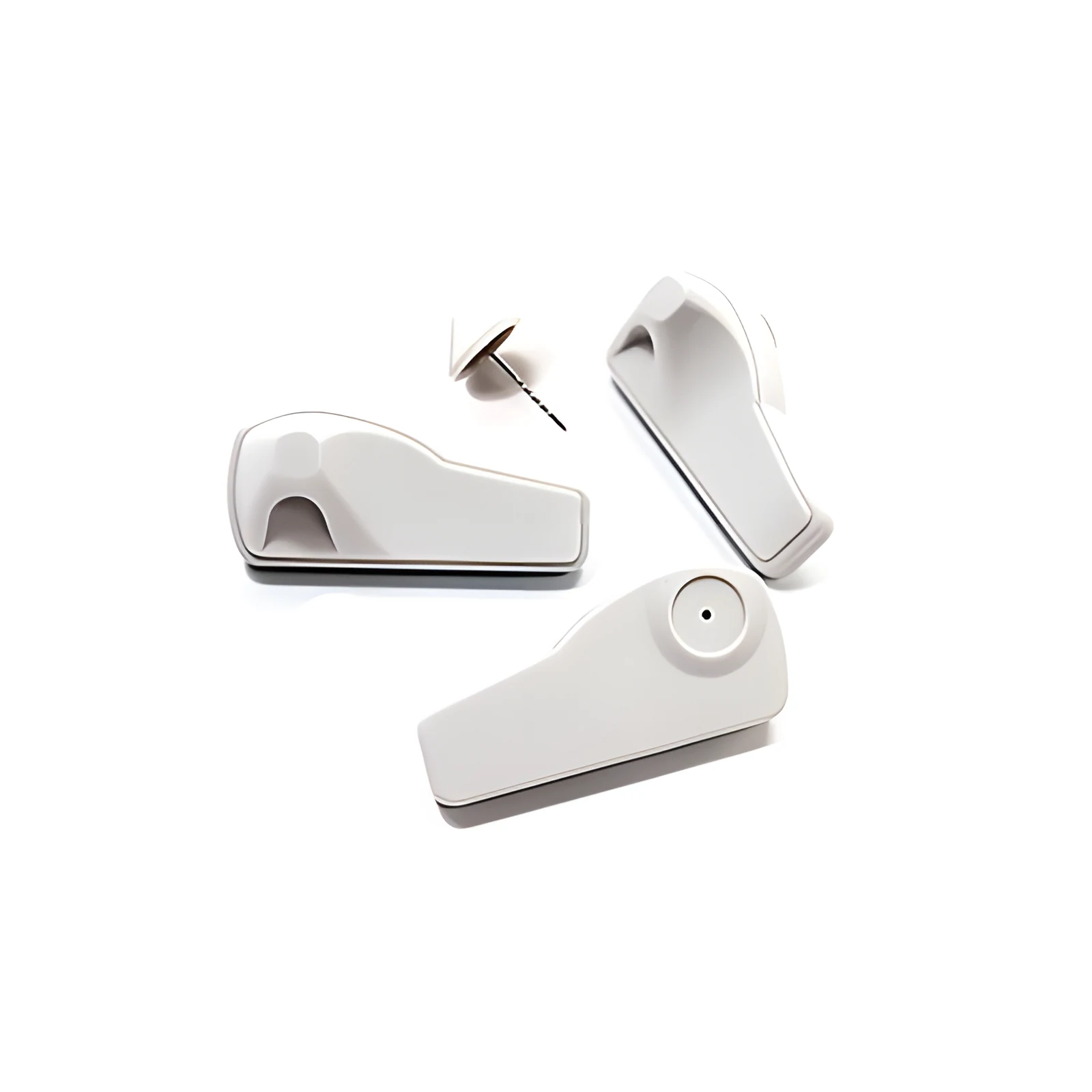
High-theft items

Electronics, premium pieces

70×31×21 mm
RFID 1-3 m
One hard tag for stock counts and the 58 kHz anti-theft gate; removed at the till.

Jewellery and accessories

Small, often metal

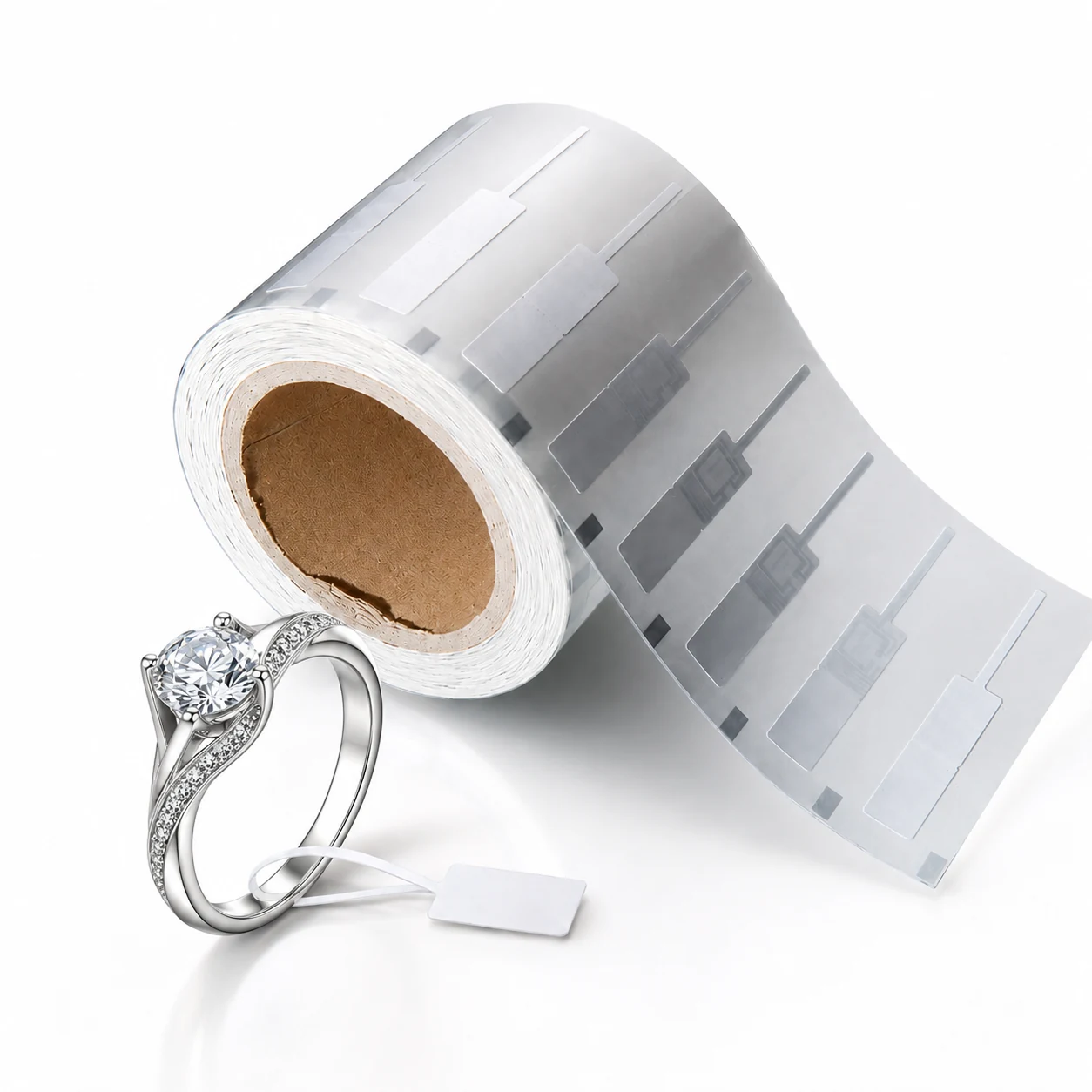
64×11 mm or custom
1-2 m
Counted in the display case without handling each piece. Keep the tag off the metal.

Shoe boxes and cartons

Footwear, accessories, DC cartons

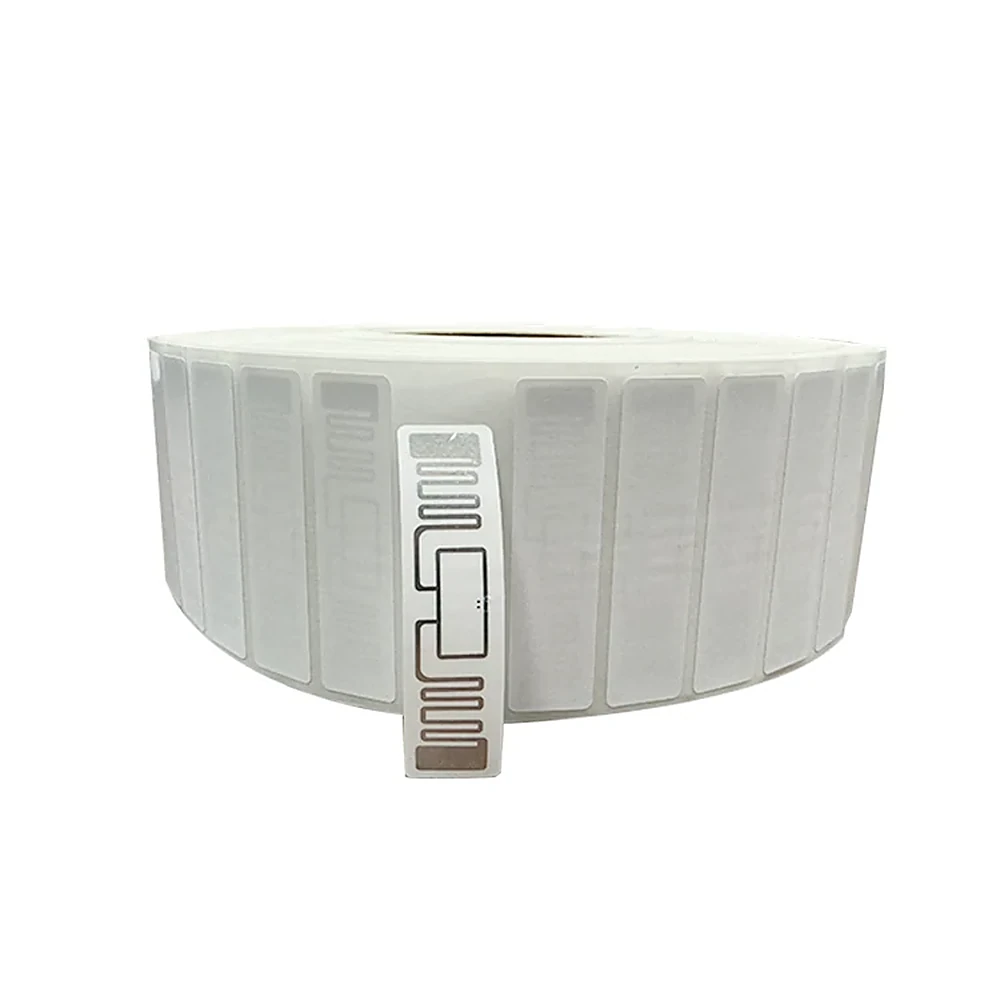
74×19 mm stock; custom die-cut
3-6 m
Box-level ID for footwear and accessories, and carton ID at the DC.

The readers

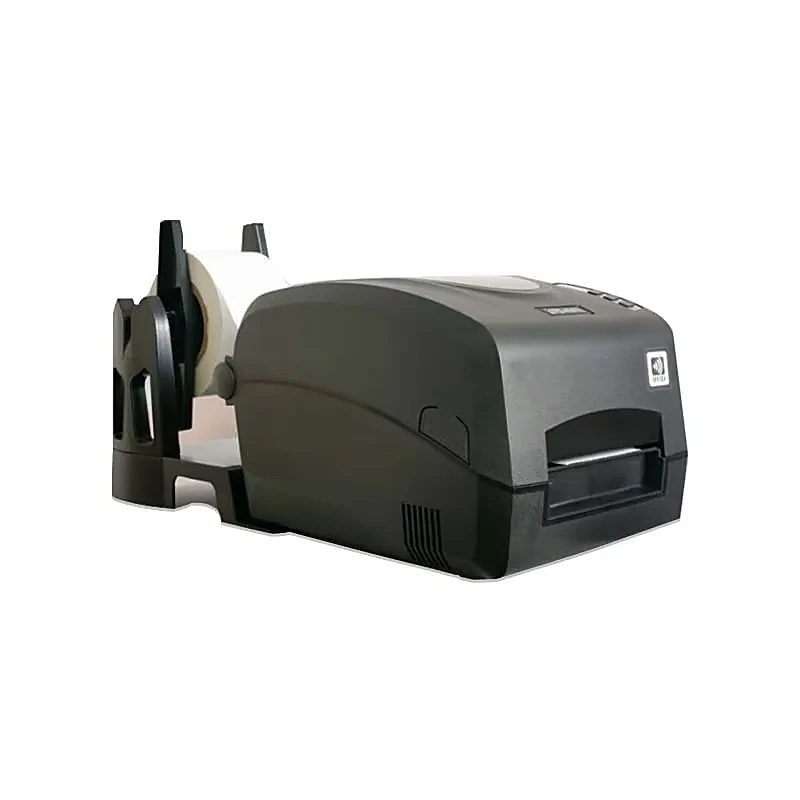
RFID label printer

At the supplier or the DC

Prints, encodes and verifies each tag in one pass. 203 or 300 dpi, up to 8 in/s.

Fixed reader + antennas

DC dock or store goods-in

4-port UHF reader, 0-20 m: reads a whole carton against the shipping notice.
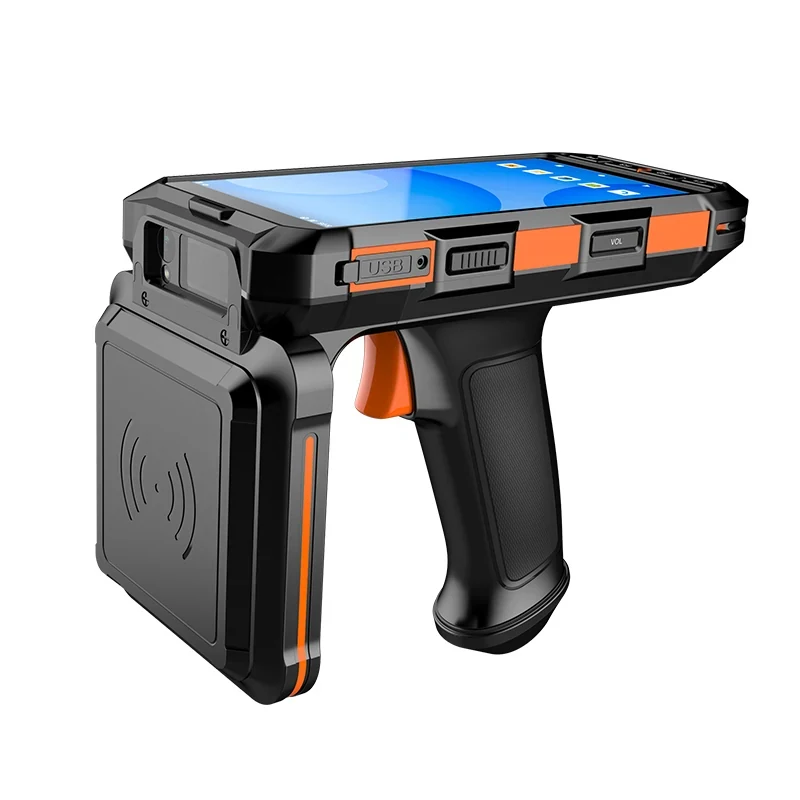
Handheld UHF reader

Sales floor and stockroom

Android 13. Counts the floor and stockroom, and syncs to the store system.
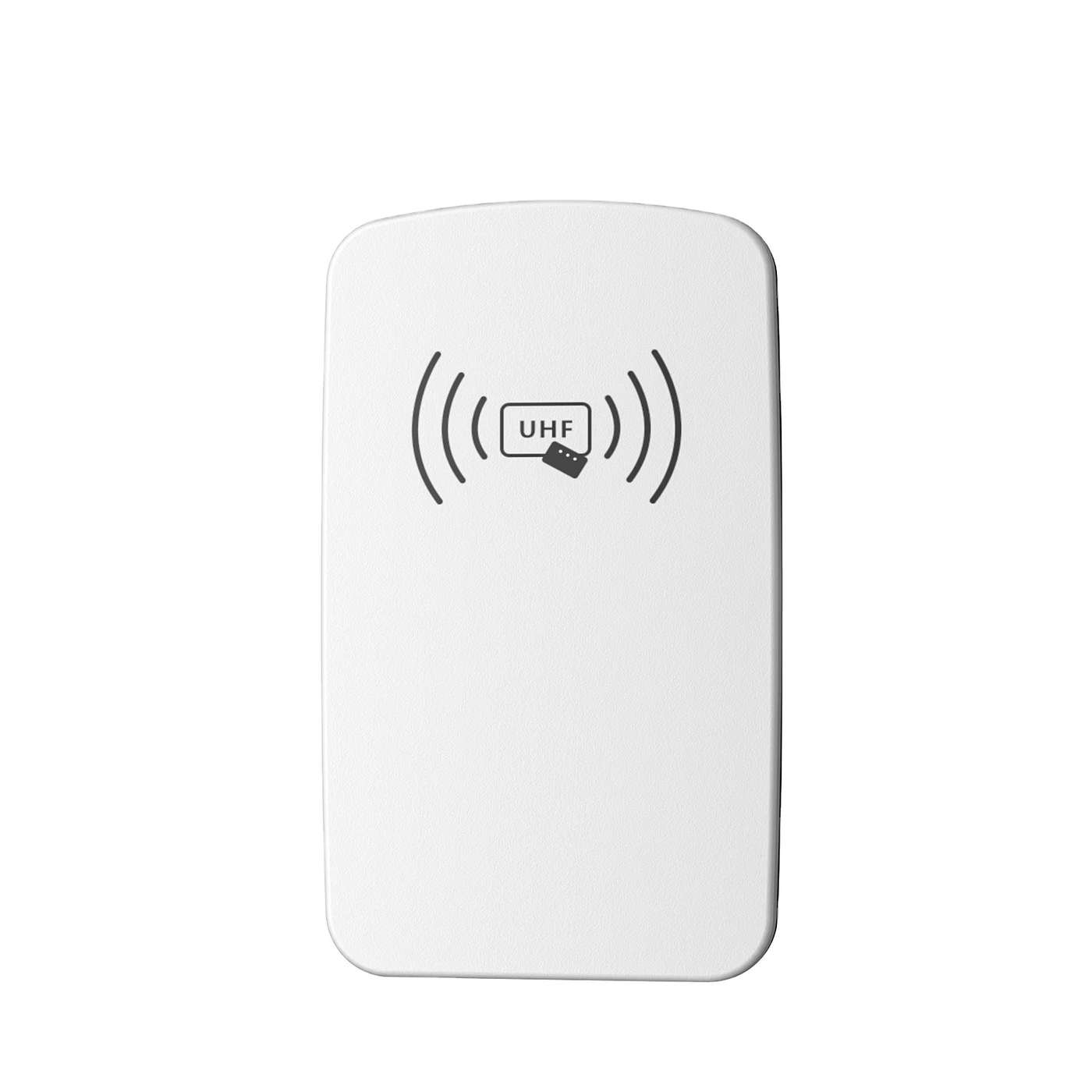
Desktop UHF reader

Tills and returns desk

Reads the item on the counter at 60-80 cm; USB to the POS.
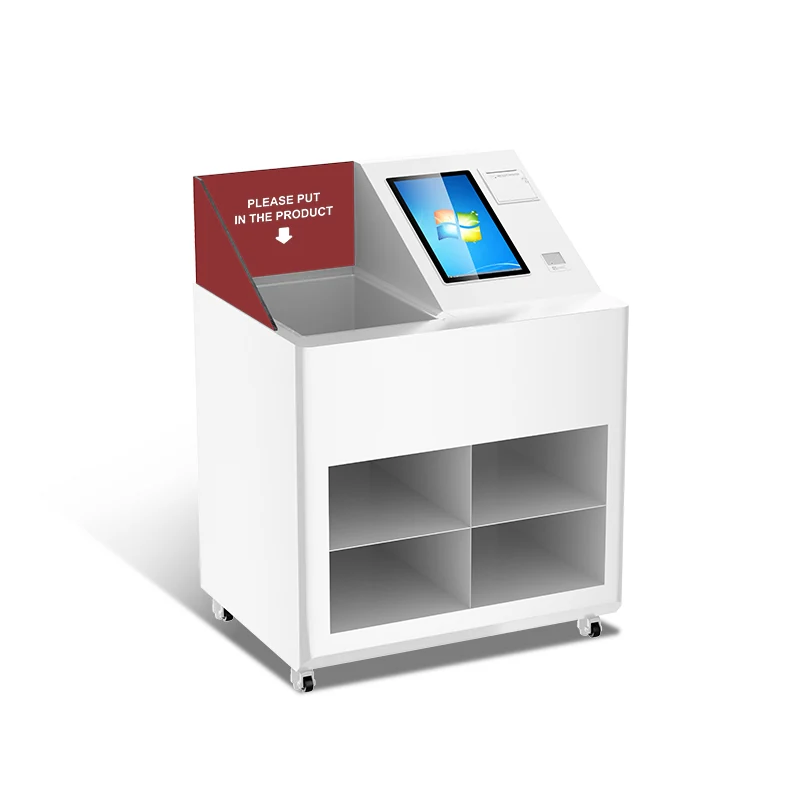
RFID self-checkout kiosk

Self-checkout area

Reads every item placed in the basket area in 3-5 seconds.

Before we quote

Four answers decide the specification

Pick what matches your stores. Each answer shows what it calls for, and the summary goes to our engineers with your enquiry.

1What are you tagging?

2Where will it be read?

3What does the product go through?

4How many tags a year?

Before a volume order

Five checks before you order retail tags in volume

Each one is cheap to settle on a sample and expensive to fix once a season is tagged.

01Sign off a sample per category, on the real product

Signed-off sample chip · inlay · tag · placement Batch 1 Batch 2 Batch 3 same construction, every order

What goes wrong

A tag approved on one hanging shirt meets folded denim stacks and metal trims for the first time on the shop floor.

Check before you order

  • Read tests per category: hung, folded and stacked
  • Tag position on each product type
  • The sample part number quoted on every repeat order

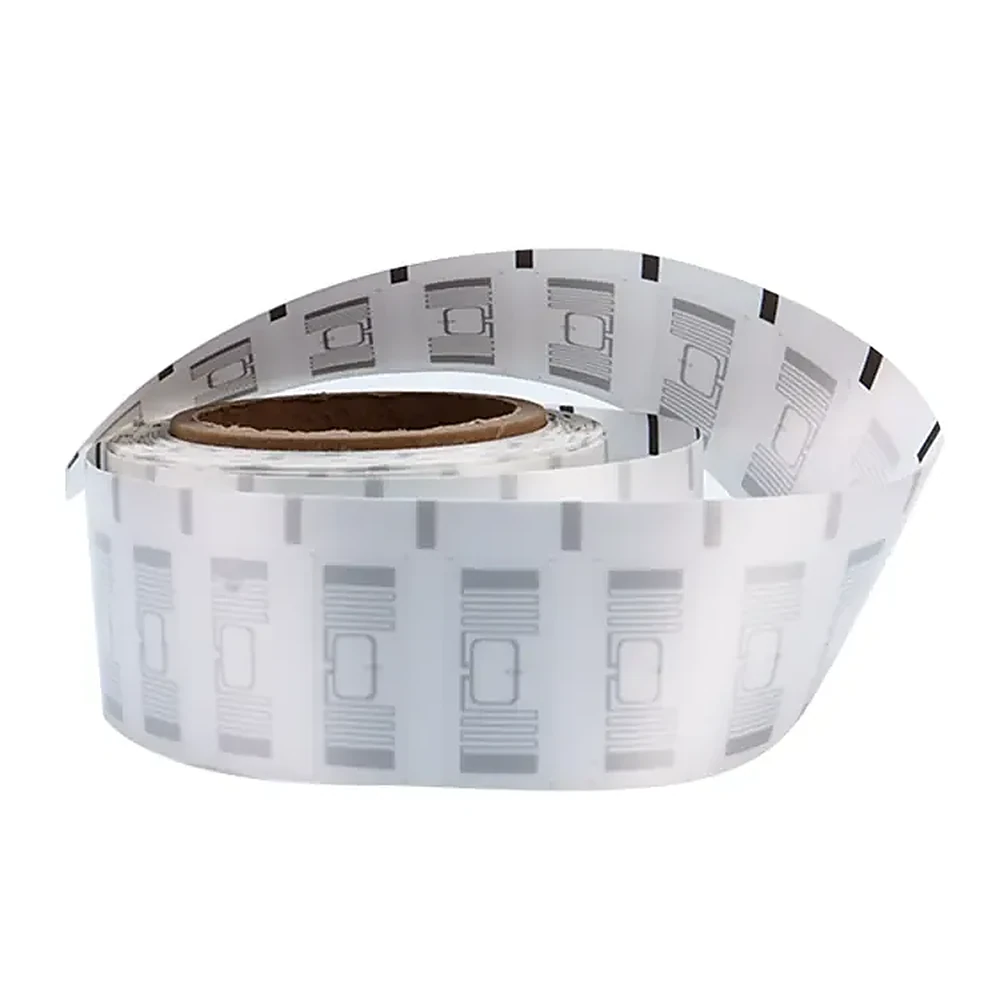
02Match tag rolls to every encoding printer

Wound out · core Ø Pitch Label width Inlay position Feed

What goes wrong

A roll that suits the DC printer can void tags or refuse to run at a supplier with a different model.

Check before you order

  • Printer make and model at each supplier and DC
  • Tag width, pitch and gap
  • Inlay position on the tag
  • Wound in or out, and core diameter

03Encode to GS1 SGTIN before the first season

SGTIN-96 example · 96 bits Header Company prefix Serial number 8 6 24 20 38 Filter + partition Product Your GS1 company prefix is written into every tag. Change the scheme later and every tagged item needs a new label.

What goes wrong

Private numbering works in one store system but breaks at wholesale partners and marketplaces, and switching later means re-tagging stock.

Check before you order

  • GS1 company prefix and item reference scheme
  • Serial number ranges per supplier
  • Whether EPCs are locked after encoding
  • A data file with every pre-encoded order

04Test washable labels through your laundry

Wash Dry Iron Fold Read range check New tag After your wash cycles Accept only if the range still covers your read points.

What goes wrong

A label rated for domestic washing can fail early in industrial laundries with higher heat and tunnel washers.

Check before you order

  • Wash and dry temperatures, chemicals and ironing
  • Label position away from seams that go through the ironer
  • Read range re-checked after the test cycles

05Plan tag supply against the season

Labels in stock Lead time Reorder point Safety stock Order Weeks

What goes wrong

Tags run out at the start of a season, exactly when suppliers need them most, and untagged goods break the count.

Check before you order

  • Tags per season, by category and supplier
  • Production lead time (typically 2-4 weeks) plus shipping
  • A reorder point and safety stock at each supplier

Planning and scope

Where should a retailer start with RFID?

Start with one category in a few stores, ideally one where bad stock data costs sales: denim, footwear or fast-moving basics. Measure accuracy and out-of-stocks first, then run weekly RFID counts and compare.

Should we tag at the supplier, the DC or the store?

Source tagging at the supplier costs least per item and goods arrive ready to count, but suppliers need onboarding and checks. Tagging at the DC suits mixed suppliers. Store tagging is a stopgap for existing stock. Most programmes start at the DC or store and move to source tagging.

Can you encode to GS1 SGTIN?

Yes. Send us the company prefix and item reference scheme; we encode and print to match, with price, barcode and EPC on the same tag, and send a data file with each order.

Tags and products

Hang tag or sewn-in label?

Hang tags cost least and come off at the sale. Sewn-in labels stay with the garment, which is what makes returns, rental and resale readable, but it also means the tag leaves the store, so mark items as sold at the till.

Will RFID work on metal-trimmed items and jewellery?

Not with a standard paper hang tag placed on the metal. Jewellery uses a small dedicated label held off the metal; metal-trimmed goods need the tag positioned away from the metal or an on-metal construction. Test on the real items.

Do RFID tags survive washing?

The standard hang tag does not. Uniform and rental programmes use washable fabric labels, rated for up to 200 wash cycles in the catalogue; confirm your wash and dry temperatures and test samples through your own laundry.

Can RFID replace our EAS tags?

Often, yes. A hard tag that carries both a UHF chip and a 58 kHz EAS element does both jobs in one tag; alternatively, RFID exit readers can check whether an item was sold. Which works best depends on your existing EAS gates.

Does RFID stop shoplifting?

Not on its own. An RFID exit reader flags a tagged item leaving unsold, and staff still have to respond. Paper tags can be cut off, so high-theft items keep an EAS + UHF hard tag. The bigger gain is knowing what is missing: counts show shrink by item, not as a year-end number.

Installation and integration

What hardware does a store need?

Usually handhelds for counting, a reader at the till or a self-checkout kiosk, and a reader at goods-in. Exit readers are optional and depend on your loss-prevention plan.

How does RFID connect to our POS and inventory system?

The count and the sale are events: the handheld app uploads counts, the till reader marks the item sold. Your POS or inventory system needs an interface for both; FYRFID supplies reader SDKs, and the integration is done by your IT team or integrator.

Running it

How often should stores count?

Weekly is the usual rhythm. A handheld sweep of the floor and stockroom is quick enough to make weekly counts routine, and the frequency is what moves stock accuracy, not the tag itself.

Why does a count miss items?

The usual causes: items from suppliers that are not yet tagging, dense stacks of folded goods swept too quickly or from too far, items under metal fixtures, and tags left in fitting rooms. Check supplier compliance and sweep dense stacks more closely.

What happens to the tag when the item is sold?

Hang tags are removed at the till. Sewn-in labels stay on, so the sale must be recorded at the POS, otherwise exit readers will treat the item as unsold.

Build a matched pilot

Send the item, environment, read point and annual volume.

We will narrow the construction and sample set around your real operating conditions.

Stay Updated on RFID Industry Trends

Get the latest news, case studies, and product updates from FYRFID delivered to your inbox. No spam — unsubscribe any time.

Thanks for subscribing — we’ll be in touch.