01
Fashion stores
Customers drop all items in and check out at once.
Typical setupBulk scanning with Impinj E710.
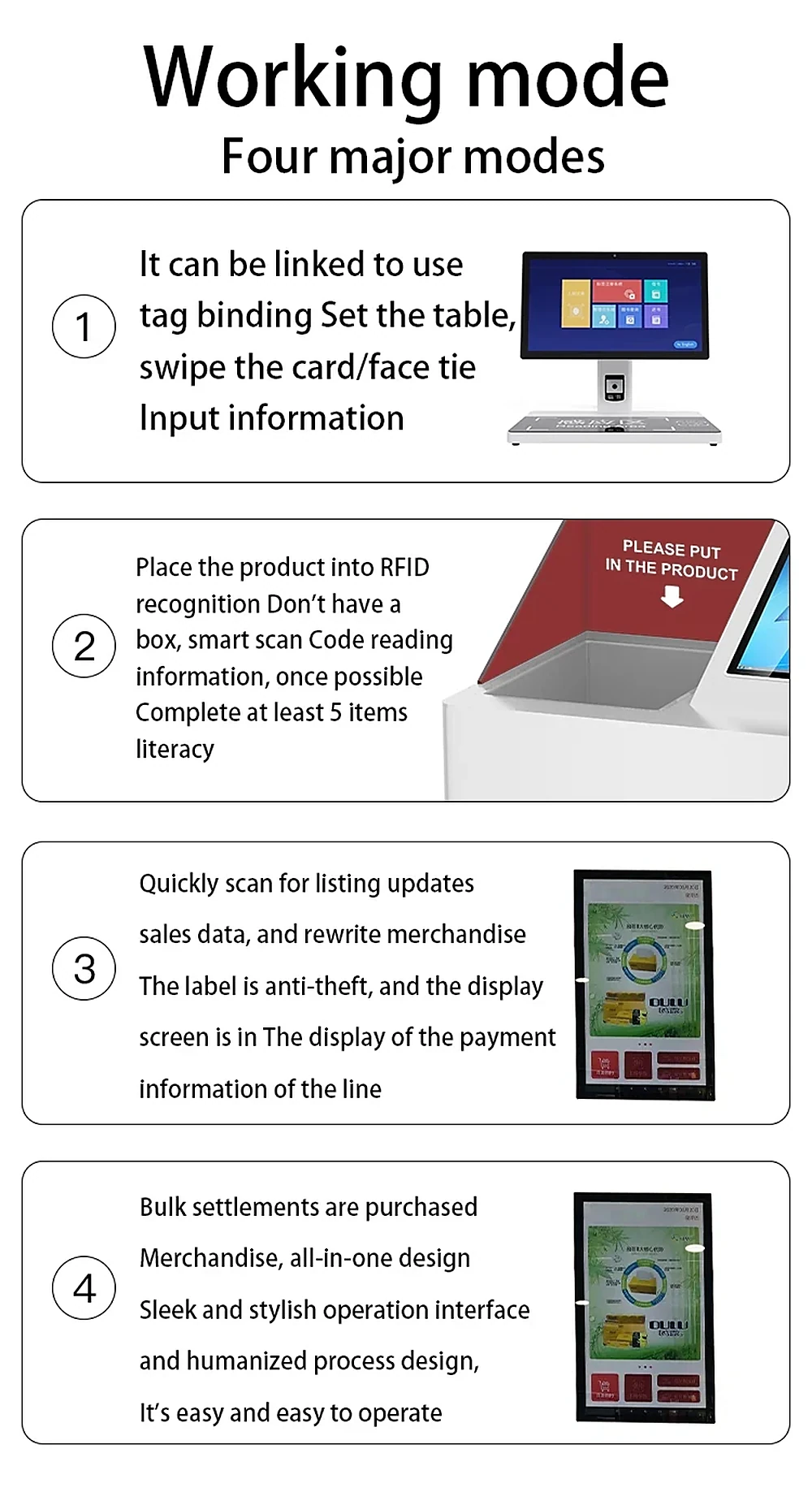
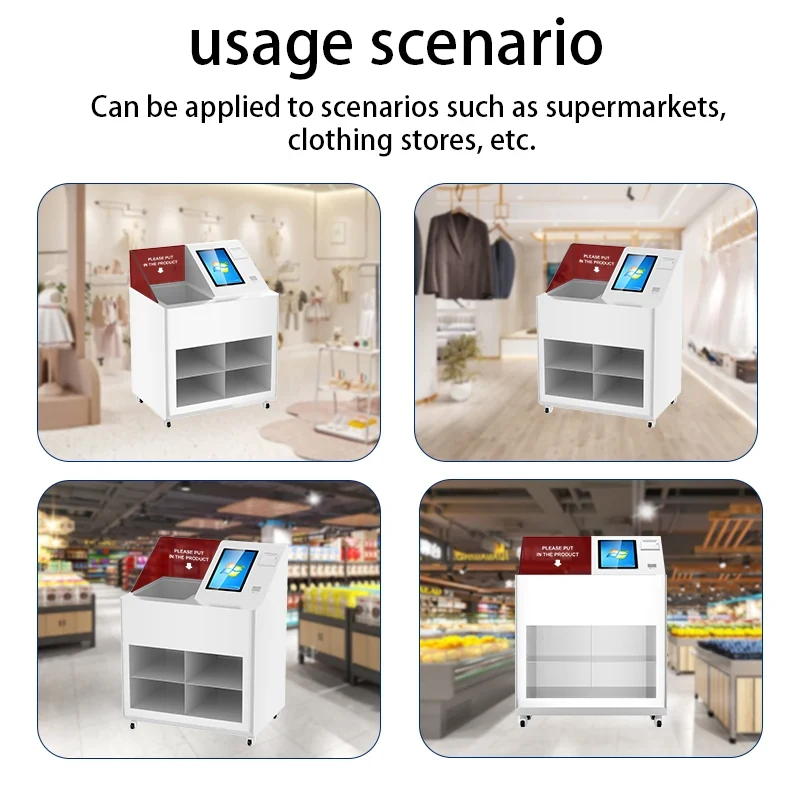
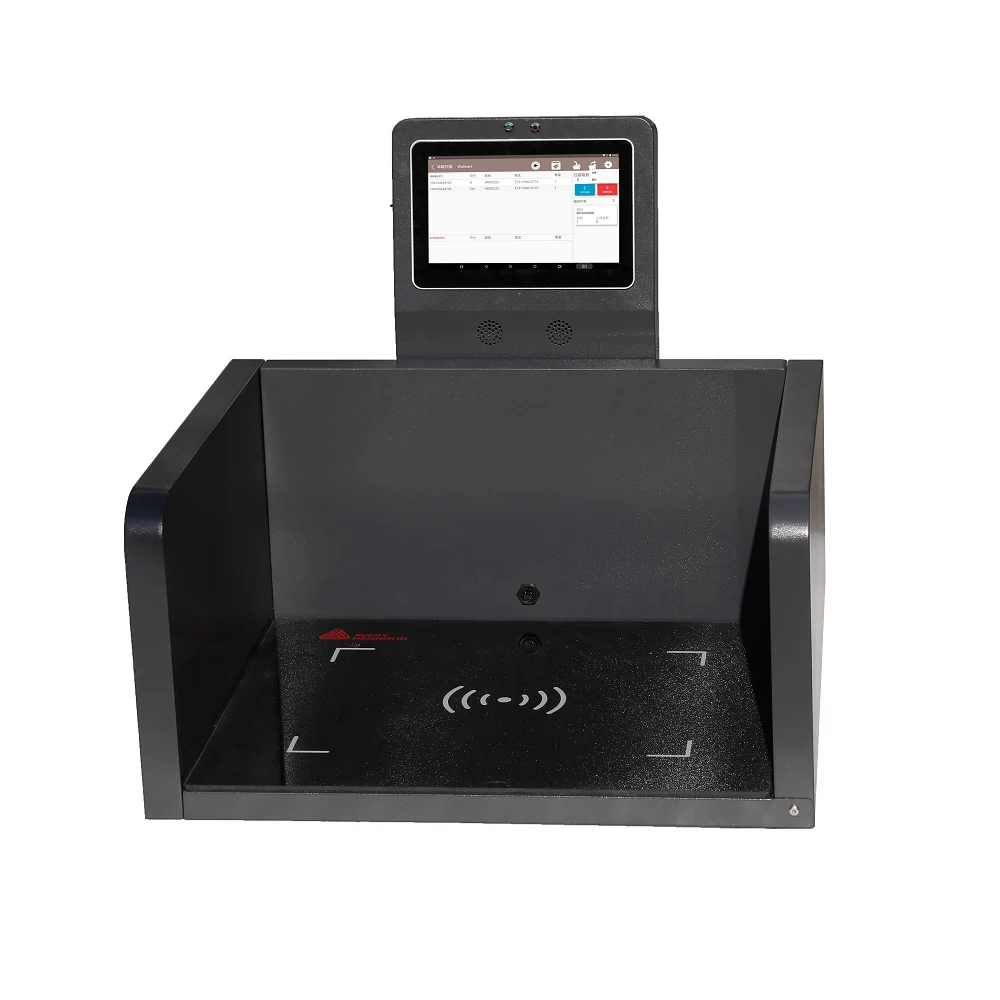
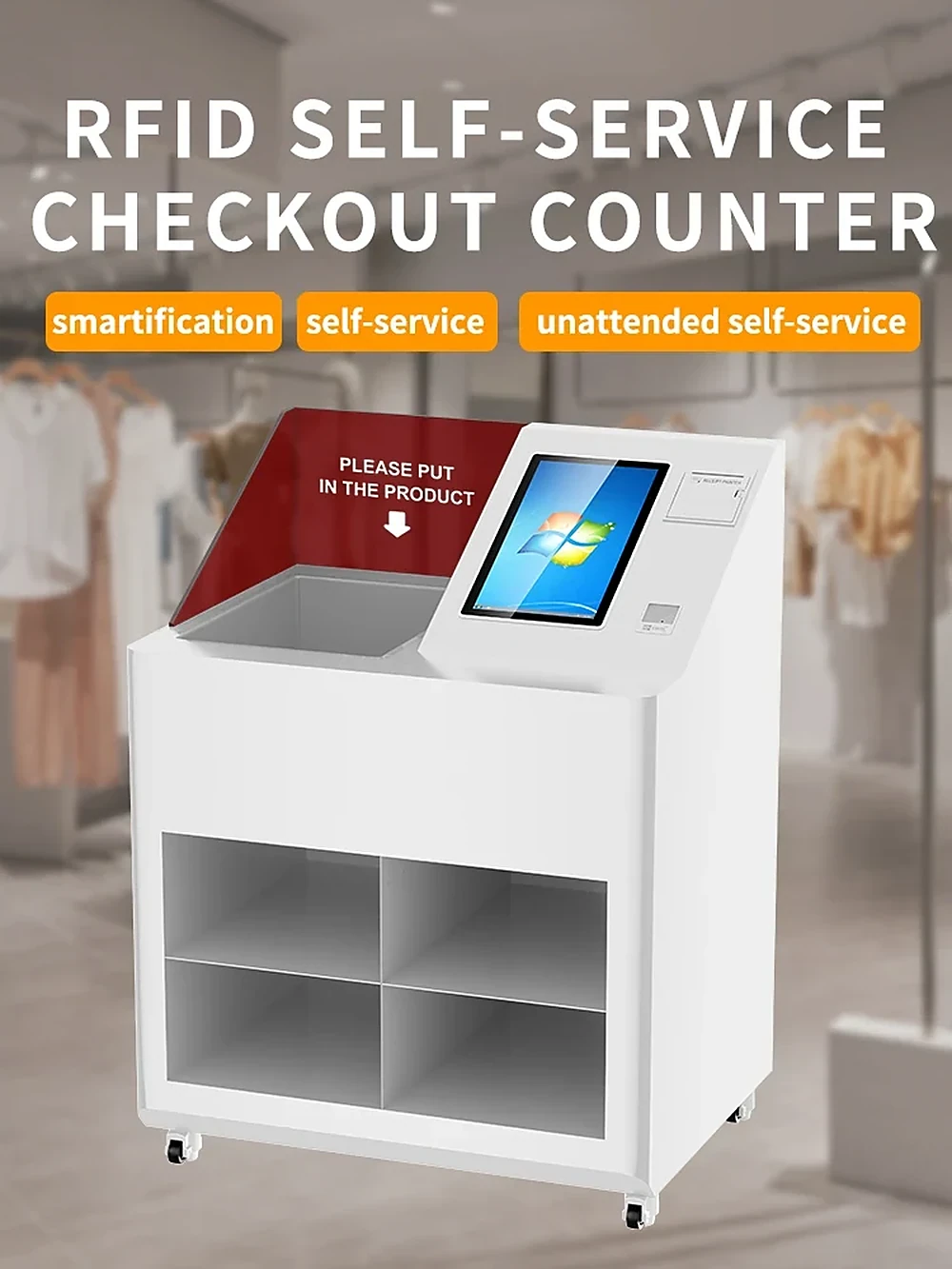
This is a floor-standing self-checkout kiosk for clothing stores. The customer puts the clothes on the reader area, the screen lists every item and the total, they pay, and a receipt prints. Key facts: 840×650×1019mm(L×W×H); MOQ 50pcs.

Customers drop all items in and check out at once.
Typical setupBulk scanning with Impinj E710.
Your items already carry UHF tags.
Typical setupISO 18000-6C.
You deploy kiosks with software.
Typical setupFloor standing; receipt printer with auto cut.
This is a floor-standing self-checkout kiosk for clothing stores. The customer puts the clothes on the reader area, the screen lists every item and the total, they pay, and a receipt prints. There is no scanning of each item. It has a 15.6-inch screen and an 80 mm receipt printer.
How it works, in plain words
What you need to use it
What it looks like in your business
Today: a cashier scans every garment one by one, and queues build at peak times. With the device: the customer puts the whole basket on the reader area, and all tagged items appear on the screen at once.
What you get: Shorter queues.
Today: sales are counted at the end of the day, and shelf stock differs from the system. With the device: each item has its own number, so the system knows exactly which item was sold.
What you get: Stock stays accurate.
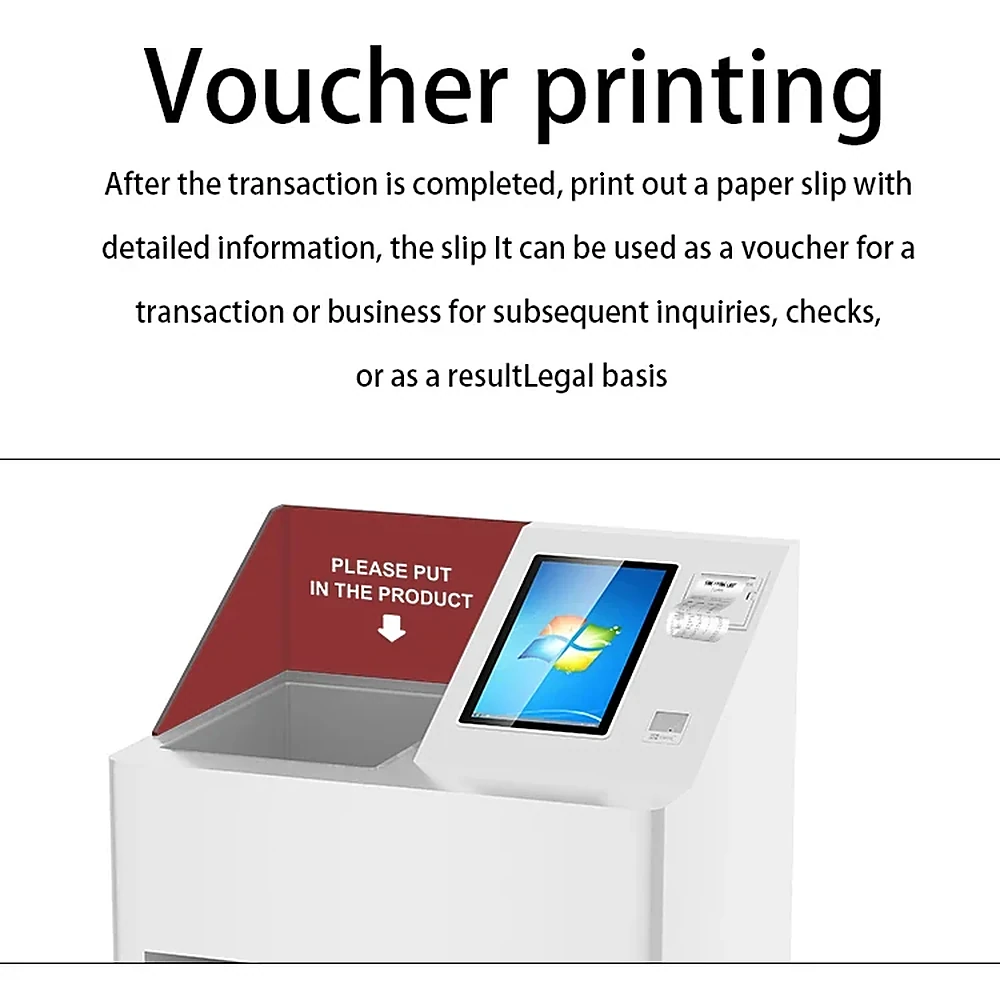
Today: a separate receipt printer is needed beside the kiosk. With the device: the kiosk has an 80 mm thermal printer with an automatic cutter.
What you get: Receipt included.
Today: items with hard security tags set off the alarm at the door if the tag is not removed. With the device: a security tag still needs removing unless your system integrates loss prevention. Decide the process before you buy.
What you get: No surprise alarms at the door.
Today: a light kiosk is easily damaged by customers. With the device: it is built from cold-roll steel and stands on the floor (840 × 650 × 1019 mm).
What you get: Made for shops.
The hardware and software that work with the Bulk Scan Multiple Clothing Items At Once With Software 15.6 Inch RFID Self-checkout Kiosk in a typical project.
Each with an RFID tag.
Reads the basket, shows the total, prints the receipt.
Holds prices and takes payment.
Handles security tags and alarms.
Put an RFID tag on every item, ideally at the factory or at receiving.
Connect it to your point-of-sale so it knows prices and can take payment.
Test with full baskets of your real goods (soft goods first). Check the reading and what happens to items that do not read.
Decide how security tags are handled at checkout. A standard security tag (for example, a hard tag with a pin) still needs removing or deactivating.
Train staff to help with exceptions.
| Chip / IC | Impinj E710 |
|---|---|
| Frequency | 860-960 MHz |
| Protocol / Standard | ISO 18000-6C |
| Size | 840*650*1019mm(L×W×H) |
| Material | Cold-Roll Steel Sheet |
| Operating temp | -10 ~+50 °C (typ.) |
| Mounting | Floor Standing |
| Certifications | RoHS, REACH; |
Need a value that is not listed? Ask in the form and our engineers will confirm it for your order.
| MOQ | 50pcs |
|---|---|
| Sample policy | Paid samples (no free samples for hardware) |
| Sample lead time | 7-14 days |
| Bulk lead time | 7-14 days |
| Packaging | 1 unit/carton |
| Pricing | Quoted per project and quantity. Send your quantity and requirements in the form. |
| Printing & branding | Adopts a professional 80mm thermal receipt printer with the following specifications: · Printing density: 8 dots/mm· Printing speed: 150mm/s (Max)· Printing direction: Paper feed direction· Paper width: 79.5±0.5mm· Paper handling: Automatic paper cutting |
|---|
Selected technical, installation and application media for this product.
No. All tagged items in the reader area are read at once, with no line-of-sight scanning.
Standard hard security tags (with a pin) still need to be removed at checkout. Some RFID systems integrate loss prevention so that tags do not need removing; ask us about your setup.
RFID hardware can usually be integrated with existing point-of-sale systems, but the details depend on your software. Tell us what you use.
The minimum order quantity is 50pcs.
Paid samples (no free samples for hardware). Samples are ready in 7-14 days.
Bulk lead time is 7-14 days, counted from sample or artwork approval.
Chip: Impinj E710. Standard: ISO 18000-6C.
Printing and customization: Adopts a professional 80mm thermal receipt printer with the following specifications: · Printing density: 8 dots/mm· Printing speed: 150mm/s (Max)· Printing direction: Paper feed direction· Paper width: 79.5±0.5mm· Paper handling: Automatic paper cutting.
Operating temperature: -10 ~+50 °C (typ.).
RoHS, REACH;.
1 unit/carton.
Last updated:
Tell us your quantity, application and delivery country. We reply within 24 hours.