01
Apparel & retail labelling
You print and encode RFID tags in-house.
Typical setupPrints and encodes UHF labels.
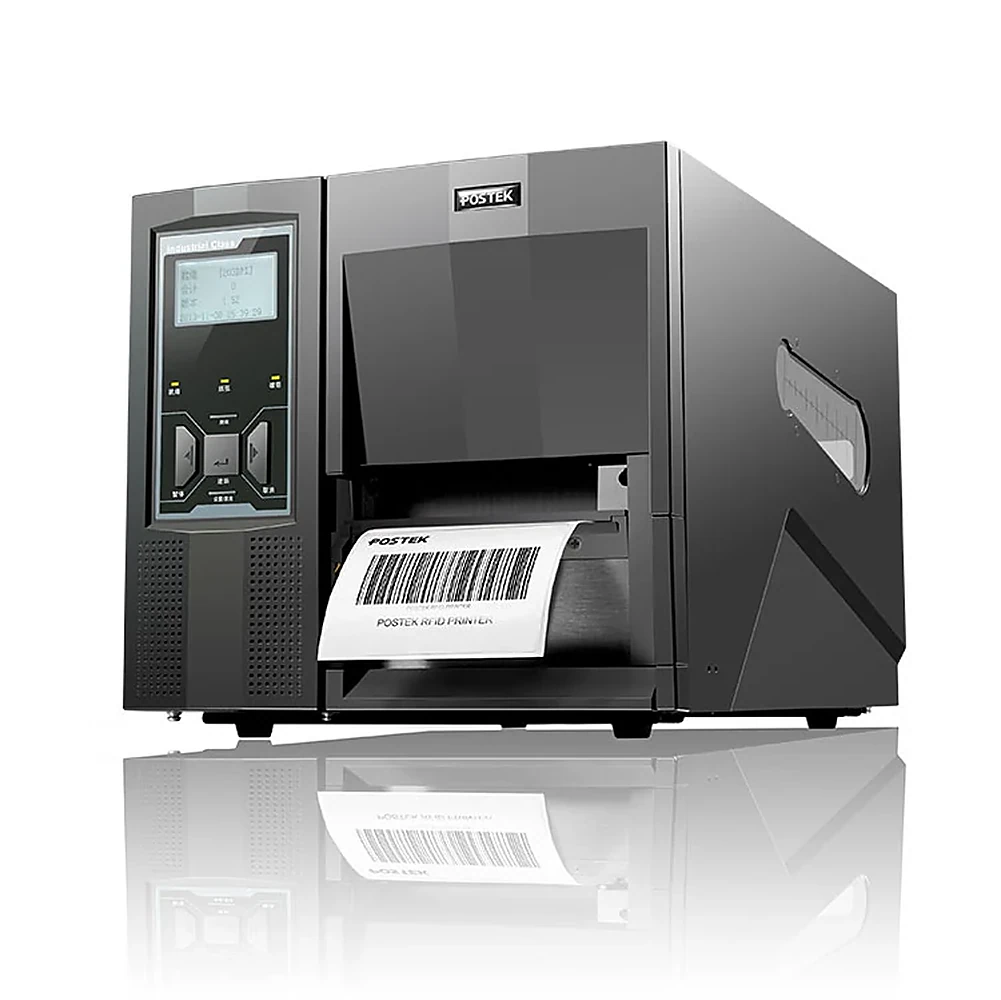
This is a desktop label printer that also writes the chip inside the label. It prints your text and barcode and writes the RFID number in one pass, so the label you stick on the item is ready to be read by a reader. Key facts: W208 x D310 x H195 mm · reads 0–5 cm; MOQ 50pcs.

You print and encode RFID tags in-house.
Typical setupPrints and encodes UHF labels.
Shipping labels carry both barcode and chip.
Typical setupThermal transfer, 200/300 dpi.
You need on-demand labels instead of pre-encoded rolls.
Typical setupDesktop format.
This is a desktop label printer that also writes the chip inside the label. It prints your text and barcode and writes the RFID number in one pass, so the label you stick on the item is ready to be read by a reader. It suits low-to-medium volumes, such as a shop or a small warehouse.
How it works, in plain words
What you need to use it
What it looks like in your business
Today: you print a label and then program the chip separately, which takes two steps and two machines. With the device: one pass prints the label and writes the number. Labels that fail to encode are marked void so they are not used by mistake.
What you get: One label, one pass.
Today: identical labels cannot identify a single carton. With the device: send a different code to each label from your system. The printed code and the number in the chip are the same.
What you get: Printed and stored numbers match.
Today: a big industrial printer needs space and a technician. With the device: at W208 × D310 × H195 mm it sits on a desk. Desktop printers are meant for a few hundred labels a day, not for tens of thousands.
What you get: No big machine for a small job.
Today: labels are voided because the printer is not set up for the media. With the device: run a media and RFID calibration for your labels. The printer finds the best position and power to write each type of tag.
What you get: Fewer voided labels.
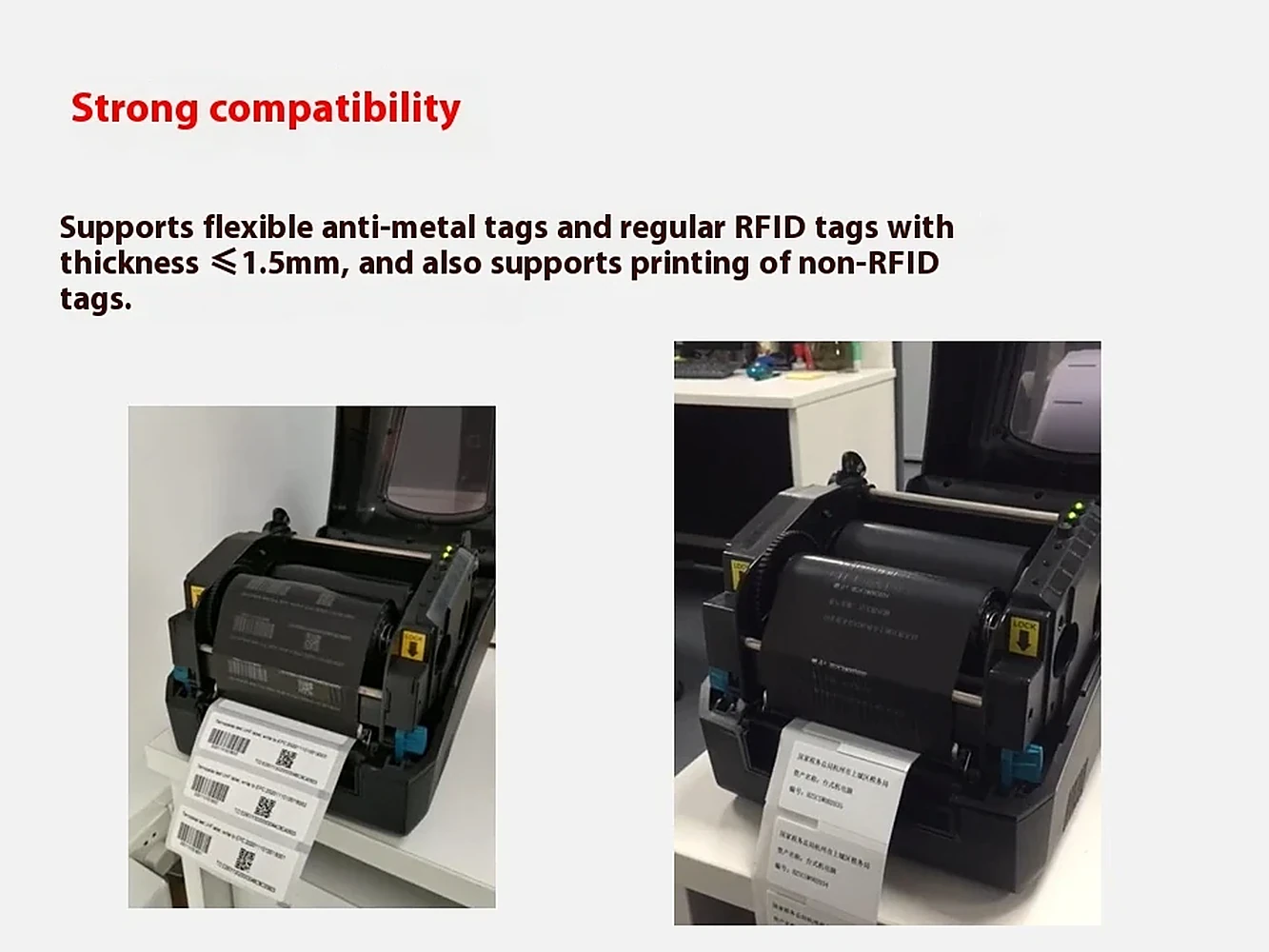
Today: a printer that cannot write your label type is found out late. With the device: it works with UHF labels (860–960 MHz, EPC Gen2). Tell us your labels and we will confirm before you order.
What you get: No compatibility surprises.

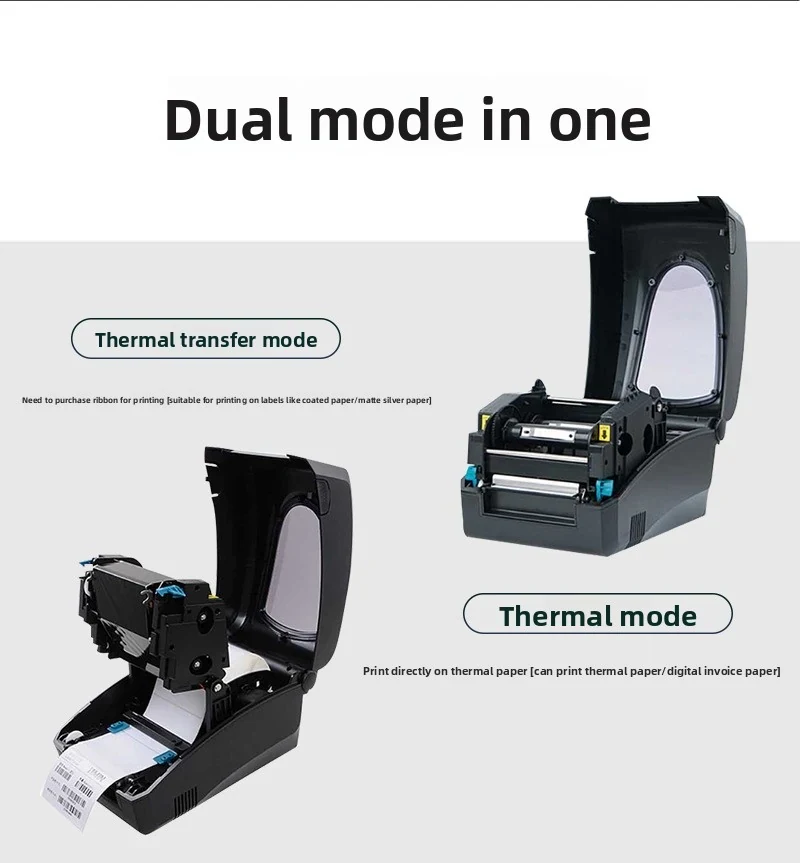
The hardware and software that work with the Desktop RFID UHF Thermal Transfer Barcode Printer 200dpi 300dpi Smart RFID Printer in a typical project.
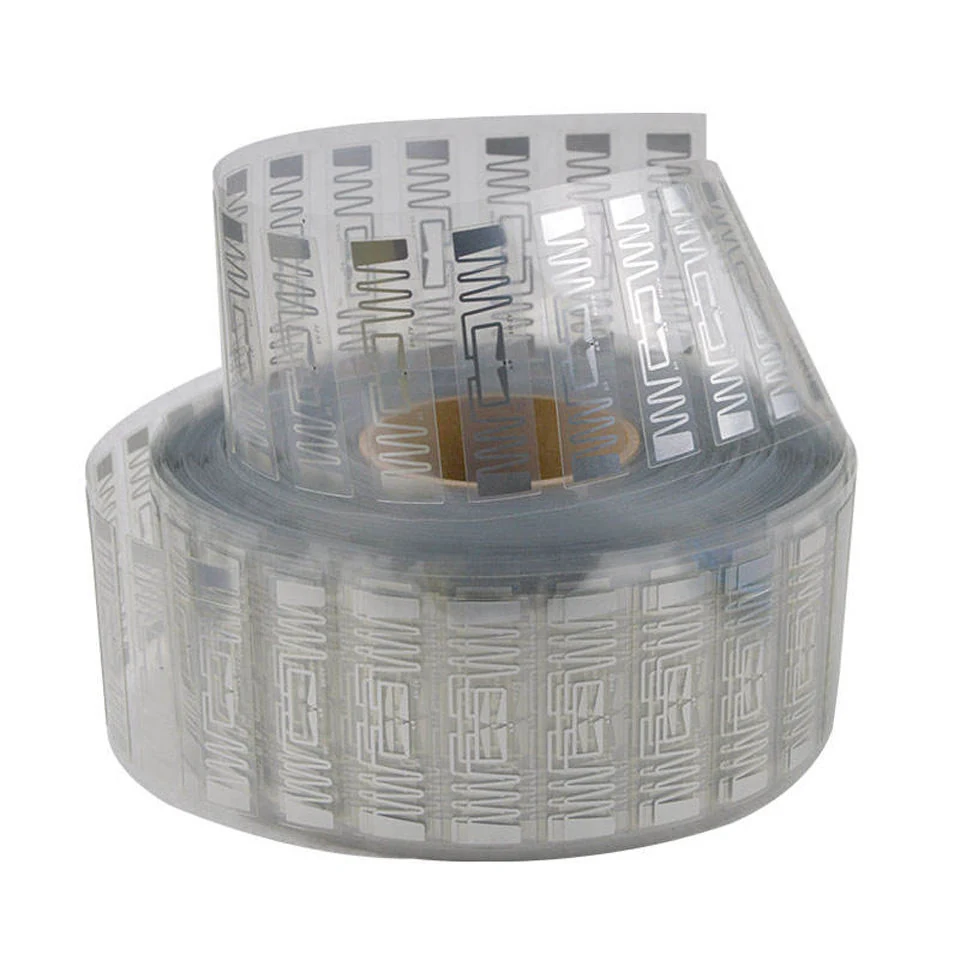
On a roll.
Prints and encodes.
Designs the label and sends the numbers.
Checks a sample of the labels.
Choose RFID labels that fit the printer, and a ribbon that suits the label material.
Load the labels and the ribbon, then run the media calibration so the printer aligns to your labels.
Design the label in your label software and set the number to write.
Print a few labels and check them with a reader.
Do not use labels marked void; check the rate of voids to catch problems early.
| Frequency | 860-960 MHz |
|---|---|
| Protocol / Standard | UHF EPC Gen 2/ISO 18000-6c. |
| Memory | 8 MB Flash ROM, 16 MB SDRAM |
| Read range | 0–5 cm |
| Size | W208 x D310 x H195 mm |
| Material | ABS |
| Operating temp | -10 ~+50 °C (typ.) |
| Certifications | RoHS, REACH; |
Need a value that is not listed? Ask in the form and our engineers will confirm it for your order.
| MOQ | 50pcs |
|---|---|
| Sample policy | Paid samples (no free samples for hardware) |
| Sample lead time | 7-14 days |
| Bulk lead time | 7-14 days |
| Packaging | 1 unit/carton |
| Pricing | Quoted per project and quantity. Send your quantity and requirements in the form. |
| Printing & branding | Customized logo |
|---|---|
| Chip encoding | Chip encoding available on request |
Selected technical, installation and application media for this product.
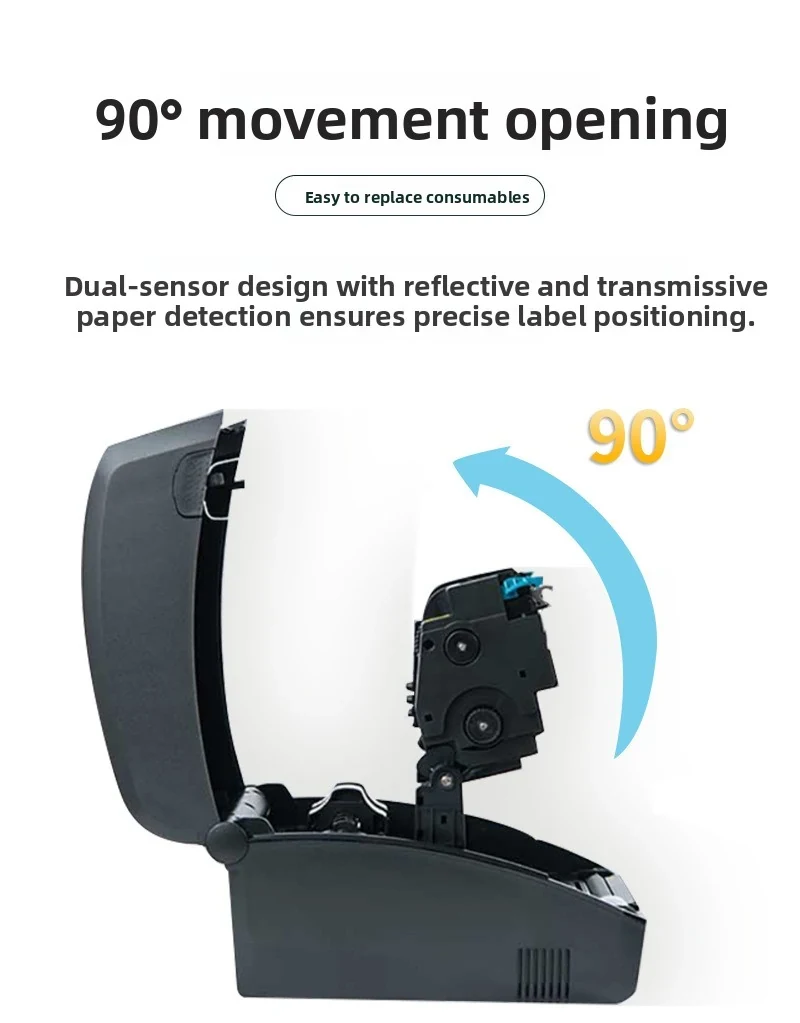
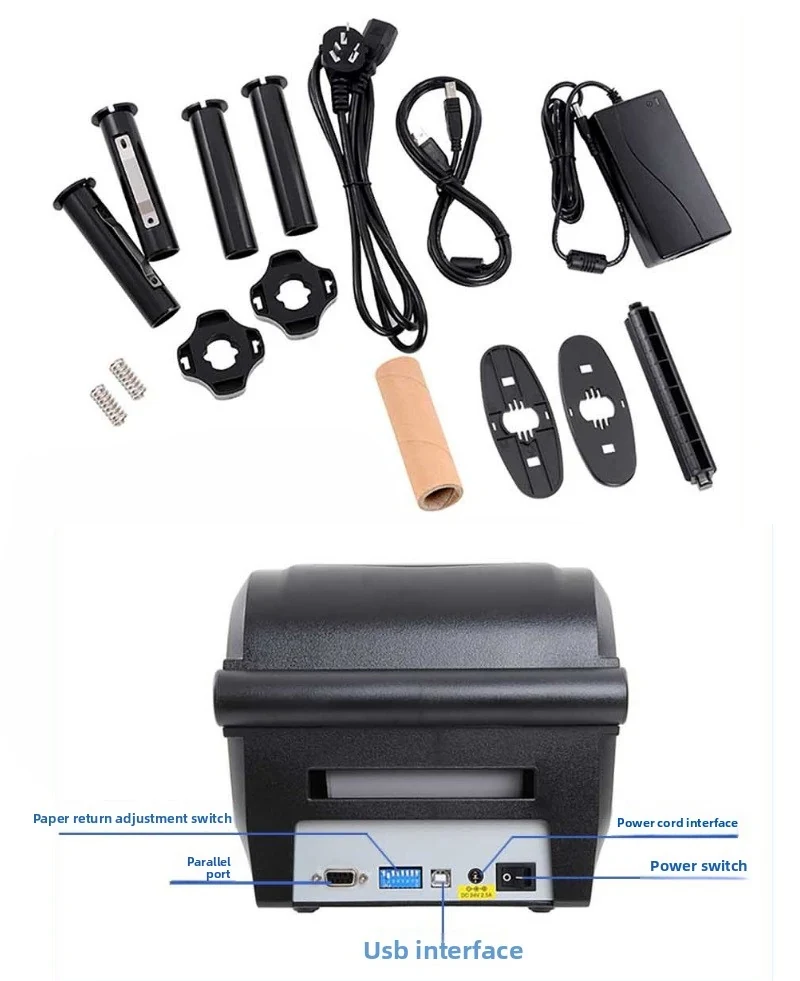
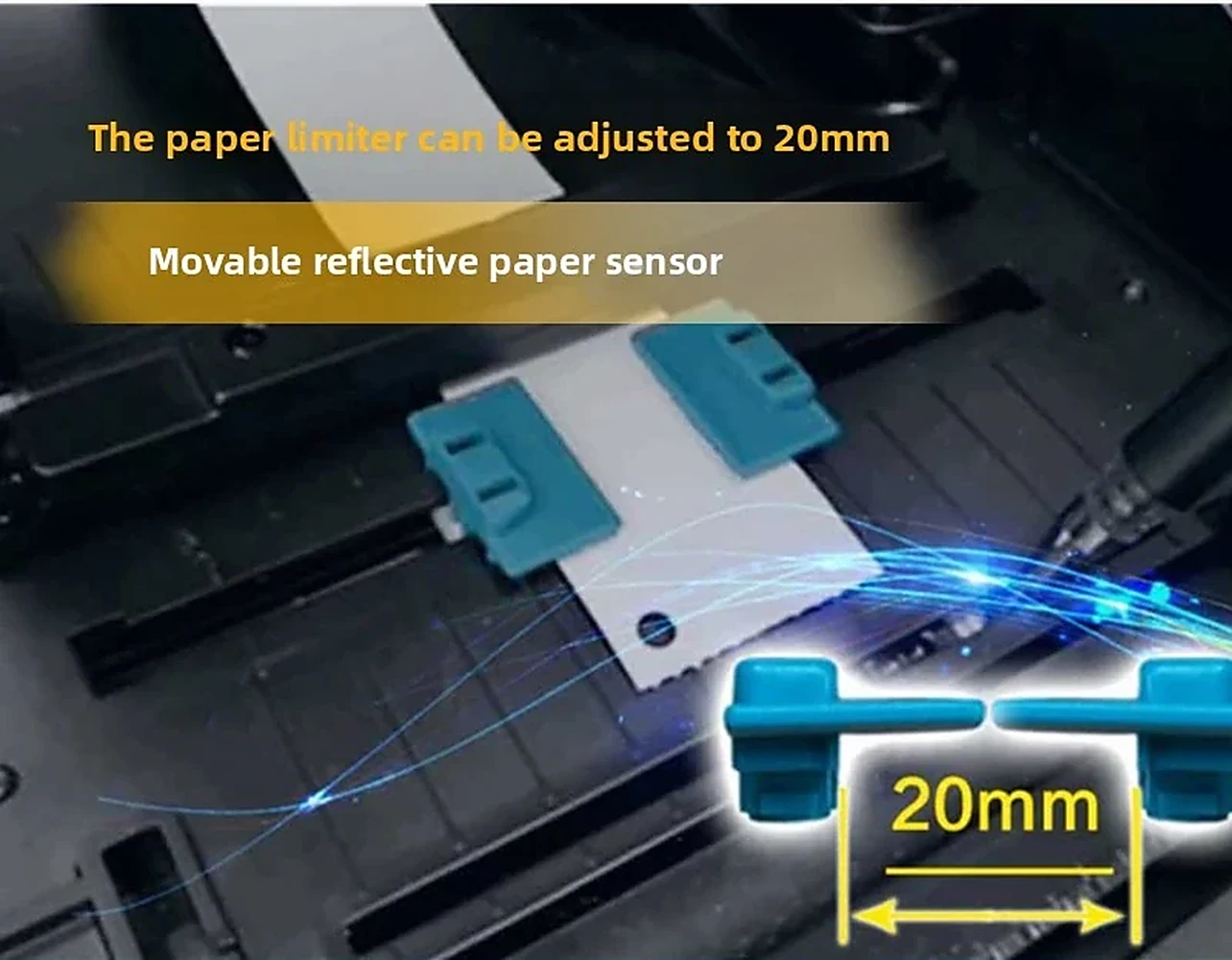


Yes. It prints the label and writes the chip at the same time.
RFID printers normally mark the label as void so you do not use it. Check this setting during setup.
UHF labels (860–960 MHz, EPC Gen2) that fit the printer. Tell us your labels and we will confirm.
Thermal transfer printing, which is normally used for RFID labels because the print lasts, needs a ribbon. Choose a ribbon that suits your label material.
It is a desktop printer. As a guide, desktop printers suit a few hundred labels a day; for tens of thousands, consider an industrial printer.
The minimum order quantity is 50pcs.
Paid samples (no free samples for hardware). Samples are ready in 7-14 days.
Bulk lead time is 7-14 days, counted from sample or artwork approval.
Last updated:
Tell us your quantity, application and delivery country. We reply within 24 hours.