Home
Products
About
Solutions
Resources Contact Get Your Quote
RFID Asset & Tool Tracking Solution

Asset & Tool Management · Tool Rooms, IT Assets, Files

Every Tool Should Have a Name Against It.

RFID Asset & Tool Tracking Solution

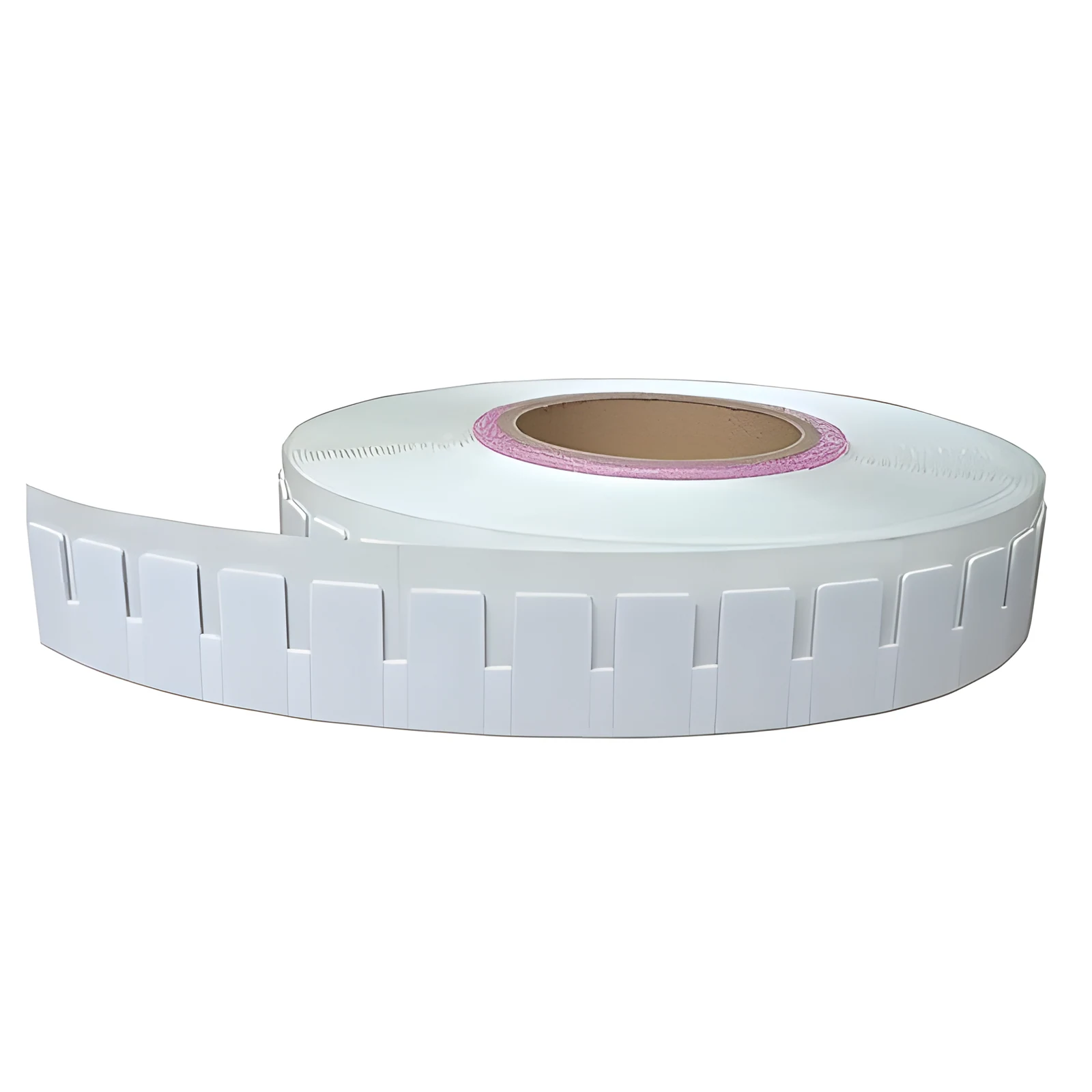
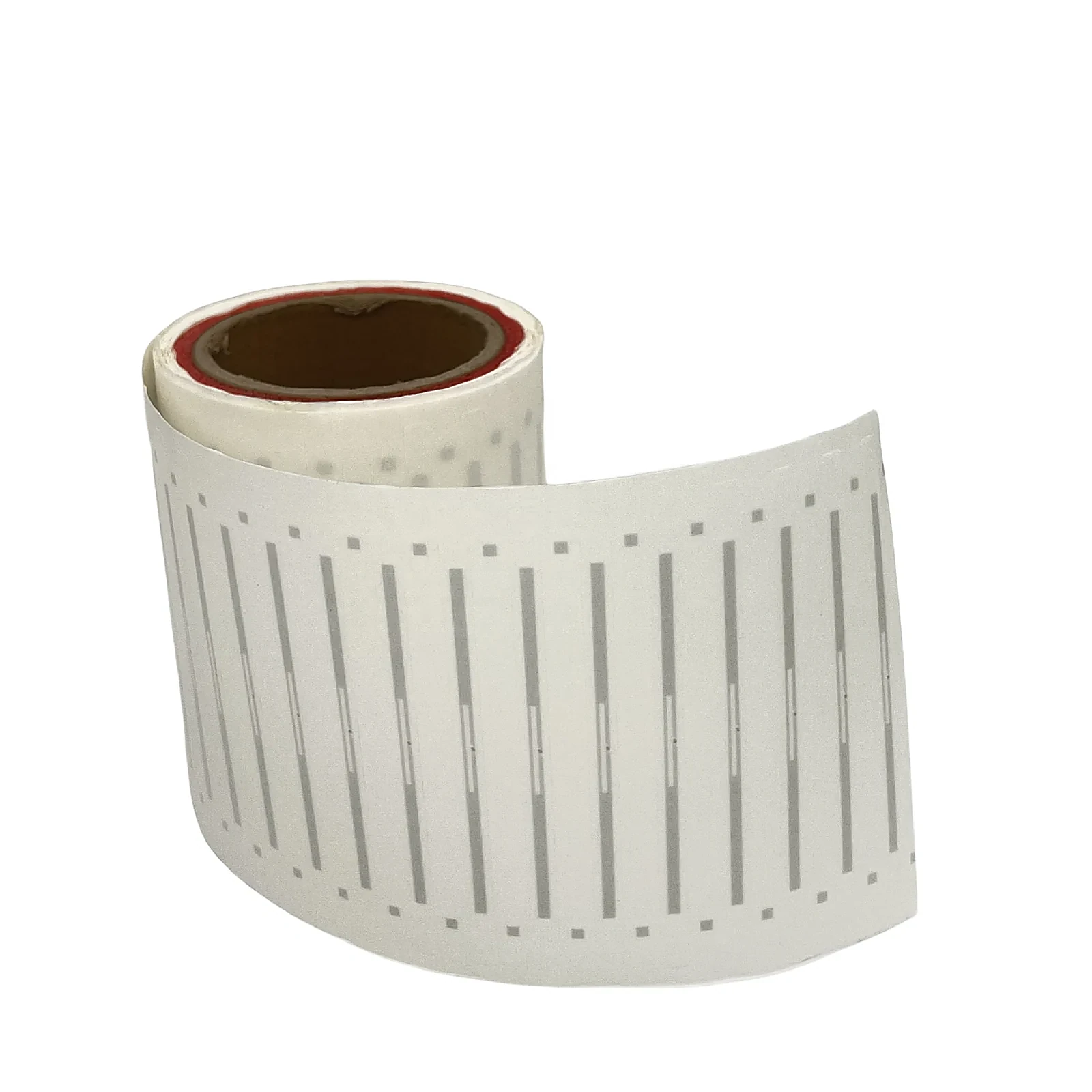
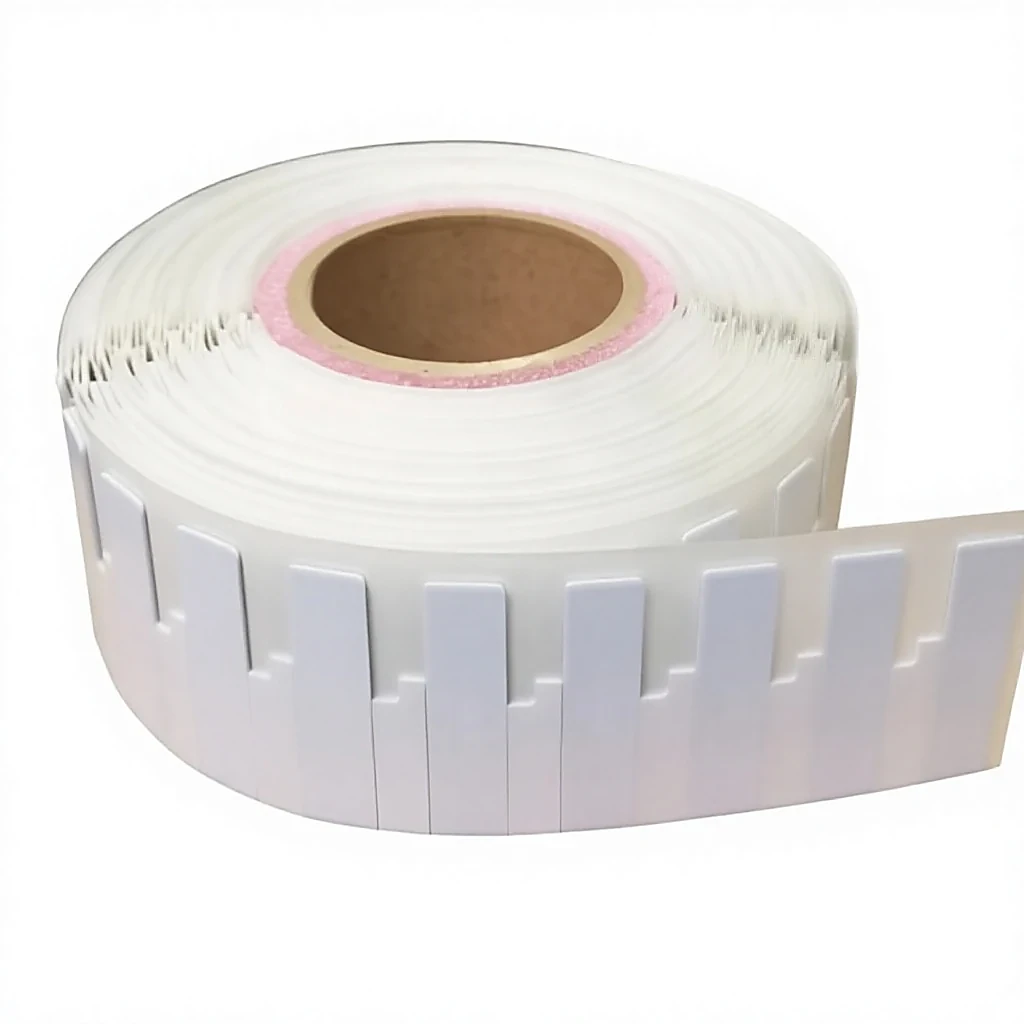
On-metal, micro and zip-tie tags for tools, instruments and IT equipment, read by handhelds, smart tool cabinets and exit readers, so each item has a holder, a location and a service date.

  • Shared tools have no holder
  • Assets are audited once a year, badly
  • Tools left behind after a job
Ø5 mmSmallest on-metal tag for tools
1-5 mOn-metal asset tag read range
1-4 mExit gate read range

Catalogue specifications. Read range depends on the reader, the tag position and the metal around it.

Plan your project
Project case UHF on-metal tags on crane rigging gear Site test: shackles, chains and lifting gear read with a handheld reader.

Pain points on site

Where the operation loses time, stock or control

Before the pilot, this is the starting point most operations recognise.

01

Shared tools have no holder

Tools taken from a shared store are written on a sign-out sheet, if at all, so a missing item is noticed only when someone needs it.

02

Tools and fittings walk off

Small tools and fittings move between crews and vans, and missing items are found only when a job is held up.

03

Tools come back to the wrong place, or not at all

Returned tools are dropped in the nearest drawer. Counting a kit back in by eye after a job is slow, and a missing spanner is easy to overlook.

04

Assets are audited once a year, badly

Laptops, monitors and instruments are checked against a spreadsheet one sticker at a time, so the register drifts all year.

05

Equipment leaves with contractors

Equipment leaves the site in vans and bags, and the loss is found at the next audit.

06

Files leave the archive unrecorded

Contracts and records are borrowed and not returned. Finding one means searching shelves and asking around.

How the solution works

From a tagged tool to a named holder

Asset & tool register Every item with its holder, location and service date
Not returned Calibration due Asset not found Unauthorised exit

System rollout

From one tool room to every site

Nine steps in the order a maintenance or IT organisation goes through them, with who does each one and how long it usually takes. Testing tags on your own tools and tagging existing stock move the date most.

6-10 weeksOne tool room or one IT site tagged and audited
3-6 monthsSeveral depots with cabinets, exit readers and register integration

Who does it:FYRFIDYour IT team or system integratorYour tool-room and maintenance team

Plan

01 List items and how they moveWhat is tagged, who borrows it, where it goes. 1-2 weeksYour tool-room and maintenance teamFYRFID
  • Item classes and counts: hand tools, instruments, safety gear, IT, files
  • Issue and return today, and calibration rules
  • Measure today: audit time, missing items per month

You getItem inventory and baseline.

02 Test tags on your own itemsMetal, size and handling decide the tag. 2-3 weeksFYRFIDYour tool-room and maintenance team
  • Micro, on-metal and zip-tie samples on real tools
  • Read tests in a full cabinet drawer and with a handheld
  • Drop, solvent and cleaning checks

You getApproved tag per item class.

Common mistakeTagging a whole tool room before testing tags on the real tools.

03 Choose the read pointsCabinet, counter, handheld, exit. About 1 weekYour tool-room and maintenance teamYour IT team or system integratorFYRFID
  • Smart cabinets or a manned counter for issue
  • Handheld for audits and vans
  • Exit gate if items leave the site

You getRead point plan.

Build

04 Set up the registerOne record per item. 2-4 weeksYour IT team or system integrator
  • Asset numbers linked to tag IDs
  • Users, badges and permissions
  • Calibration and inspection dates

You getA working register.

05 Produce tags and install hardwareTags, cabinets and readers. 2-4 weeks lead timeFYRFIDYour tool-room and maintenance team
  • Tags pre-encoded with a data file
  • Cabinets, desktop readers, handhelds and exit gates installed

You getHardware in place.

Go live

06 Tag existing stockRoom by room. Depends on item countYour tool-room and maintenance team
  • Apply and bind tags
  • Photograph tag positions per tool type

You getTagged stock.

07 Train and pilot one roomIssue, return and audit for real. 2-4 weeksYour tool-room and maintenance teamYour IT team or system integratorFYRFID
  • Users trained on badge and cabinet
  • First audit compared with the register

You getPilot report.

08 Roll out to other rooms and sitesRepeat what worked. Room by roomYour tool-room and maintenance teamYour IT team or system integrator
  • Tag and train each room
  • Commission exit readers

You getAll rooms live.

Run

09 Audit, calibrate and replaceThe register stays true. OngoingYour tool-room and maintenance teamFYRFID
  • Monthly handheld audits
  • Calibration reminders by item
  • Damaged tags replaced at inspection

You getAudit reports and a maintenance plan.

Tags & hardware

Which tag for each item, and what reads it

One row for each kind of item. Tools are mostly metal, so the tag type is decided by the surface and the room on the tool; test on your own items before ordering.

What you tagTag typeSizeRead rangeWhat it doesRead by

Hand tools and spanners

Little room, all metal

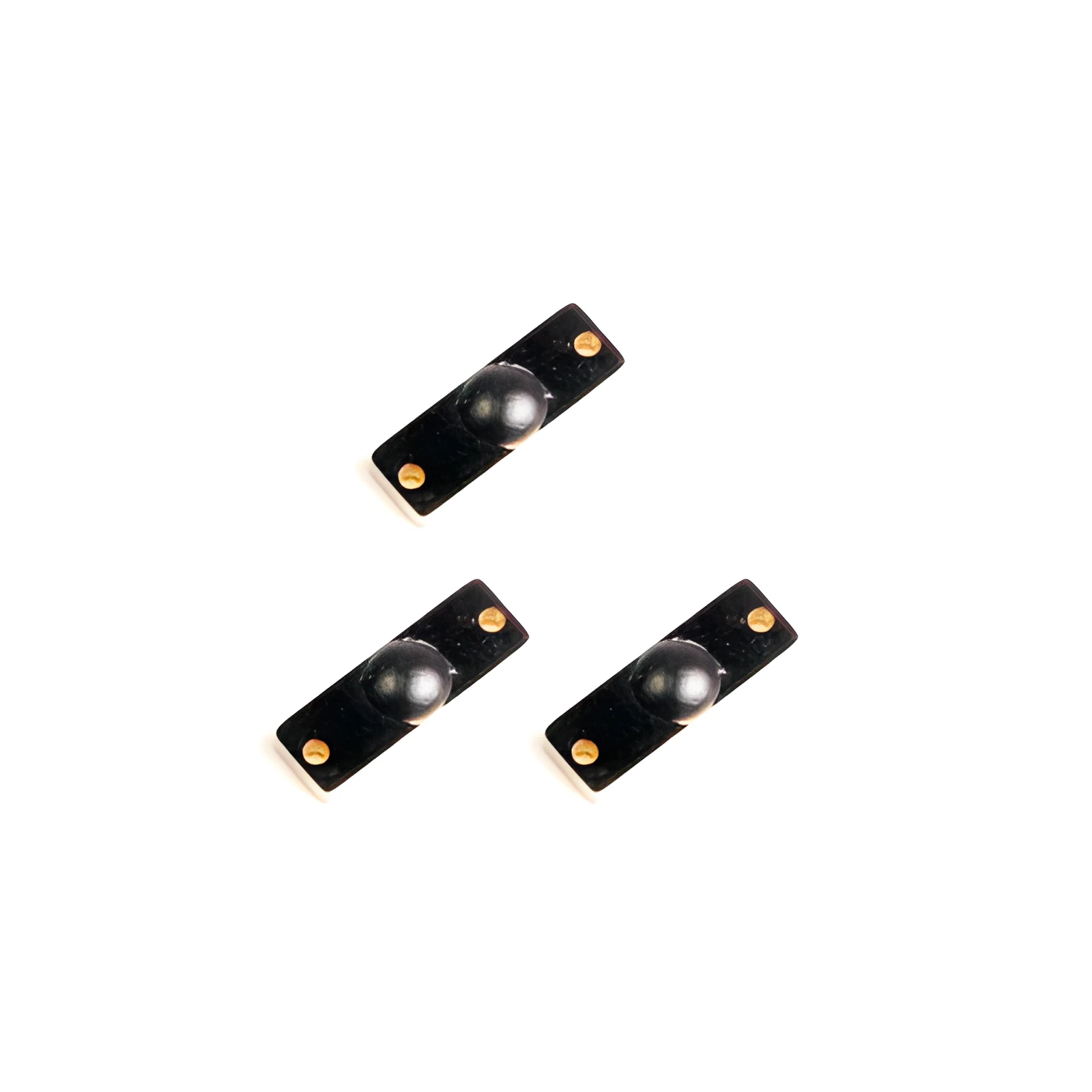
10×4×3 mm
Up to 1.35 m on metal
Embedded in or bonded to the tool; IP68, -40 to +150 °C.

Small or curved tools

Screwdrivers, sockets, probes

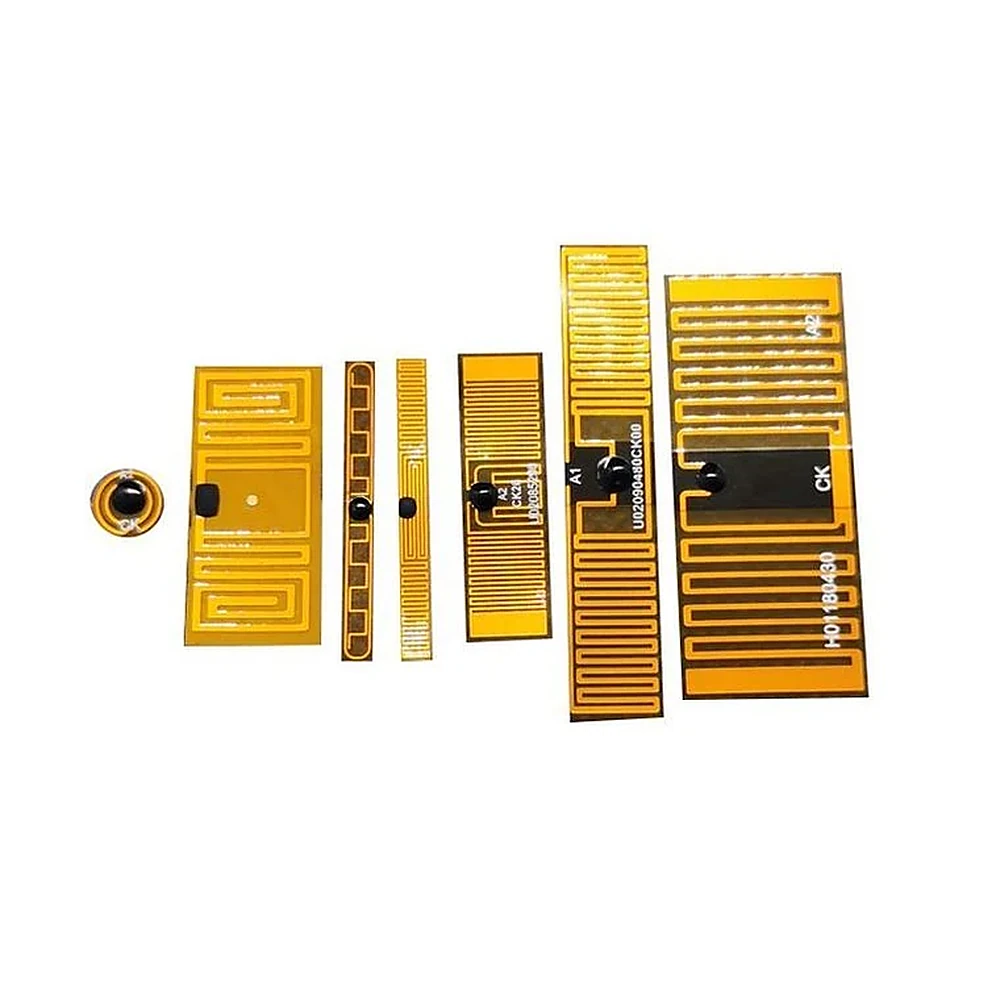
Ø5 to Ø25 mm; 3×10 to 25×25 mm
A few cm, by design
Tiny flexible tag for close reading in a cabinet drawer or at a desktop reader.

Meters, instruments and equipment

Flat metal

Printable, several sizes
1-5 m
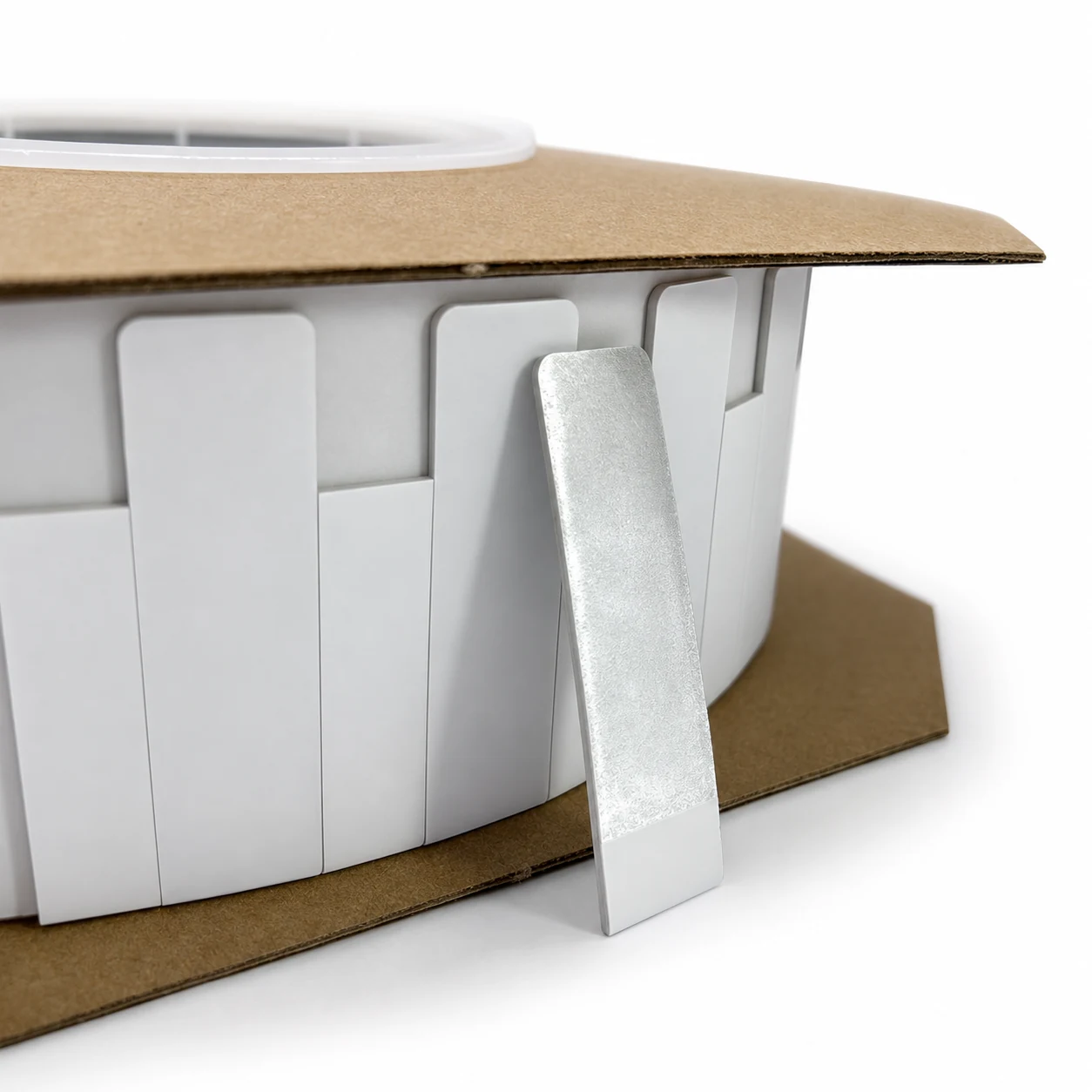
Printable asset number and barcode on an on-metal label.

Laptops and IT equipment

Metal or plastic housings

30×15×1.25 mm
Up to 2.5 m (FCC), 1.8 m (ETSI)
Carries the asset number on IT equipment; read by handheld during audits and at exits.

Heavy equipment and cases

Rough handling

70×30×5 mm
1-9 m on metal
Rugged hard tag screwed, riveted or tied to frames, cases and trolleys.

Harnesses, cables, hoses, slings

Nothing flat to stick to

50×28 mm; 260 mm tie
0-5 m
Self-locking tie for soft or round items such as safety harnesses and cable reels.

Files and archives

Folders and boxes

100×15 mm; 70×10 to 120×20 mm
3-6 m
Spine label: find files on the shelf and log who took them out.

Cases that must not be opened

Tamper evidence

Custom sizes
0-10 cm tap
Void label on calibrated instruments and cases; peeling it leaves visible tamper evidence.

The readers

RFID smart tool cabinet

Tool rooms and depots

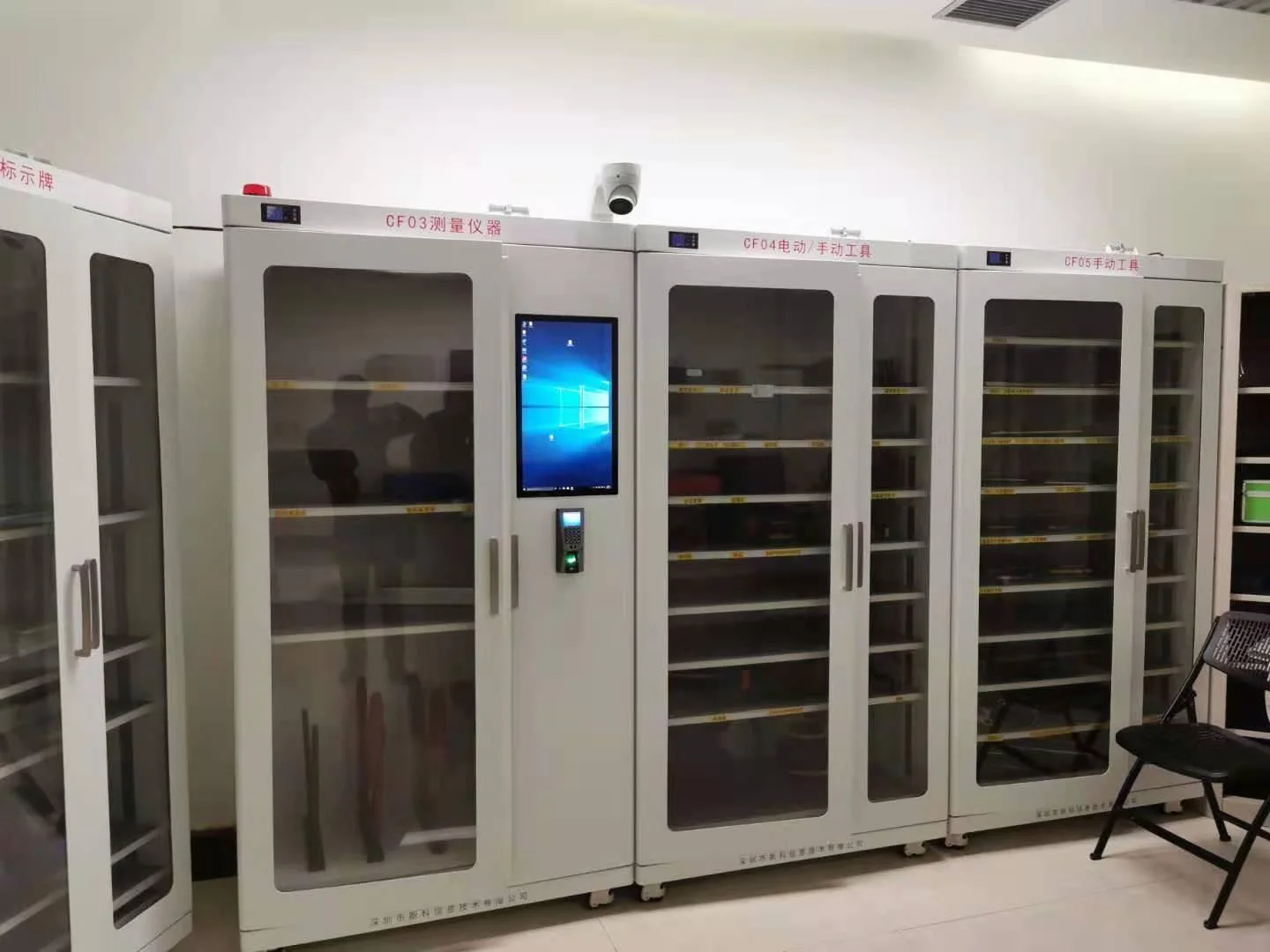
Counts its contents and records each item taken or returned against the user. Supplied as a project item: send us the tool list and the room layout.
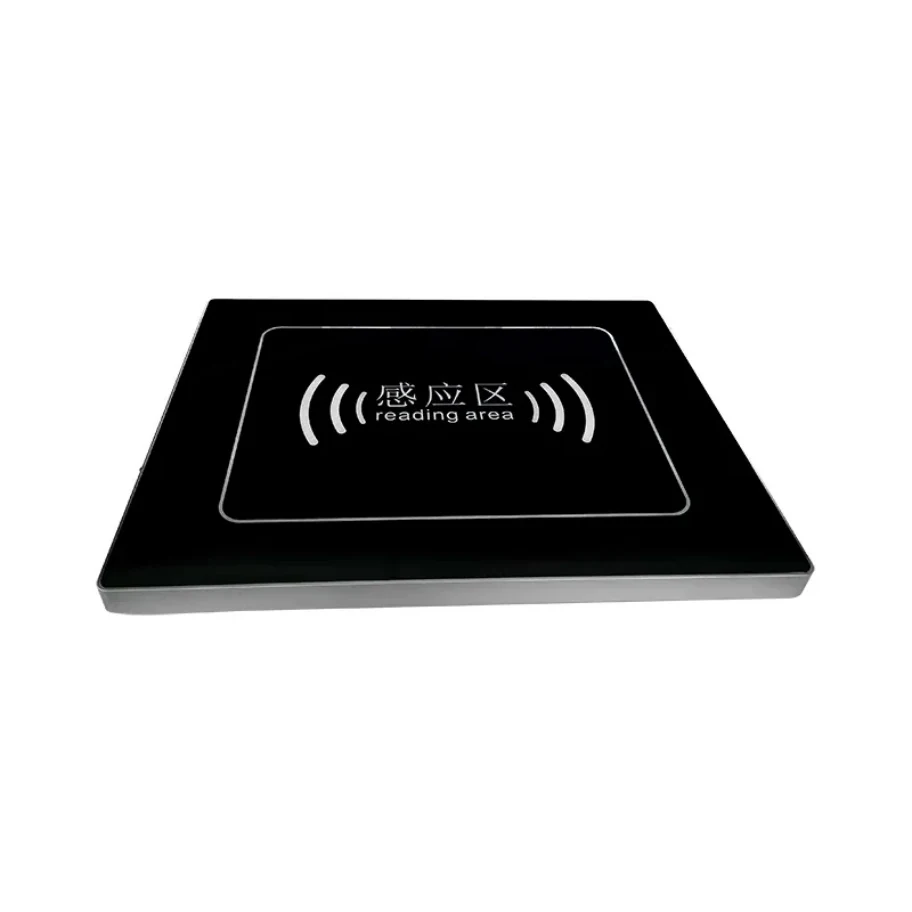
UHF desktop reader

Issue counters and tagging desks

Near-field reader, 0-20 cm: binds tags and checks small kits.
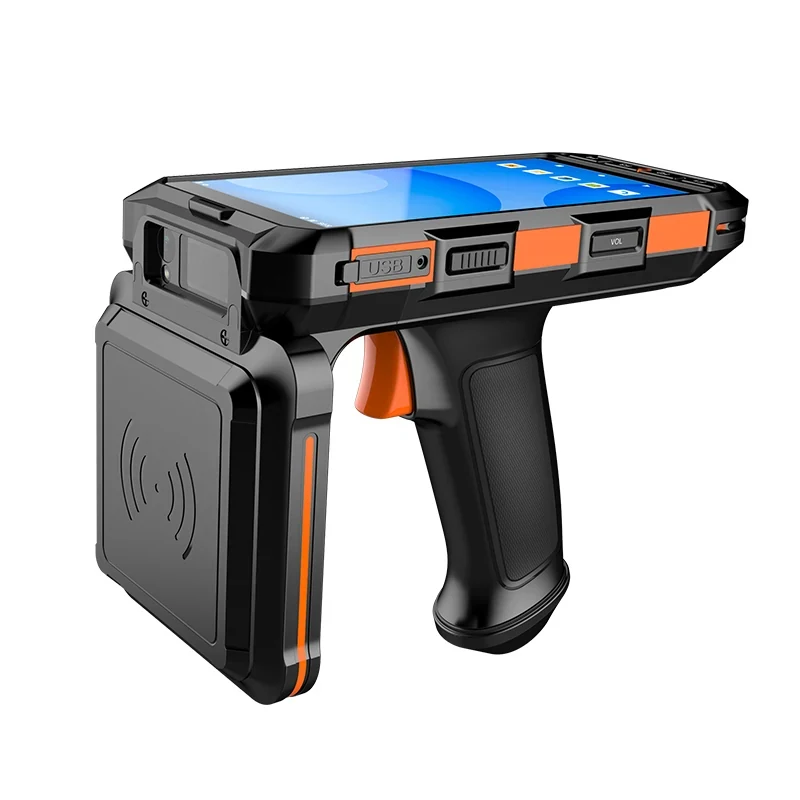
Handheld UHF + NFC reader

Rooms, vans and racks

Android 13. Audits a room of tagged items in one walk.
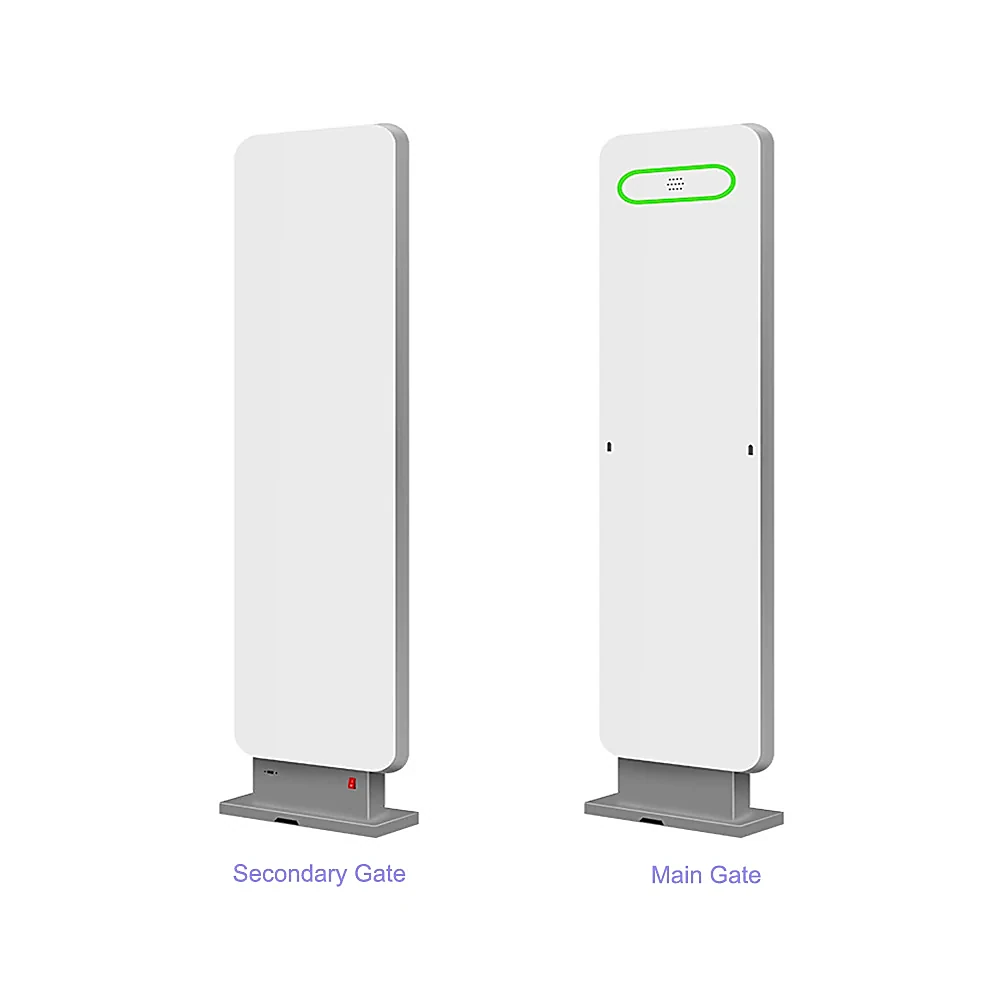
UHF gate reader

Tool-room and building exits

1-4 m, with sound and light alarm: flags items leaving without a check-out.

Before we quote

Four answers decide the specification

Pick what matches your tool room or site. Each answer shows what it calls for, and the summary goes to our engineers with your enquiry.

1What are you tagging?

2What is the surface?

3How are items issued?

4How many items?

Before a volume order

Three checks before you tag a tool room

Each one is cheap to settle on a few tools and expensive to fix once every item is tagged.

01Test tags on your real tools

Signed-off sample tag · position · tool surface Batch 1 Batch 2 Batch 3 same construction, every order

What goes wrong

A label that reads on a desk goes silent on a steel spanner, and a tag in the wrong place is knocked off in the first week.

Check before you order

  • Samples on each tool type
  • Read tests at the cabinet and with a handheld
  • Tag position photographed and approved per tool type

02Read-test a full cabinet

Packed within centimetres Count test Test drawer, tools spaced out Full drawer, tools packed tight Test at full density, with your own packs, before scaling.

What goes wrong

A cabinet that counts a demo drawer perfectly can miss tools when drawers are full and metal sits on metal.

Check before you order

  • Read tests with drawers at full capacity
  • Tag orientation checked per drawer
  • Counts compared with a manual count

03Fix the asset numbering first

SGTIN-96 example · 96 bits Header Company prefix Serial number 8 6 24 20 38 Filter + partition Product Your GS1 company prefix is written into every tag. Change the scheme later and every tagged item needs a new label.

What goes wrong

Tags encoded with one numbering scheme and a register using another leave every audit with a reconciliation job.

Check before you order

  • Asset number printed on the tag and linked to the EPC
  • GIAI or internal numbering, decided once
  • A data file with every pre-encoded order

Tags and tools

Can RFID tags go on small metal hand tools?

Yes, with micro on-metal tags (from Ø5 mm) bonded into a recess or onto a flat face, or mini FPC tags for close reading in a cabinet. Send photos of the tools and we propose a tag and position for each type.

Will tags survive drops, oil and cleaning?

PCB micro tags and ABS hard tags are built for rough handling; the weak point is usually the adhesive. Use the bonding method we approve on samples, and test with your own solvents.

How do we tag harnesses, slings and cables?

Zip-tie tags lock around soft or round items and read at up to 5 m; they can be cut off and replaced when the item is retired.

Issue and return

Do we need smart cabinets?

Not always. A manned counter with a desktop reader and a handheld for audits works for many tool rooms; smart cabinets add self-service issue and a live count, and are worth it where tools are borrowed around the clock.

How does a cabinet know who took a tool?

The user logs in with a badge, fingerprint or face; when the door closes the cabinet reads its contents and records what changed against that user.

Can it stop tools being left in a machine?

It makes missing tools visible before the job is signed off: the kit is read back in and any missing ID is flagged. The final check is still a procedure, but it is backed by a read instead of a count by eye.

Audits and records

How long does a handheld audit take?

A tagged room is read in one walk instead of item by item, so a room takes minutes rather than a day. Measure it during the pilot.

Can it track calibration and inspection dates?

Yes. The dates live in the register against each item’s ID; audits and issue screens list items that are due, so nothing is issued past its date.

Who supplies the software and cabinets?

FYRFID supplies the tags, readers and handhelds, and smart cabinets from our range or an integration partner. The register and tool-management software come from your IT team or integrator; we provide reader SDKs.

Build a matched pilot

Send the item, environment, read point and annual volume.

We will narrow the construction and sample set around your real operating conditions.

Stay Updated on RFID Industry Trends

Get the latest news, case studies, and product updates from FYRFID delivered to your inbox. No spam — unsubscribe any time.

Thanks for subscribing — we’ll be in touch.