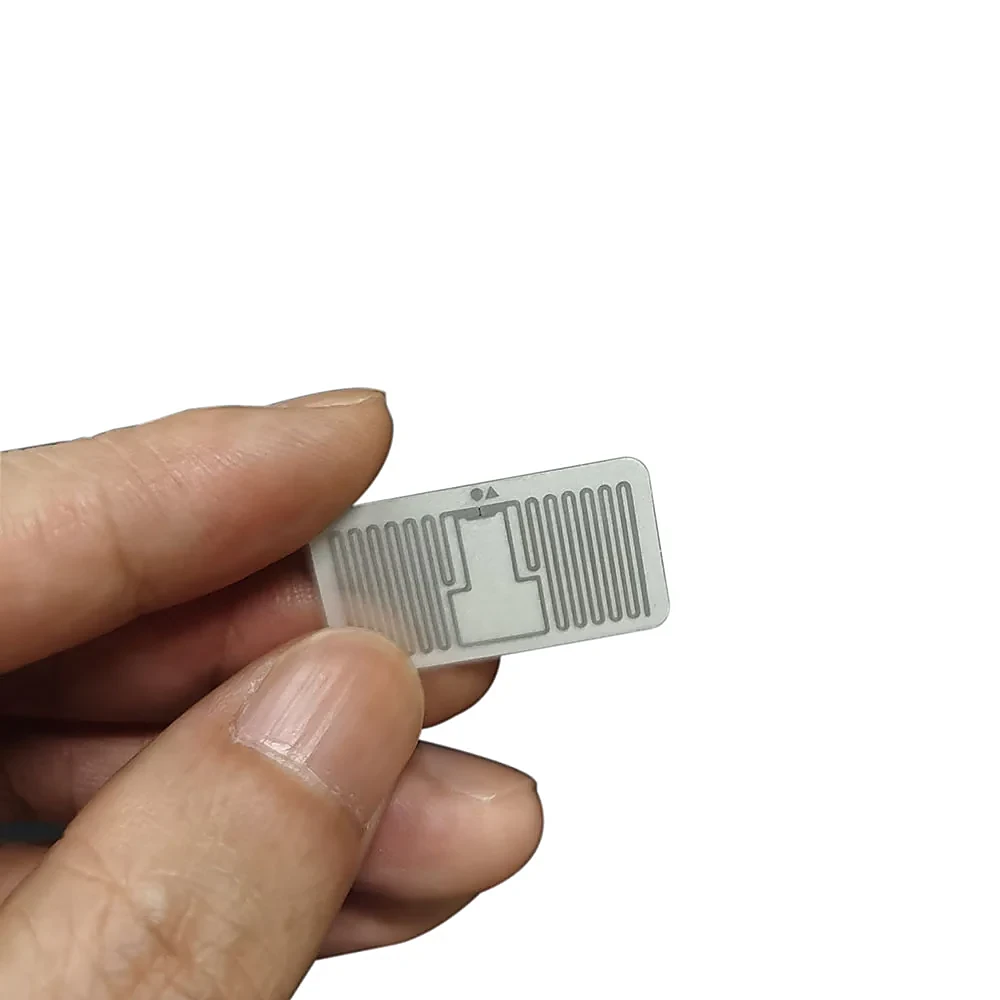
Home
Products
About
Solutions
Resources Contact Get Your Quote
RFID Healthcare & Hospital Solutions

Medical & Healthcare

Your OR Still Tracks Scrubs and Consumables on Paper.

RFID Healthcare & Hospital Solutions

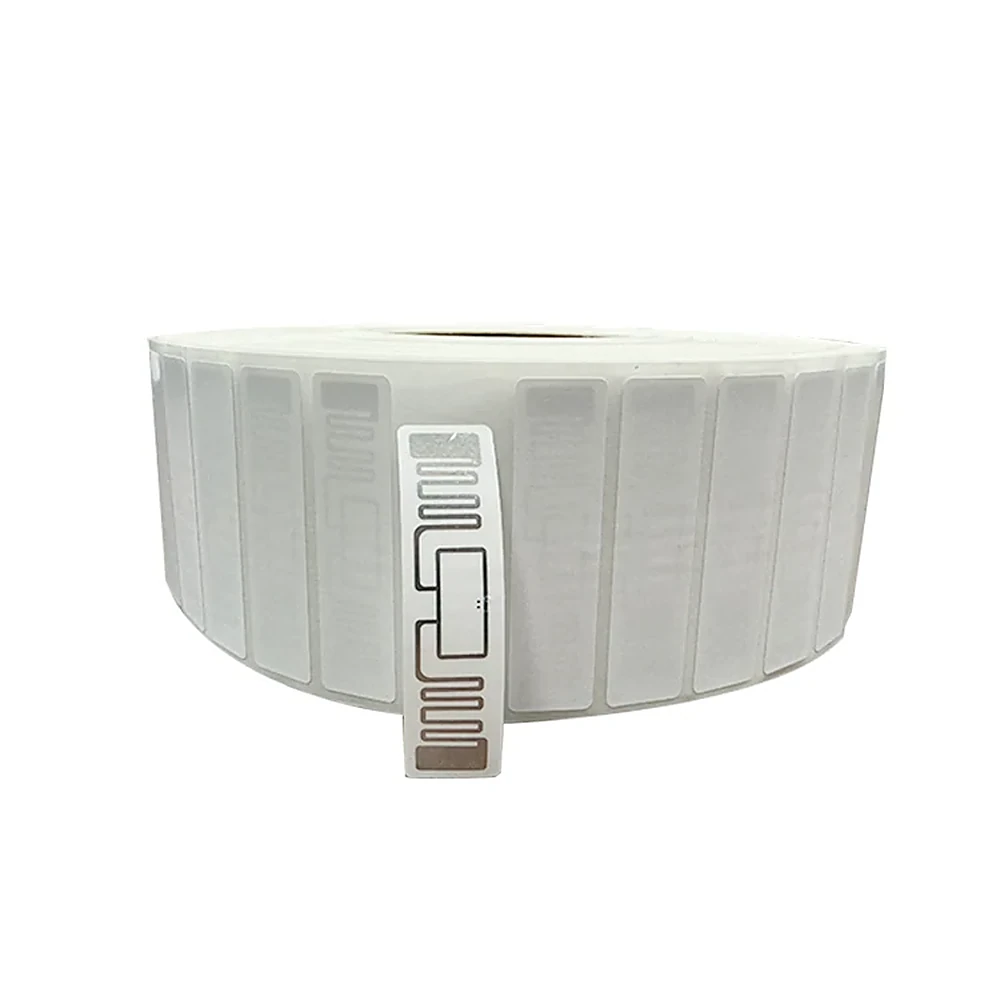
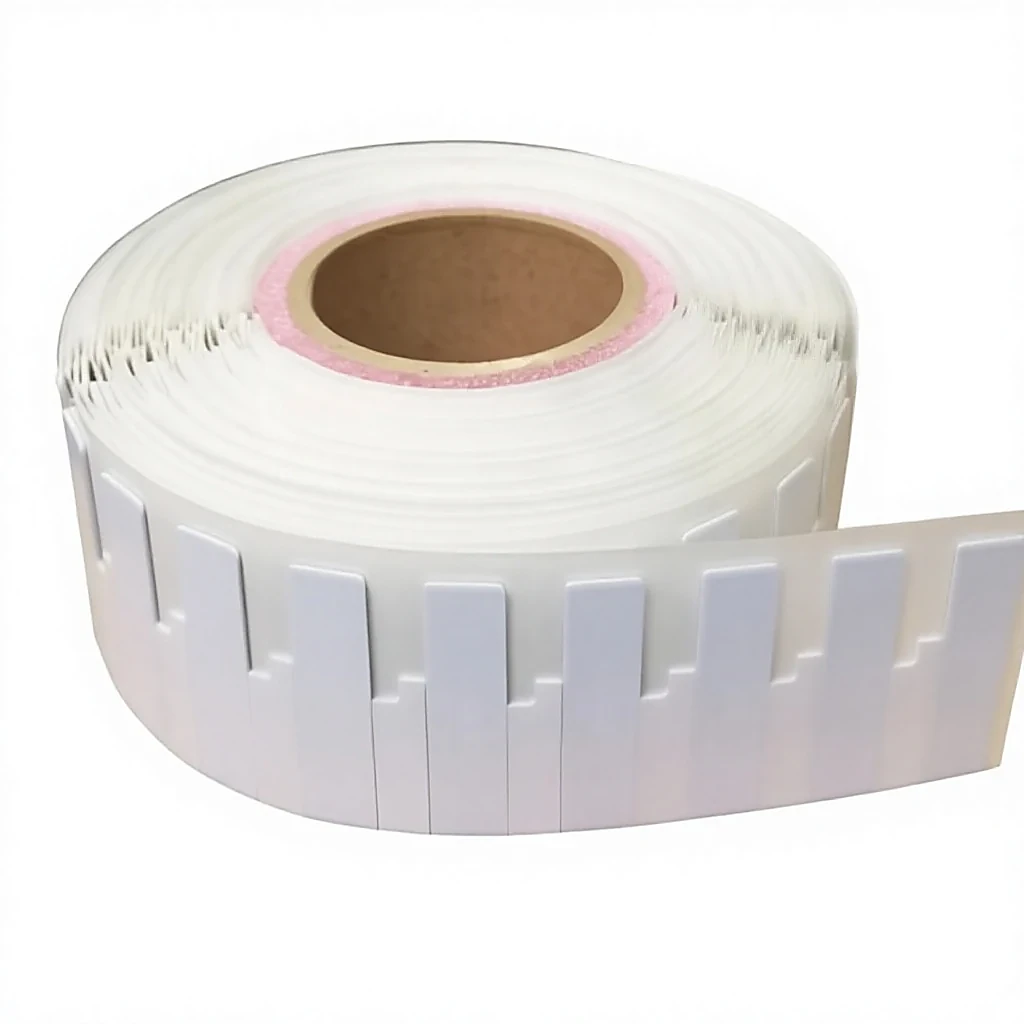
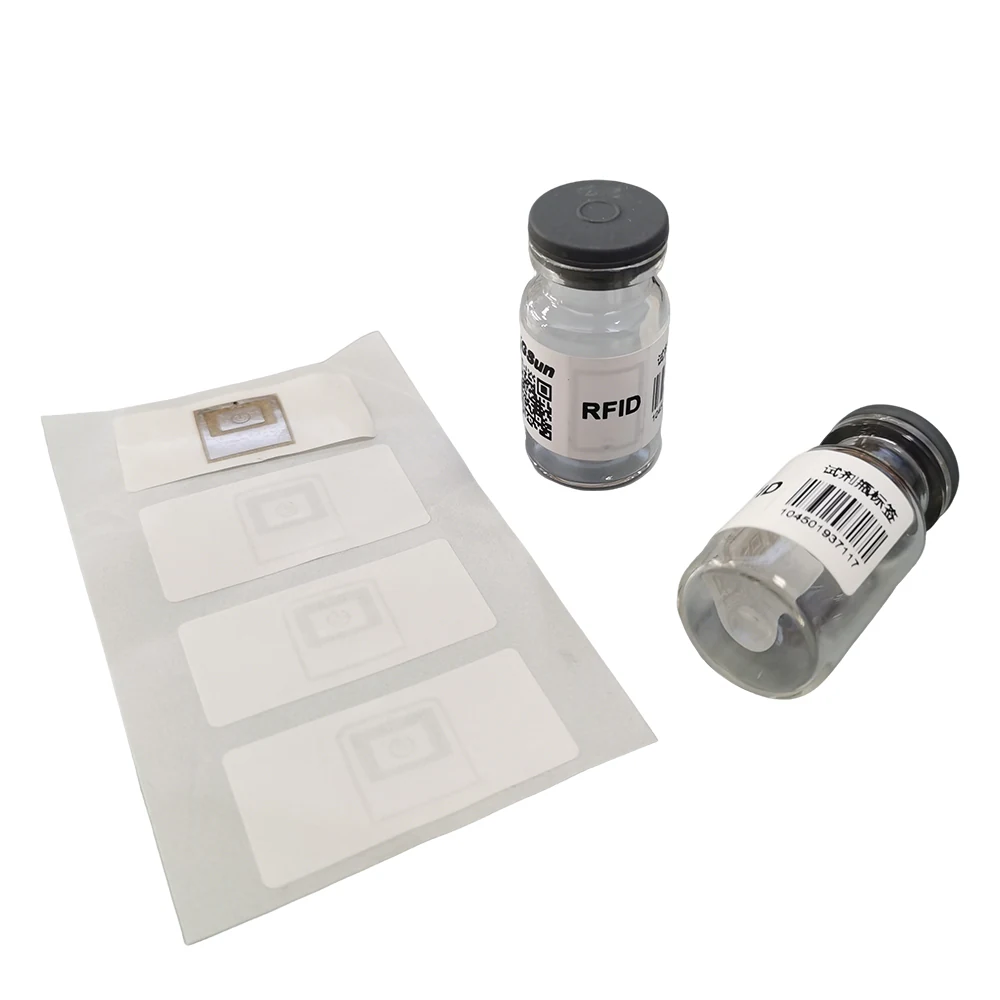
Tags matched to how each item is handled: adhesive labels for medicines and consumables, sewn-in tags for linen and uniforms, wristbands for patients, and constructions tested against your own wash and sterilisation cycles.

  • Manual issue and sign-out
  • High-value consumables go missing
  • Slow post-case billing reconciliation
10Tag types, medicine box to blood bag
0.5-4 mUHF linen tag read range
NFCPatient wristband, read at the bedside

Catalogue specifications. Read range depends on the reader, the antenna and how the item is held or stored.

Plan your project

Pain points on site

Where the operation loses time, stock or control

Before the pilot, this is the starting point most operations recognise.

01

Paper trails can’t track a scrub, a shoe or an instrument tray

Sign-out sheets make it impossible to know who has what, when it was issued, or whether it came back clean.

02

High-value consumables vanish between the shelf and the tray

Implants and catheters are hard to track item by item, and expired stock becomes a write-off before anyone notices the date.

03

Unreturned items create billing gaps and compliance risk

Items used in a case never reconcile with the patient’s bill, and there is no record of who entered a restricted zone in what attire.

04

Patient identity relies on reading a printed band

Staff read a name and a number off a wristband by eye before a sample or a transfusion, under time pressure and at night.

05

Scrubs and linen leave and do not come back

Scrubs and linen are issued freely and returned partly, and the loss is only visible in the next laundry invoice.

06

Expired stock is found by accident

Expiry dates are checked when someone happens to look, so expired items reach the theatre or are written off in bulk.

How the solution works

From a tagged item to a traceable record

Hospital HIS ⇄ supply chain dashboard Hospital HIS ⇄ supply chain Issue, use and return records synced in real time
Wrong patient Expired stock Tray incomplete Not returned

System rollout

From first ward to the whole hospital

Thirteen steps in the order a hospital goes through them, with who does each one and how long it usually takes. Testing tags through your own cycles and the hospital system integration move the date most.

6-10 weeksOne flow in one ward or theatre
3-6 monthsSeveral flows, hospital system integration and existing stock tagged

Who does it:FYRFIDYour IT or integration partnerYour hospital team

Plan

01 Pick the first flow and measure the baselineStart with one high-value flow and record today’s numbers. 1-2 weeksYour hospital teamFYRFID
  • Choose one flow: theatre consumables, linen and uniforms, mobile equipment or patient ID
  • Measure today: losses, stocktake hours, items not returned, charges missed at billing
  • Agree the pass marks for the pilot

You getScope note, baseline figures and pilot pass marks.

Common mistakeStarting with every flow at once. One ward or theatre proves more.

02 Survey wards, stores and reprocessingFollow each item from store to patient to reprocessing. 1-2 weeksFYRFIDYour hospital teamYour IT or integration partner
  • Where items are stored, issued, used and reprocessed
  • Space, power and network for cabinets, kiosks and door readers
  • Your wash and sterilisation cycles: temperature, time, chemicals, number of cycles
  • The supply-chain, HIS or billing system and the interface it offers

You getSurvey report with read points and reprocessing cycles documented.

03 Test tags through your own cyclesProve every construction on real items, in your real conditions. 2-4 weeksFYRFIDYour hospital team
  • Samples on real items and packaging
  • Reusable tags run through your wash or sterilisation cycle, then read-tested again
  • Skin-contact suitability confirmed separately for wristbands
  • A dense-storage read test in a sample cabinet with your own stock

You getTest report and the tag construction approved for each item class.

Common mistakeAccepting a tag validated against another hospital’s cycle.

04 Design read points and data flowWhere items are read, and where each read goes. 1-2 weeksYour IT or integration partnerFYRFID
  • Cabinets, kiosks, door readers and handhelds, placed per flow
  • Which events go to which system: issued, returned, consumed, left the ward
  • Numbering for items and assets; patient data kept in the hospital system, linked by ID only

You getDesign document and interface specification.

Build

05 Integrate with hospital systemsBuilt by your IT team or integration partner, against the agreed events. 2-6 weeksYour IT or integration partner
  • Interface to the supply-chain, HIS or billing system
  • Staff identity at cabinets and kiosks: badge or biometric login
  • Reports for stock, returns and charges

You getA working test system.

06 Produce tags and source hardwareFYRFID makes the tags and supplies handheld readers; cabinets, kiosks and door readers come through the integration partner. 2-4 weeks lead timeFYRFIDYour IT or integration partner
  • Labels, wristbands and textile tags in the approved constructions
  • Optional factory encoding to your number list, with a data file
  • Cabinets, kiosks and door readers ordered by the integration partner

You getTags and hardware on site.

07 InstallCabinets, kiosks, door readers and printers. 1-3 weeksYour IT or integration partnerYour hospital team
  • Install and network cabinets, kiosks and door readers
  • Set up label and wristband printers at goods receipt and admissions

You getInstalled read points.

08 Commission and tuneEvery read point tested with real stock and real staff. 3-7 daysYour IT or integration partnerFYRFID
  • Cabinet compartments counted with real stock at full density
  • Door read zones checked for equipment leaving and for reads from the corridor
  • Handheld profiles for counting, searching and wristband checks

You getA commissioning record for every read point.

Go live

09 Tag existing stock and assetsEverything already in the hospital gets its tag and its record. Depends on volumeYour hospital team
  • Label consumables and medicines already in stores
  • Tag equipment and bind each tag to its asset record
  • Fit tags to linen and uniforms at the laundry

You getTagged stock and assets, all bound in the system.

10 Train staff and write proceduresTraining by role, short procedures at every station. About 1 weekYour hospital teamYour IT or integration partner
  • Nurses and theatre staff: cabinet access, returns, wristband checks
  • Laundry and porters: issue, return and damaged tags
  • Procedures for an unreadable tag and an item leaving without checkout

You getStaff trained, procedures posted.

11 Pilot one ward or theatreRun alongside the current process and compare. 2-4 weeksYour hospital teamYour IT or integration partnerFYRFID
  • Compare counts, returns and billing records with the manual process every day
  • Give every difference a cause
  • Review weekly and accept against the pass marks

You getPilot report and a go or no-go for the rollout.

12 Roll out ward by wardAdd wards, theatres and flows in order of value. Ward by wardYour hospital teamYour IT or integration partner
  • Commission each new read point the same way
  • Connect the remaining system events

You getAll planned areas live.

Run

13 Accept the system and keep it runningProve the result, then keep it there. OngoingYour hospital teamFYRFID
  • Compare losses, stocktake hours and missed charges with the baseline
  • Check reusable tags at reprocessing and replace damaged ones
  • Reorder labels and wristbands on a schedule
  • Update reader firmware and repeat the cabinet read test every quarter

You getAcceptance report and a maintenance plan.

Tags & hardware

Which tag for each thing you tag, and what reads it

One row for each thing you tag. Sizes and materials are standard builds; the final construction is confirmed against your sterilisation, washing or storage conditions.

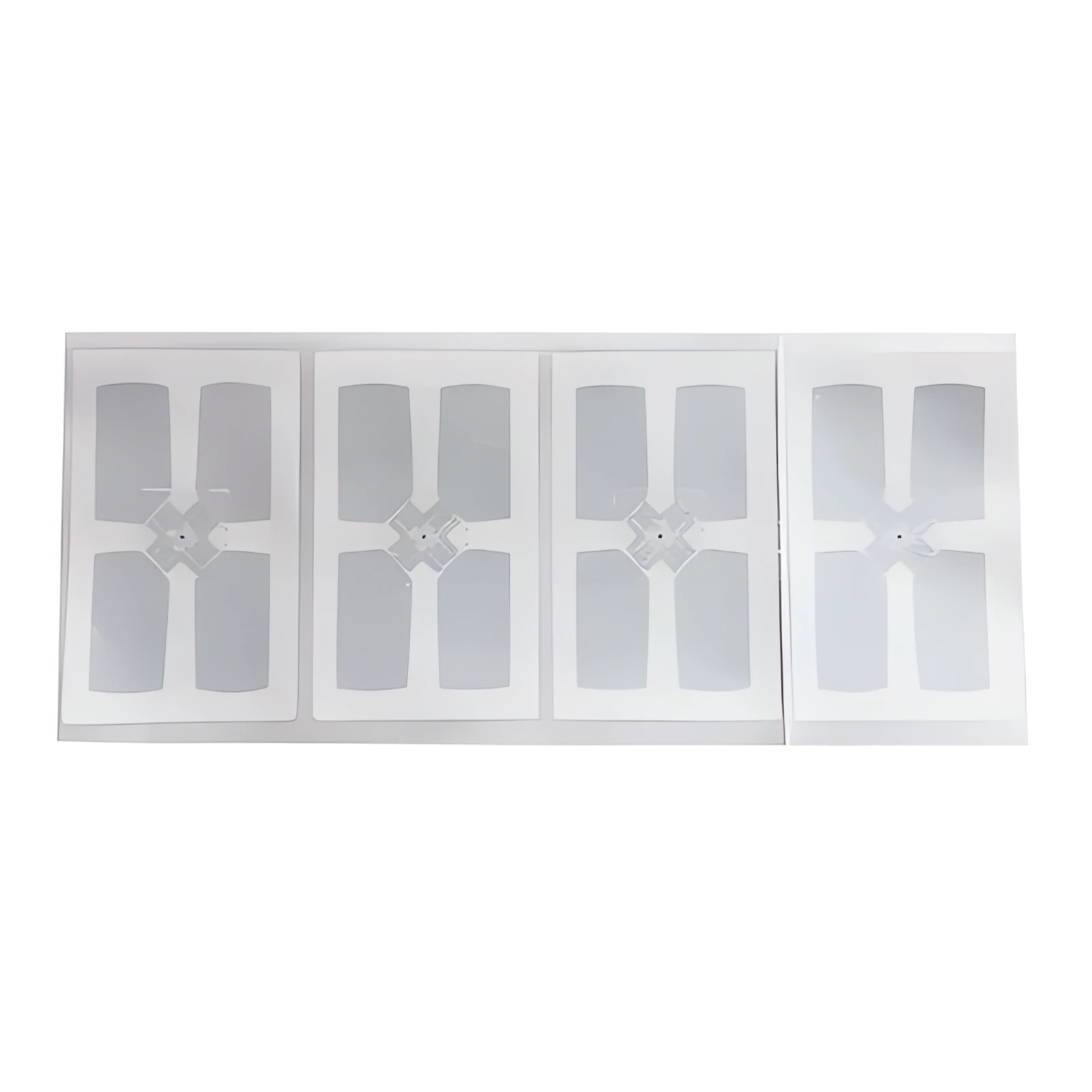
What you tagTag typeSizeMaterialWhat it doesRead by

Medicine boxes

Cartons and packs

74×19 mm
Art paper, permanent adhesiveEPC 128-bit
Box-level ID at goods receipt, counted on the shelf without opening the box.

Bottles and vials

Curved surfaces

27×15 mm; custom sizes
Paper, PVC or PET; -40 to +85 °CMonza R6-P
Links each bottle to its batch and expiry date.

Test tubes

Sample racks

44×12 mm or 50×30 mm; custom sizes
PET, PVC or PP; -20 to +85 °CUCODE 8, EPC 96/128-bit
Tuned to read on a liquid-filled tube: up to 3 m on a fixed reader, 1.5 m on a handheld, so a whole rack is read in one pass.

Blood bags

Cold storage

46.5×13 mm or 35×10 mm
PP synthetic paper; -25 to +75 °CMonza R6-P, 128-bit
Reads on the liquid-filled bag in cold storage. It goes beside the printed blood product label, and each bag is checked against its record at issue.

Equipment, plastic housings

Pumps, monitors, beds

70×14 mm; custom sizes
Paper, PET or PP face2-5 m read range
Asset ID so equipment can be found and counted by ward or room.

Equipment, metal surfaces

Trolleys, cabinets, frames

60×25 mm
Foam spacer, PET face, -15 to +35 °C1-3 m on metal
The foam spacer lets the tag read on metal, where a flat label will not.

Patients

Admission to discharge

Adult; paediatric and infant sizes
Soft synthetic, thermal printableHF 13.56 MHz · NTAG213
Tap-to-read patient ID, checked with a handheld or phone before medication, transfusion and procedures.

Surgical instruments

Instrument sets

Ceramic micro-tag
5×5 mm
CeramicEPC 96-bit
Instrument-level ID inside sets. Test it against your reprocessing cycle before ordering.

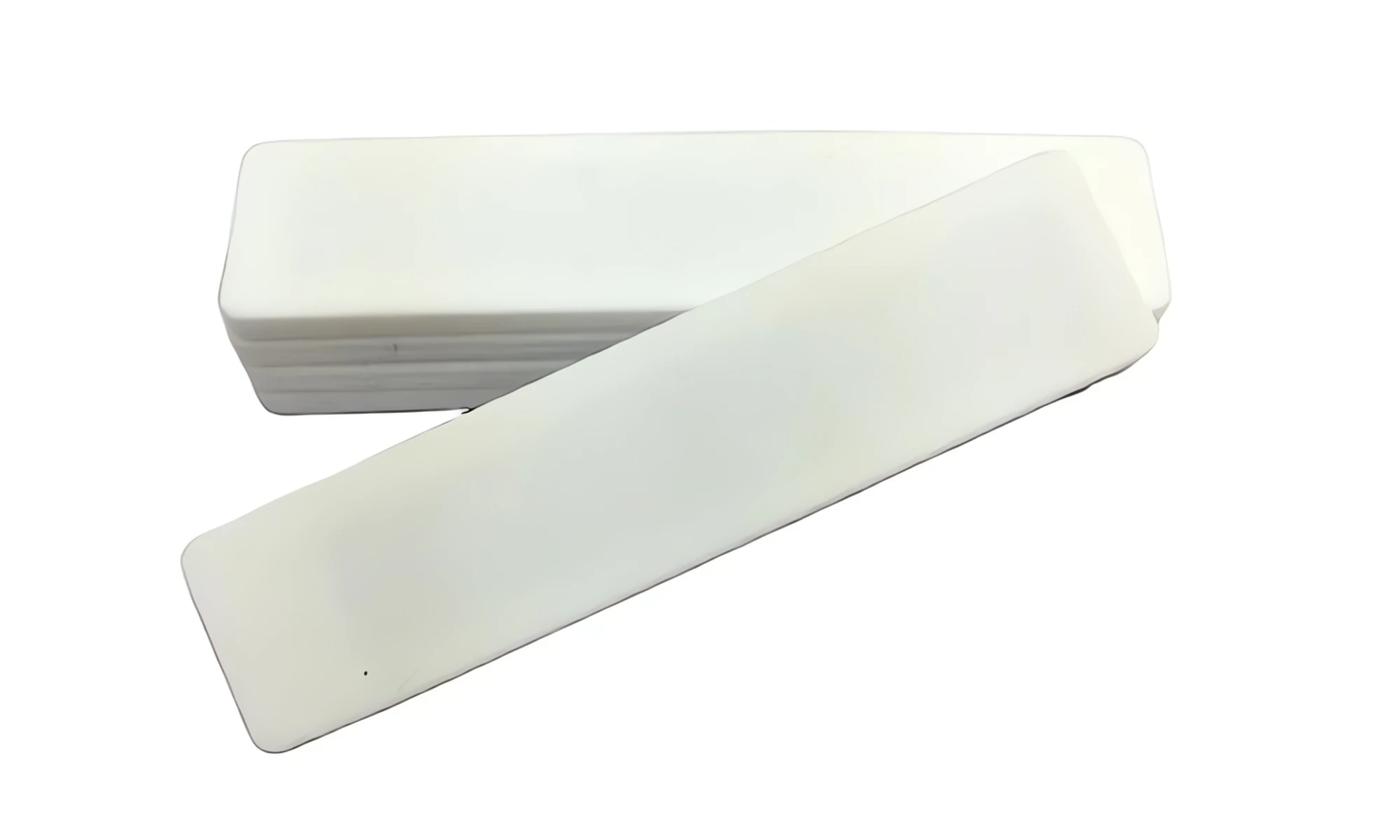
Linen and uniforms

Laundered textiles

55×12×2.5 mm or custom
Silicone, sewn inUHF · 1-10 m read range
Sewn in and washable; issued and returned without manual logging.

Records and archives

Files, folders, boxes

100×15 mm; 70×10 to 120×20 mm
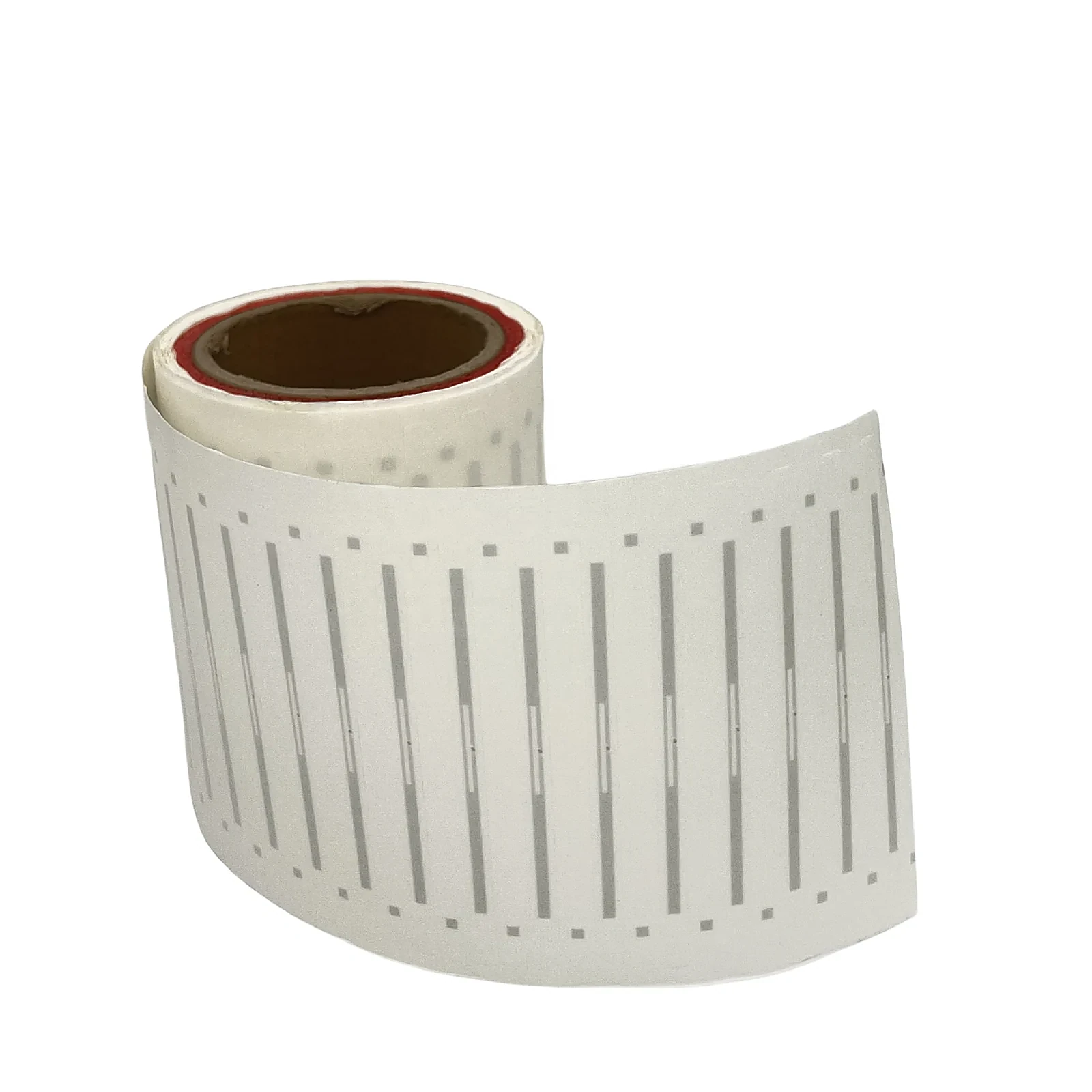
Paper or PET, permanent adhesive3-6 m read range
Find files on the shelf and log who took them out.

The readers

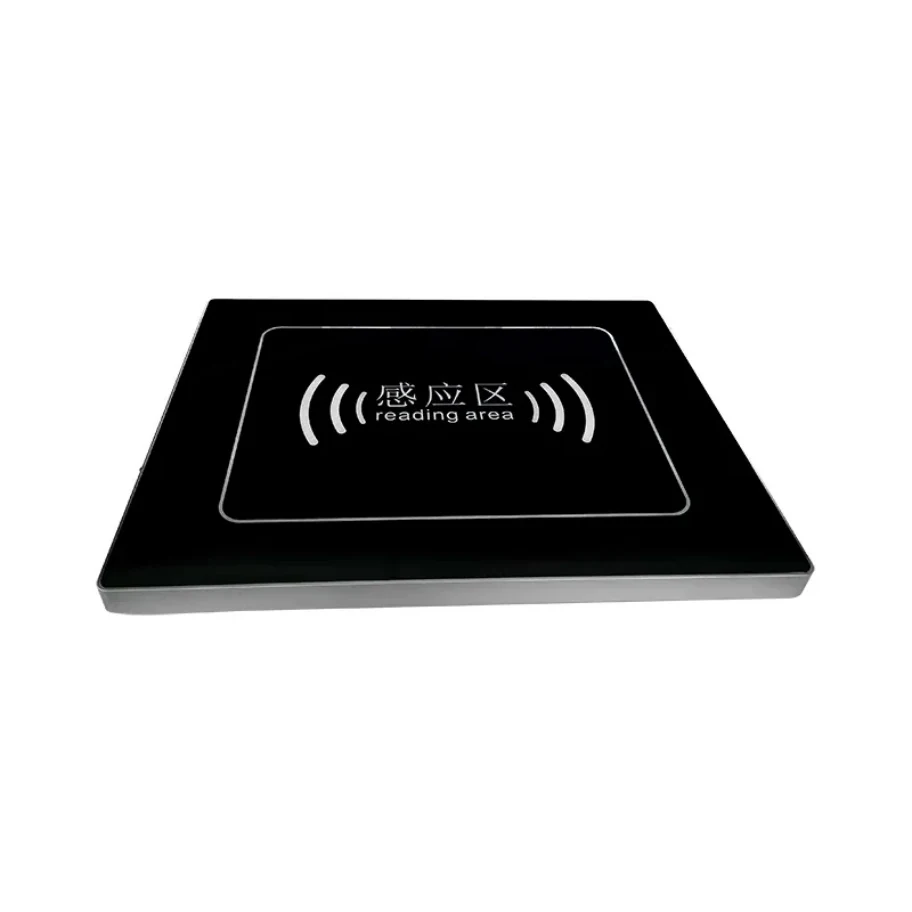
Desktop UHF reader

Goods receipt, issue counters and return points

Flat near-field reader, 0-20 cm: reads items placed on it at receipt, issue or return, without picking up the next tray.
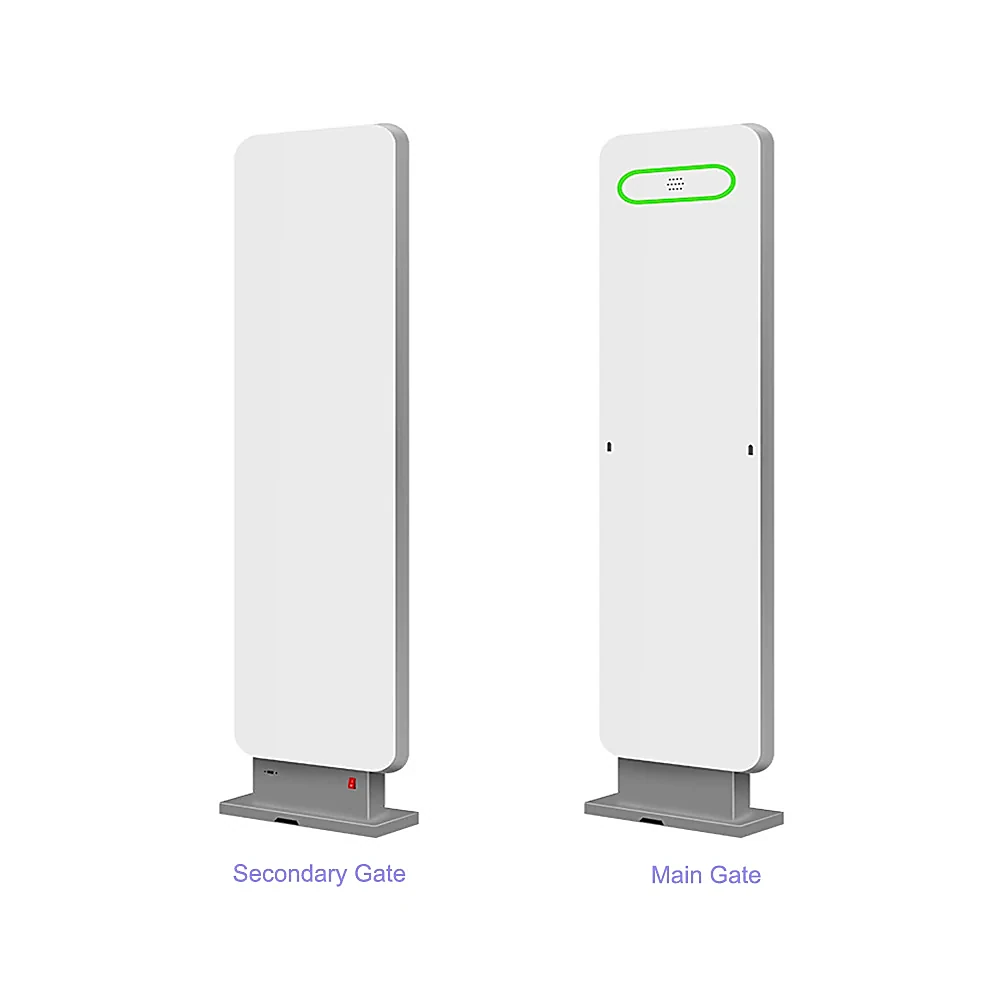
UHF door / gate reader

Restricted zones and ward exits

UHF gate reader at theatre and zone doors, 1-4 m: reads the tag on scrubs, consumables and equipment passing through.
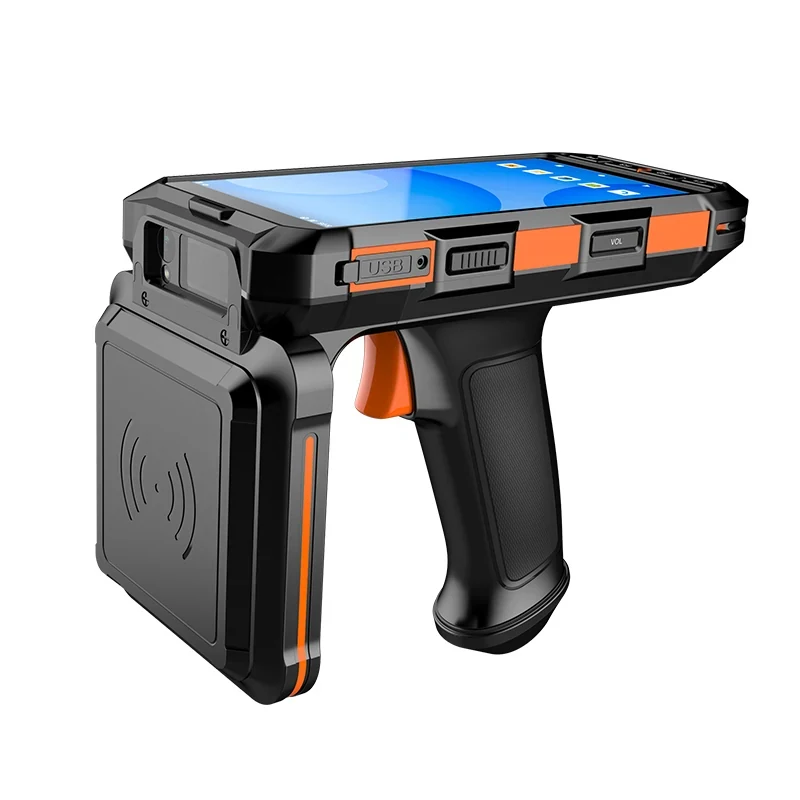
Handheld UHF reader

Wards, stores and theatres

Android 13. Counts stock, finds equipment and checks patient wristbands.

Before we quote

Four answers decide the specification

Pick what matches your hospital. Each answer shows what it calls for, and the summary goes to our engineers with your enquiry.

1What needs tagging?

2Where must it be read?

3What does the tag go through?

4How many tags a year?

Before a volume order

Five checks before you order medical tags in volume

Each one is cheap to settle on a sample and expensive to fix once items are tagged.

01Prove the tag through your own reprocessing cycle

Wash Disinfect Sterilise Dry Read range check New tag After your test cycles Accept only if the range still covers your read points.

What goes wrong

A tag validated against another hospital’s autoclave or disinfectant can fail in yours, and the first failures show up on live instruments and garments.

Check before you order

  • Your cycle: temperature, time, chemicals and number of cycles
  • Samples run through that cycle before a volume order
  • Read range measured again after the test cycles

02Sign off samples on real items

Signed-off sample chip · inlay · face · adhesive Batch 1 Batch 2 Batch 3 same construction, every order

What goes wrong

A label approved on an empty box meets real packaging, curved bottles and cold storage for the first time on the ward.

Check before you order

  • Read test on your packaging and in your cabinets
  • Skin-contact suitability confirmed separately for wristbands
  • The sample part number quoted on every repeat order

03Read-test dense storage on site

Packed within centimetres Count test Demo shelf, items spaced out Your stock, packed tight Test at full density, with your own packs, before scaling.

What goes wrong

Hundreds of items packed within centimetres shield each other. A cabinet that counts perfectly in a demo can miss items at your real density.

Check before you order

  • Cabinet trial with your own stock at full density
  • Tag position on each pack type
  • Count accuracy measured over several door cycles

04Fix the numbering, and keep patient data off the tag

SGTIN-96 example · 96 bits Header Company prefix Serial number 8 6 24 20 38 Filter + partition Product Your GS1 company prefix is written into every tag. Change the scheme later and every tagged item needs a new label.

What goes wrong

Writing patient or clinical data onto tags creates a privacy risk, and a re-labelling job whenever the record changes.

Check before you order

  • GS1 or internal numbering for items and assets
  • Patient data kept in the hospital system, linked by ID only
  • Number ranges per ward or site
  • A data file with every pre-encoded order

05Plan labels and wristbands against lead time

Labels in stock Lead time Reorder point Safety stock Order Weeks

What goes wrong

Medicine labels and patient wristbands are consumed daily. Running out sends wards back to paper until the next batch arrives.

Check before you order

  • Monthly use per ward, from admissions and goods receipts
  • Production lead time (typically 2-4 weeks) plus shipping
  • A reorder point and a safety stock
  • Storage within the adhesive and print media limits

Planning and scope

Where should a hospital start with RFID?

Start with one flow where losses are easy to measure: theatre consumables, scrubs and linen, or mobile equipment. Count today’s losses and stocktake hours first, so the pilot result can be compared.

Do you supply smart cabinets and dispensing machines, or just the tags?

FYRFID supplies the tags, desktop and handheld readers, and UHF door readers. We do not supply smart cabinets or garment dispensing machines. If your hospital already runs them, send us the reader model and we specify tags that read in them.

Can this connect to our supply-chain, HIS or billing system?

Yes, if the system offers an open interface. Reads become events (issued, returned, consumed) that the integration posts to your supply-chain or billing system. Confirm which interface your system supports before fixing a rollout date.

Tags and items

Which tag goes on which item?

The construction follows how the item is handled:

  • Paper or synthetic labels for medicine boxes and bottles
  • Anti-liquid labels for test tubes and blood bags
  • PET asset labels for equipment, foam-backed versions for metal surfaces
  • Sewn-in textile tags for linen and uniforms, NFC wristbands for patients
  • Ceramic micro-tags for small surgical instruments

The table above lists sizes and materials for each.

Can tags survive sterilisation and repeated washing?

Some constructions can, but only your own cycle proves it. Sewn-in textile tags are built for laundering. Tags for items that go through an autoclave must be sample-tested against your exact temperature, time and chemicals before a volume order. A tag rated for washing is not automatically rated for autoclaving.

Are the wristbands suitable for skin contact?

Durability and skin contact are separate tests. Confirm the wristband material for prolonged skin contact separately, especially for neonatal and long-stay patients.

Can blood bags and test tubes be tagged individually?

Yes. Both use anti-liquid labels tuned to read on liquid: a small label on each tube, and one on each blood bag beside its printed product label. Tubes in a rack can be read together with a handheld instead of one at a time.

What is the smallest item you can tag?

A 5×5 mm ceramic micro-tag for small instruments. Its read range is short, so instruments are read at a tray or set station rather than across a room.

Is RFID safe near patients and medical devices?

Passive tags have no battery and only respond when a reader powers them. Readers transmit at low power within the regional limits. Follow your hospital’s rules for radio equipment near sensitive devices, and test readers next to the equipment in the pilot.

Running it

How fast is a stocktake with RFID?

A handheld counts a shelf of tagged items in one pass instead of item by item, and a desktop reader records an issue or return in a second. Actual time depends on item count and packing density, so measure it in the pilot.

What happens if an item leaves without being checked out?

UHF door readers at storage rooms and theatre exits log tagged items leaving without a checkout and raise an alert. Items issued at the counter but not returned are listed against the user.

Why does a count miss items packed tightly together?

Items packed within centimetres shield each other, and liquids absorb the signal. Test with your own stock at real density; the usual fixes are the tag position on the pack and reading the shelf from two sides.

What maintenance does the system need?

Labels on consumables are single-use. Reusable items need a damaged-tag check at reprocessing or laundering. Readers need firmware updates and a periodic read test, and the system should alert when a reader stops reporting.

Build a matched pilot

Send the item, environment, read point and annual volume.

We will narrow the construction and sample set around your real operating conditions.

Stay Updated on RFID Industry Trends

Get the latest news, case studies, and product updates from FYRFID delivered to your inbox. No spam — unsubscribe any time.

Thanks for subscribing — we’ll be in touch.