How to use this
Send the same filled-in template to every supplier. It makes quotes comparable, it shortens the back-and-forth from days to one reply, and it puts in writing the details a supplier must match in bulk. If you do not know a field, say so: a good supplier will help you fill it rather than guess.
Part 1: What the Label Must Do (Fields 1-4)
1. Application and surface. What the label goes on (carton, garment, metal, plastic, glass, liquid container) and where it is read. Metal and liquid need special constructions, and the price difference is large. Common mistake: "for inventory" with no surface named. A label quoted for cardboard and then applied to metal shelving or a liquid bottle will read a fraction of the distance, and the cheaper quote was never for the right product.
2. Frequency and region. UHF for counting and logistics, HF/NFC for phone taps. For UHF, name the countries of use: the US band is 902-928 MHz and Europe 865-868 MHz, and a label tuned for one may have less margin in the other. Common mistake: ordering from a supplier in another region without naming the country of use. The label works in the supplier's test and reads short at your site.
3. Chip or performance requirement. Name a chip if your system needs one (memory size, special features), or state the read distance you need on your product. For US retail, add the ARC Spec from your customer's playbook so the supplier can confirm an approved inlay. Common mistake: naming a chip because a competitor uses it, when what you need is a read distance. Unless your software needs a particular memory or feature, state the performance and let suppliers propose the chip.
4. Required read distance and reader. Handheld or fixed reader, and the distance that matters. A quote for a label that must read at 5 m through a carton is not the same as one for 30 cm at a counter. Common mistake: "as far as possible". Long range is not always better: a dock-door reader that reaches the next lane records cartons that never passed. Give the distance at which the label must read and, if it matters, the distance at which it must not.
Part 2: What the Label Looks Like (Fields 5-7)
5. Size, and inlay size and position. The finished label size and, if you print in-house, where the inlay sits inside it. RFID printers encode at a fixed point in the media path, so two labels of the same size with the inlay in different places are not interchangeable. Common mistake: sending only the outer label size. If you print in-house, also send the printer's RFID encoding position or the inlay position of labels that already work on it.
6. Face material and adhesive. Paper, PP synthetic, PET or fabric; permanent or removable adhesive; any temperature, chemical or outdoor exposure. Common mistake: forgetting the environment. Freezers, outdoor yards, autoclaves and oily surfaces each need a different face or adhesive, and a standard paper label peels or fades.
7. Printing. Blank, pre-printed fixed design (logo, colours), or variable data (barcode, serial number, QR code). State which you print yourself and which the supplier prints. Common mistake: assuming the supplier prints barcodes. Say exactly what is printed, by whom, and with which technology (thermal transfer, direct thermal, offset).
Part 3: Data and Roll (Fields 8-10)
8. Encoding. Blank chips, or pre-encoded? If encoded: the EPC scheme (a plain serial or a GS1 structure such as SGTIN), the numbering range, whether a matching number is printed, and whether the EPC must be locked against rewriting. A list of EPCs supplied as a spreadsheet is the clearest way to specify it. Common mistake: "encode serial numbers" with no range or format. Send the actual list, say whether it is hexadecimal EPC or a GS1 structure, and whether duplicates must be checked against previous orders.
9. Roll specification and printer model. Core inner diameter, maximum outer roll diameter, labels per roll, gap between labels, and whether labels face out or in on the roll. Desktop and industrial printers commonly take different cores, so name the printer model the rolls will run on. Common mistake: rolls wound for a different printer. The wrong core or winding direction can make a whole delivery unusable on your machine, even though every label is perfect.
10. Quantity, annual volume and samples. The first order, the expected yearly volume and the sample quantity you need for testing. Price breaks depend on volume; a sample roll in the exact specification is the best protection against surprises. Common mistake: quoting the first order only. A supplier who knows the annual volume can plan inlay stock and price accordingly; one who does not will quote for a one-off.
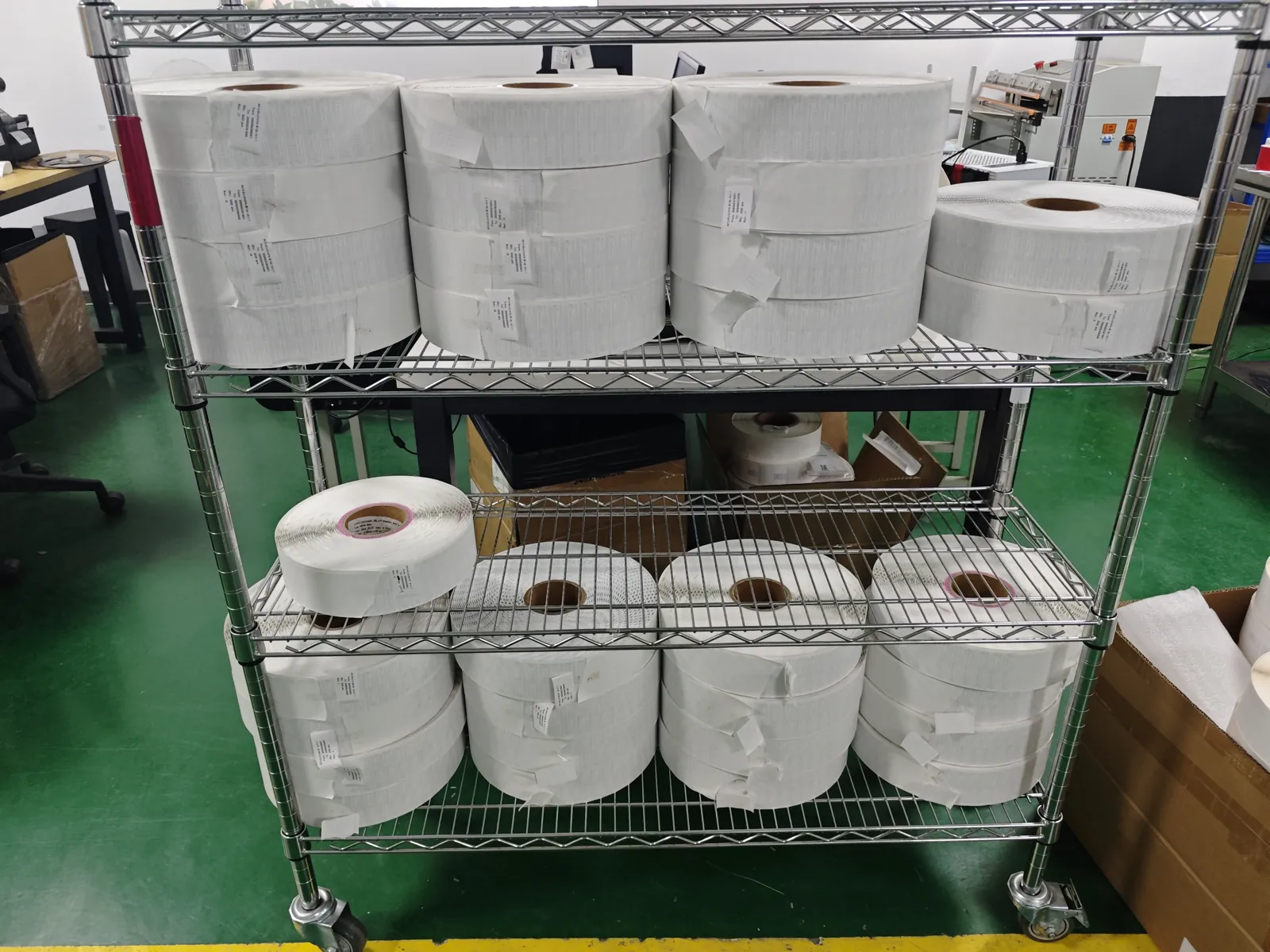 Roll sizes vary
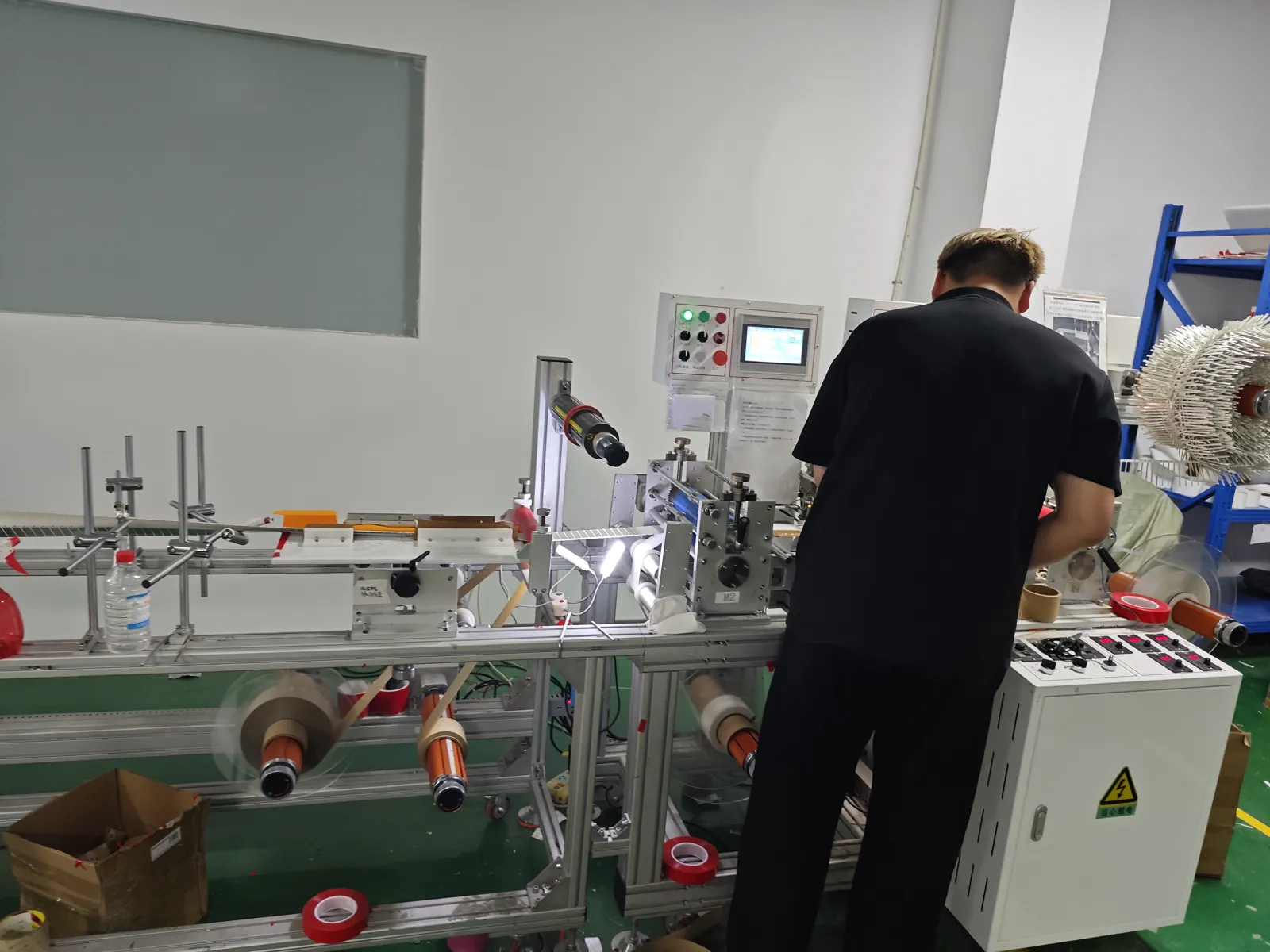 Rewound to your spec
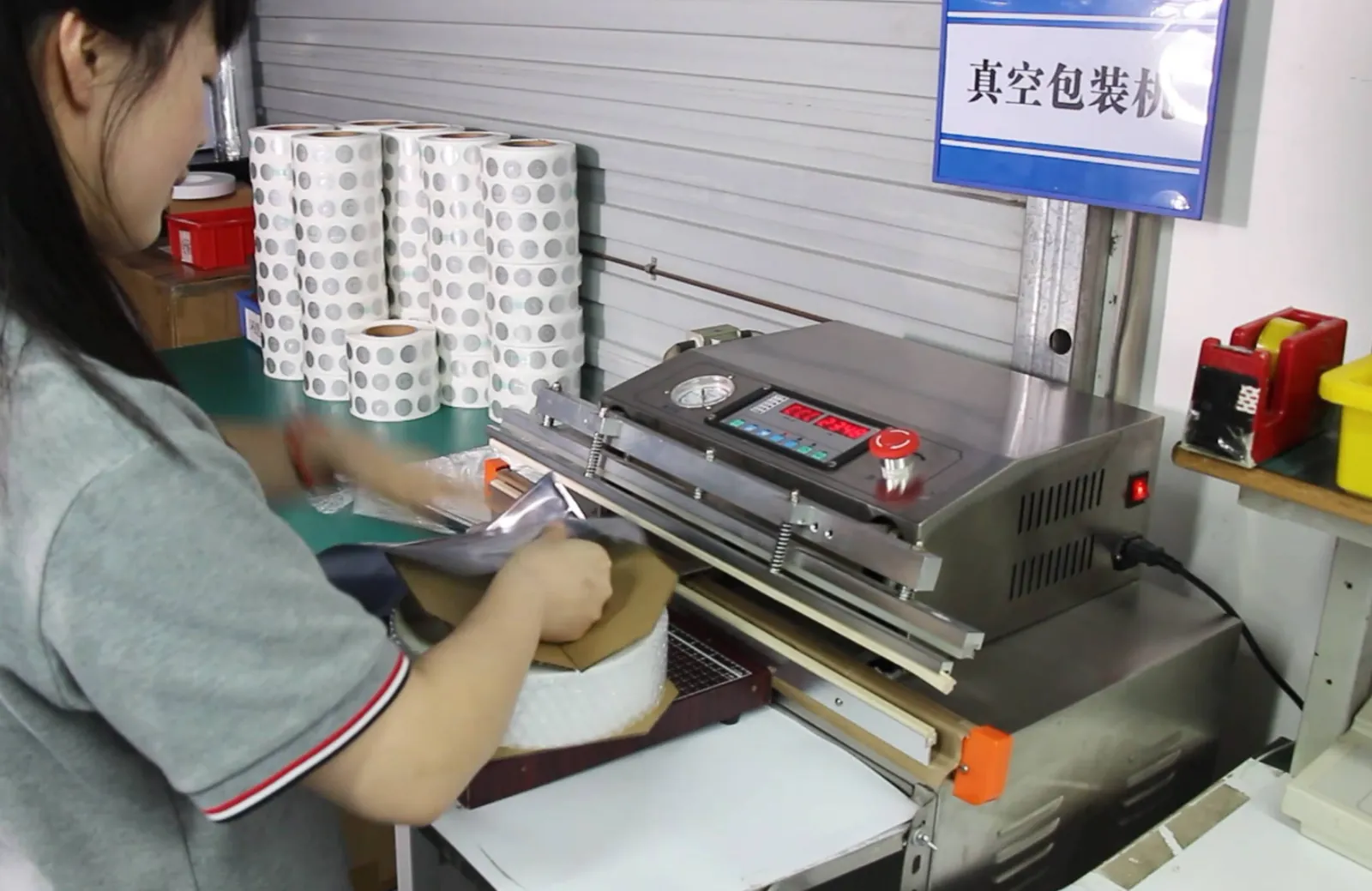 Counted and packed
Part 4: Quality and Delivery (Fields 11-12)
11. Testing and failed-label handling. Ask for every label to be read back after encoding, and say how failures should be handled: removed and replaced so each roll has an exact count of good labels, or marked and counted. A small rate of non-responding chips is a normal manufacturing yield; agree the acceptable rate in advance. Common mistake: assuming every roll has an exact count of good labels. Unless you ask for failed labels to be removed and replaced, some rolls may contain marked dead labels.
12. Packing, shipping and documents. Carton marking, delivery terms, destination, and the compliance documents your market needs, such as RoHS or REACH declarations. Shipping costs can change the total more than the label price, so ask for them in the same reply. Common mistake: comparing ex-works unit prices while one supplier quoted delivered. Ask every supplier for the same delivery terms.
What to Attach to the RFQ
Words leave room for interpretation; attachments do not. These five attachments answer most of the questions a supplier would otherwise send back:
- A photo of the product with the label position marked, so the supplier sees the surface, curvature and space available.
- A sample of your current label, if you have one, or a photo of it next to a ruler.
- Your printer model and a photo of its label path, if you print in-house.
- The EPC or numbering spreadsheet, if labels are pre-encoded.
- Your customer's RFID requirement document, if a retailer or brand has issued one; it often names the ARC Spec, the EPC scheme and the label position.
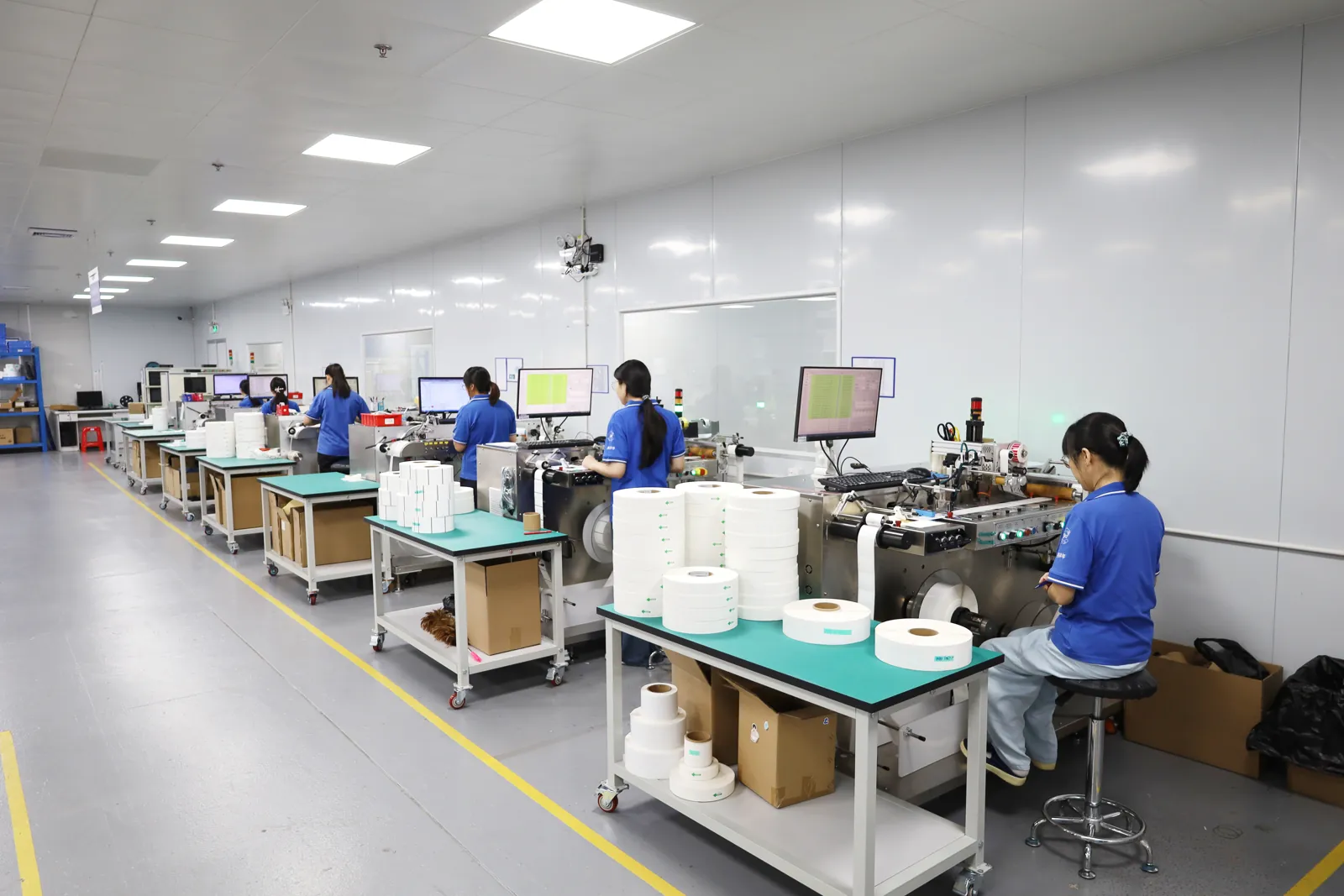
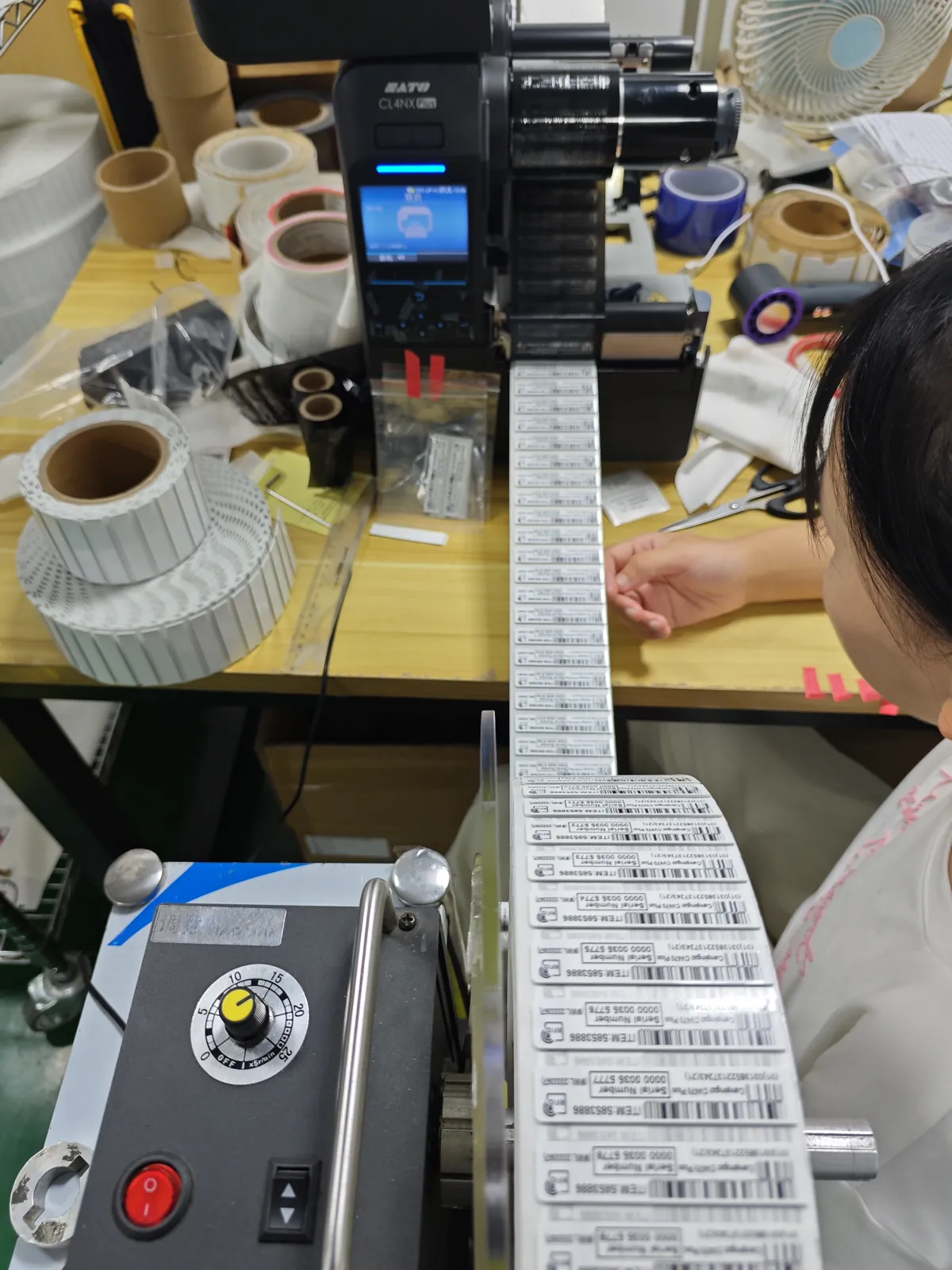 Printed and encoded
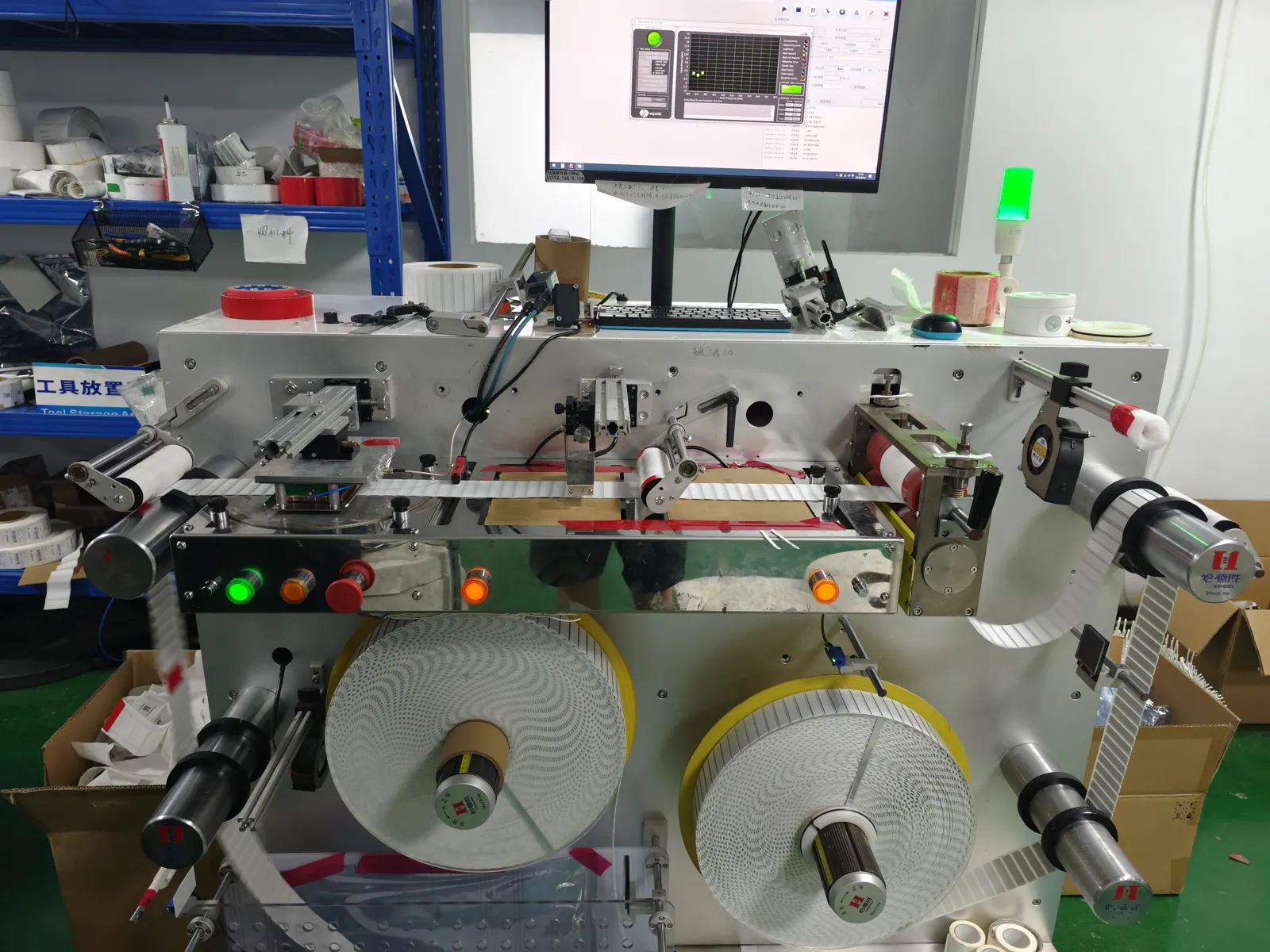
 Encoded to your list
 Tested for your region
Extra Fields for NFC and HF Labels
If the label is meant to be tapped by a phone or read by an HF reader, add four fields to the template:
- Chip and memory: for example NTAG213, NTAG215 or NTAG216, which differ in user memory; or a secure chip if authentication is needed.
- Data to write: usually an NDEF record such as a URL. Give the exact URL format, including any unique code per label.
- Lock: whether the data must be locked after writing so it cannot be changed by anyone with a phone.
- Antenna size and position: phones read NFC at a few centimetres, so the antenna must sit where a phone will actually touch the product.
A Worked Example: From One Line to a Quote-Ready RFQ
A buyer's first message: "Need 10,000 RFID labels for my clothing warehouse, best price." After the twelve fields, the same request reads: UHF labels for carton labels in a garment warehouse in Mexico, read by a handheld at 1-2 m and a dock-door portal; 100 x 50 mm, PET face, permanent adhesive; we thermal-print barcodes on our own printer (model given); pre-encoded serials from the attached spreadsheet, EPC locked, number printed in small text; 3-inch cores, labels facing out, 1,000 per roll; first order 10,000, annual 80,000; 200 samples first; failed labels removed and replaced; vacuum packed, delivered to Mexico City. Every supplier can now quote the same product, and the samples can be tested against the same promise.
Copy-and-Paste Template
| # | Field | Example answer |
|---|---|---|
| 1 | Application and surface | Garment care label position; read in cartons at dispatch |
| 2 | Frequency and region | UHF, used in Mexico and the US |
| 3 | Chip / performance | Any Gen2 chip with 128-bit EPC; ARC Spec if supplying US retail |
| 4 | Read distance and reader | Fixed reader at a dock door, 2-3 m through cartons |
| 5 | Size and inlay position | 50 x 30 mm; inlay centred |
| 6 | Face and adhesive | PET face, permanent adhesive |
| 7 | Printing | Blank face; we print barcodes in-house |
| 8 | Encoding | Pre-encoded serials from our spreadsheet, printed number, EPC locked |
| 9 | Roll and printer | Printer model X; core and max OD per printer manual; labels face out |
| 10 | Quantity | First order 20,000; annual 200,000; 200 samples |
| 11 | Testing | 100% read-back; failed labels removed and replaced |
| 12 | Packing and shipping | Vacuum packed; DAP Mexico City; RoHS declaration |
The Mistakes This Template Prevents
- Labels that fit the size but not the printer, because the inlay position or gap was never specified.
- Rolls wound the wrong way for the printer or applicator.
- A chip with no user memory delivered to a system that needs it.
- Pre-encoded labels with duplicate or unlocked numbers.
- Quotes compared on unit price while one included printing, encoding and shipping and another did not.
- Disputes over failed labels because nobody agreed how they would be handled.
Once the fields are filled, this explains what each part of the price covers.