Before you order
Look at the actual reader the card will go into. A slot you insert the card into is a contact reader. A pad you tap or wave the card near is a contactless reader. That one visual check settles the category before you even look at chip options, and it's the single most common thing to confirm before requesting a quote.
Three Categories, Not One Product
"Smart card" is an umbrella term covering any card with an embedded chip that stores or processes data, and it splits into three real categories that are not interchangeable: contact cards, which need physical electrical contact with the reader; contactless cards, which communicate over short-range radio; and dual-interface cards, which do both from a single chip. Ordering the wrong category means a card that visibly has a chip on it but simply will not work in the installed reader.
Contact Smart Cards
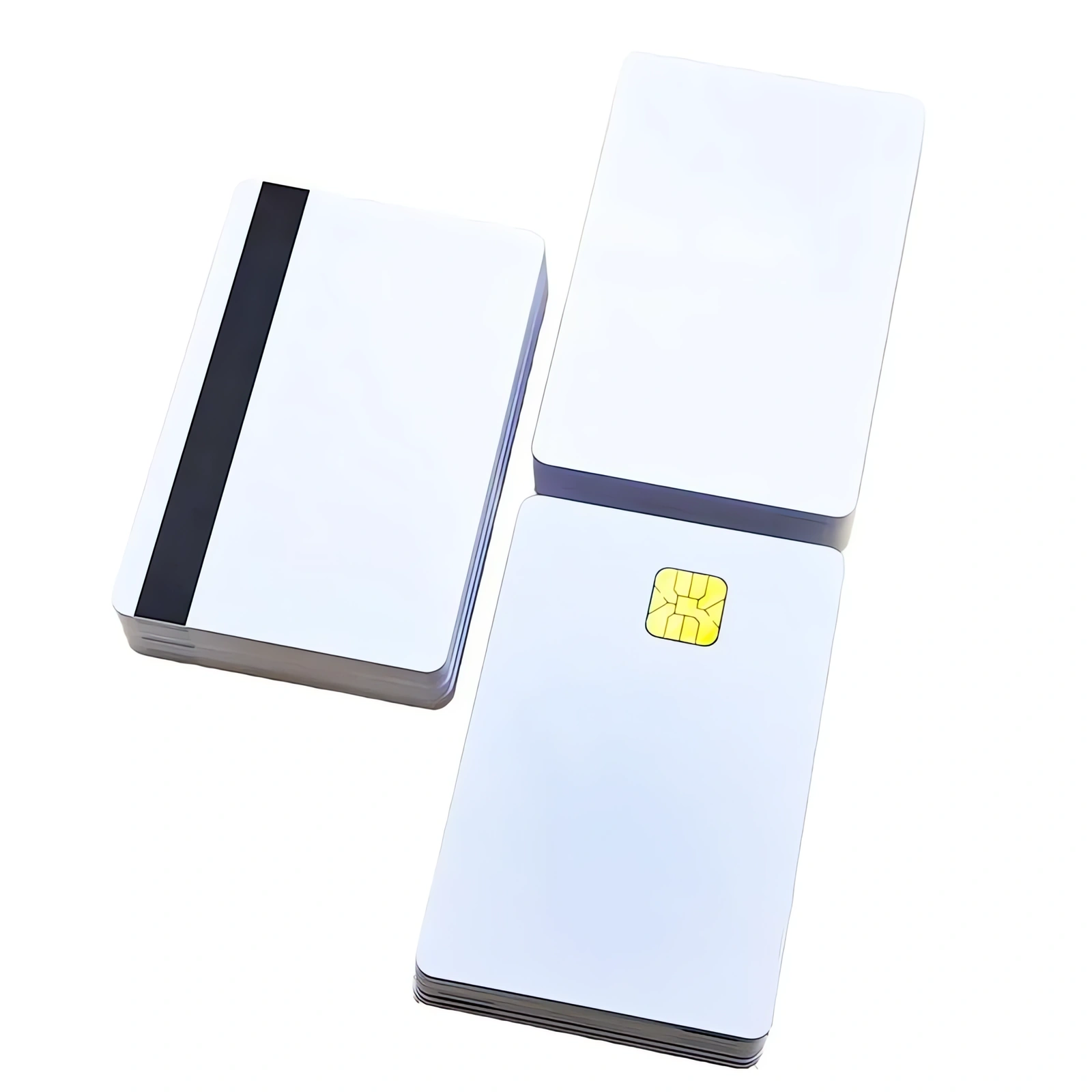
A contact card carries a visible gold contact pad on the card face, wired to a memory or microprocessor chip underneath, communicating through direct electrical contact with the reader's pins under the ISO/IEC 7816 contact layout. Our own contact card runs on the SLE4428 chip, 1,024×8-bit (1 KB) EEPROM with a Programmable Security Code and byte-level write protection, in CR80 size with a PVC or PVC/PET body rated for data retention of 10+ years.
Contact cards remain common in older or purpose-built systems: prepaid service cards, simple access-control installations built around contact readers, and applications where the physical insertion itself is part of the workflow. If the reader you're targeting has a card slot, this is the category, not a contactless card with a similar-looking chip.
Contactless Smart Cards
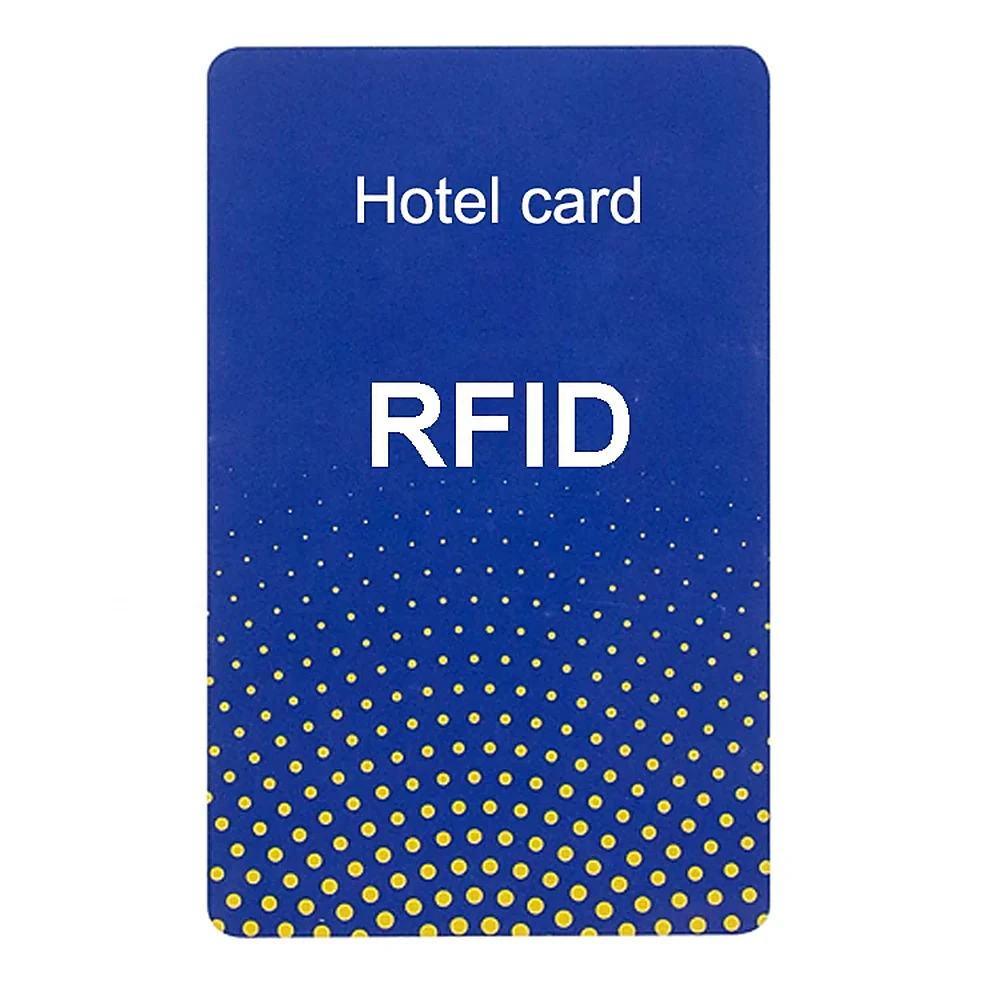
A contactless card has no visible contact pad. The chip and an internal antenna coil are laminated inside the card, reading over ISO/IEC 14443 at 13.56 MHz when tapped near a reader, with no physical contact required. This is the category most hotel key cards, employee badges and transit cards fall into today.
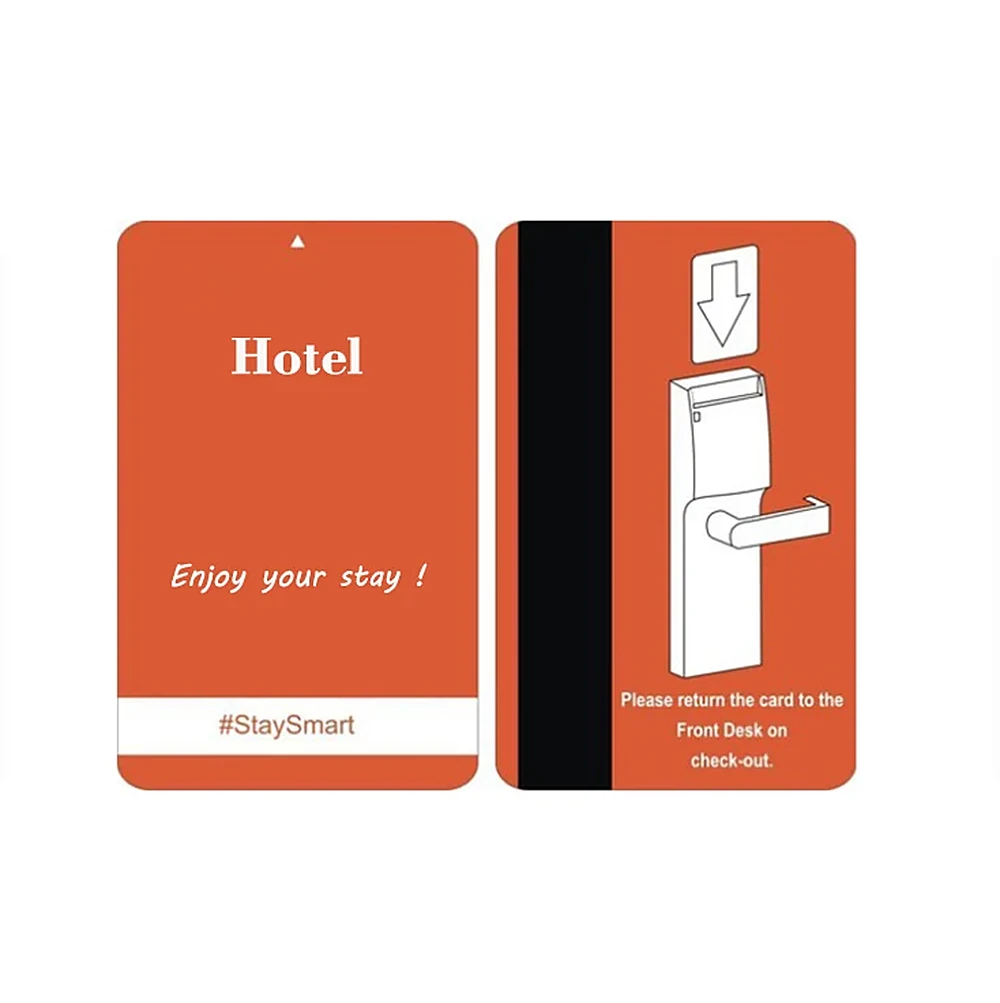
Chip choice inside the contactless category still matters. Our MIFARE DESFire EV2 card, for example, runs AES-128 encryption with Common Criteria EAL5+ certification and supports multiple applications on one card (room access plus gym, spa and F&B billing), at MOQ 200 pcs. A basic MIFARE Classic or NTAG chip in the same contactless format carries a fixed, unencrypted ID with no such protection. Contactless does not automatically mean secure; the specific chip does.
Dual-Interface Cards
A dual-interface card uses a single chip wired to both a contact pad and an internal antenna, sharing the same memory whichever interface reads it. This is the construction behind most contactless bank cards: the chip works when inserted into a payment terminal and when tapped, both accessing the same secure element. It is a genuinely different, more specialised chip and construction than either contact or contactless alone, not a card with two separate chips glued together.
Dual-interface is worth specifying only when a project actually needs both access paths to the same data, such as a payment or identity credential that must work with both legacy contact terminals and modern contactless readers. This is a specialised order, not a standard catalog line, so raise it with us directly with the exact interoperability requirement rather than assuming any contactless card can be upgraded to dual-interface after the fact.
| Contact | Contactless | Dual-interface | |
|---|---|---|---|
| How it's read | Physical contact with reader pins | Tap or wave near reader (13.56 MHz) | Both, from the same chip |
| Visible feature | Gold contact pad | None (chip and antenna are internal) | Contact pad and internal antenna |
| Standard | ISO/IEC 7816 | ISO/IEC 14443 | Both ISO/IEC 7816 and 14443 |
| Typical use | Prepaid/service cards, legacy access systems | Hotel keys, employee badges, transit | Payment and identity cards needing both paths |
| Order as | Standard catalog line | Standard catalog line | Specialised order, confirm requirement directly |
A Mistake That Stops a Rollout Cold
The most common ordering mistake isn't picking the wrong chip inside a category; it's ordering the wrong category entirely, usually because a spec sheet or previous vendor's part number got copied forward without anyone checking the actual reader hardware on site. A contactless card sent to a site with contact-only readers doesn't partially work or read with errors. It simply does not respond at all, and the batch has to be reordered once the mismatch is discovered, usually during installation, which is the most expensive place to discover it.
Before You Place a Production Order
- Physically check the reader: a card slot means contact, a tap pad means contactless.
- If contactless, confirm whether the application needs encryption (access to sensitive areas, payment-adjacent use) or just a unique ID (simple attendance, low-risk access). That decides the chip, not just the interface.
- If the project needs to work with both a legacy contact system and a newer contactless system, say so explicitly. That's a dual-interface requirement, not a standard contactless order.
- Confirm card body material, size and printing needs alongside the chip. These are independent of contact vs contactless but still need to be locked before production.
- Request a small sample batch and test it in the actual installed reader before committing to full production, especially if this is a first order with a new reader vendor.
If your reader is contactless, this covers the next question: which contactless frequency and chip your specific door system expects.