Key Takeaway · Before you blame the tags
Decide what the reader is for, then set it for that job. Counting every tag in a static rack once, and watching tags pass a doorway, need different settings. A reader left on its default, or at maximum power, is set for neither.
Setting 1: Power, Which Is Not the Same as Better
More power reaches further, which sounds useful until the reader starts recording tags in the next aisle or the room behind the wall. Deployment specialists list both failure modes: power set too high causes stray reads, power set too low leaves blind spots. The goal is controlled coverage where the decision is made, not maximum range. For a doorway, reduce power until tags just outside the door are no longer read, then check that tags passing through still are.
Setting 2: Session, the Tag's Short Memory
Under EPC Gen2, every tag keeps an inventoried flag, A or B, for each of four sessions, S0 to S3. Tags power up in A. When the reader reads a tag it moves the flag to B, and the tag stops answering in that session for a while, so quieter tags behind it get a turn. How long it stays in B is the persistence, and it depends on the session: in S1 the standard puts it between 0.5 and 5 seconds, so a tag is re-read roughly every second or so; in S2 and S3 a tag stays quiet the whole time it is in the field and for at least 2 seconds after it leaves. Persistence cannot be set exactly; it varies by chip model.
Setting 3: Search Mode, Single or Dual Target
Search mode decides whether the reader only reads tags in state A (single target) or flips them back and forth between A and B (dual target). Reader makers describe the trade-off plainly: dual target produces many reads and suits small or static populations and watching tags enter and leave a zone; single target reads each tag once as it enters the field and gives the deepest scan of a large, dense population.
| Job | Typical choice | Why |
|---|---|---|
| Full count of a dense rack or carton | Single target, session 2 or 3 | Each tag answers once and stays quiet, so weaker tags get read |
| Doorway or dock: did it pass? | Single target, session 1, or a dual-target mode | Tags are reported again as they move, so passage is visible |
| Smart shelf: is it still here? | Dual target | Continuous reads show presence over time |
| Two readers covering the same area | Different sessions per reader | Tags keep separate state for each session, so readers do not silence each other |
The table is a starting point, not a rule. Mode names and options differ between reader makers, and regional channel-hopping rules change behaviour in practice. Test the chosen setting with your own tags and layout.
Setting 4: Where the Antenna Points
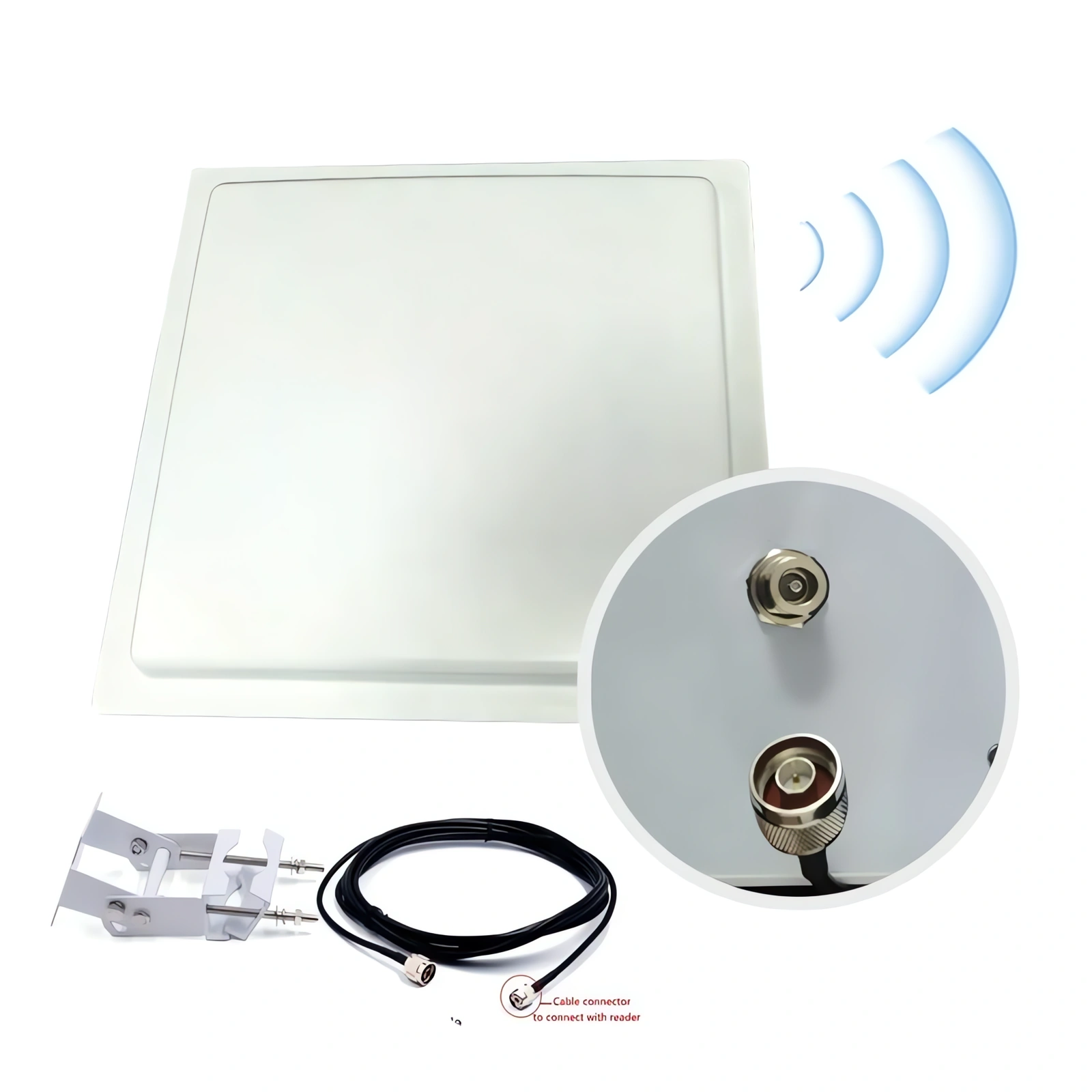
An antenna covers a cone-shaped zone, and metal racks, forklifts and machinery reflect the signal. Antennas at the wrong angle or height miss tags no matter how the software is set. With a handheld, the equivalent is how the operator sweeps: too fast or too far from a dense shelf and tags are missed; the same rack counted two different ways gives two different numbers.
A Simple Consistency Test
- Pick one rack or carton with a known number of tagged items.
- Count it five times with the same settings and the same sweep, and record each number.
- Change one setting only, such as session or power, and count five times again.
- Compare the spread, not just the highest number.
- For a doorway, also walk tagged items past just outside the door and check they are not recorded.
What Goes Wrong
- Running every reader at maximum power.
- Using a dual-target setting for a full count, then puzzling over duplicate or shifting numbers.
- Using a session where tags stay quiet for a doorway, then missing tags that turn back.
- Two readers on the same session in overlapping zones.
- Judging tags as faulty before the reader settings were checked.
EPC Gen2 Session & Target Presets by Operational Scenario
When an inventory sweep count shifts by 10–15% from one pass to the next, operators often blame tag sensitivity when the root cause is Gen2 inventory flag persistence fighting scan geometry. Matching Session (S0–S3) and Search Mode (Dual Target vs Single Target A/B) to your physical zone solves both missed slow tags and duplicate portal bursts.
| Use Case | Recommended Session | Search Mode / Target | Why This Configuration Stabilizes Counts |
|---|---|---|---|
| Handheld cycle count (static warehouse / store rack) | Session 2 or Session 3 | Single Target (A -> B) | Tags stay quieted 2–30 s after read so dense hidden tags get air-time |
| Fast conveyor / dock portal (50+ cartons moving) | Session 0 or Session 1 | Dual Target (A <-> B) | Flags reset quickly so fast-moving tags re-confirm across curtain beams |
| Constrained packing bench / single-item check-in | Session 0 | Single Target + Low TX (15–20 dBm) | Keeps read bubble tight over desk antenna without grabbing nearby shelves |
| Mixed noisy warehouse with stray background tags | Session 2 | TagFocus / Dynamic Q + RSSI Filter | Suppresses repeated strong static echoes while isolating portal crossings |
The basics behind these settings, from tag to software.